65.1.2 Resource Creation
In order to configure any given Etere ETX resource, you must first login to the server where the resource is connected and open Etere Configuration > Resources Editor.
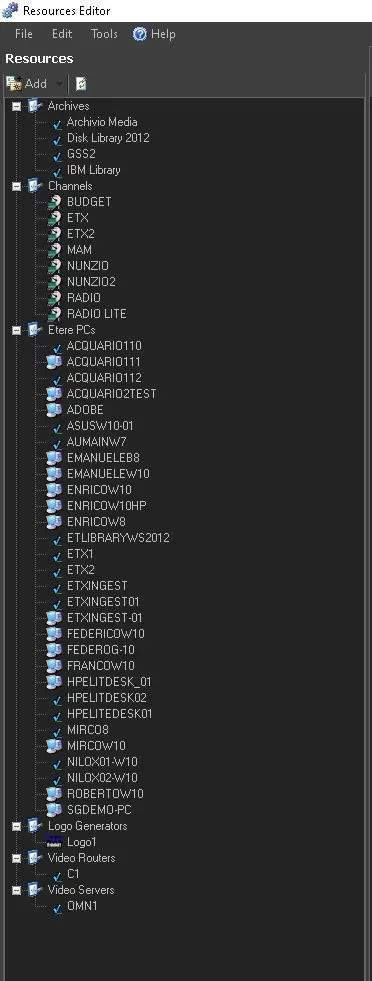
The resource will be automatically detected and will appear in the Etere Resources List, under the category “Etere PCs”.
4883_res_list
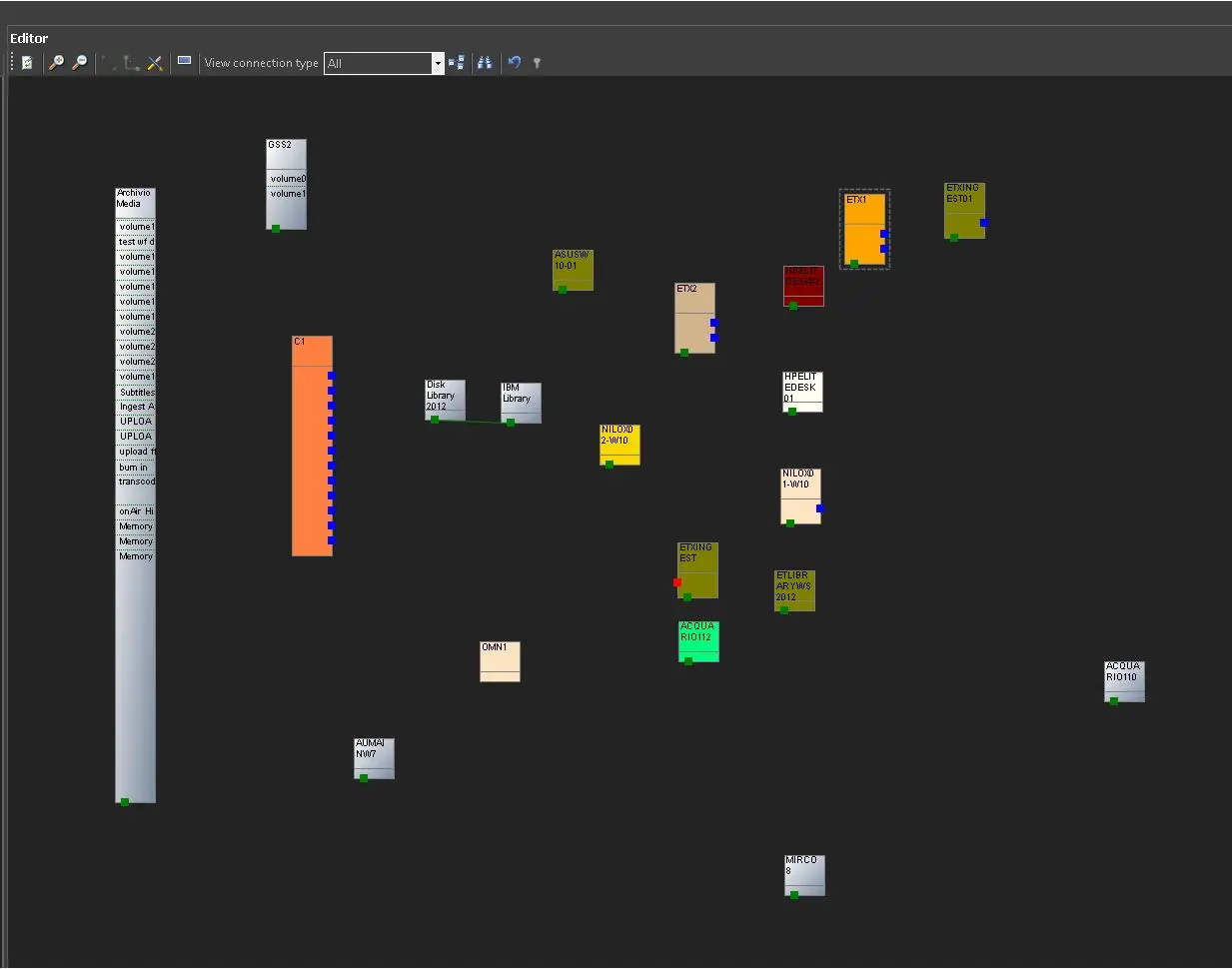
From the Etere Resource List, is possible to drag and drop any given Object directly on the Etere Resources Stage in order to start its configuration.
4884_editor_stage
All the given canvass shown within the Etere Resources Stage can be configured by his own resource; the design however, is not functional on software side; it has been designed in order to easely recognize any Etere Ecosystem objects only.
If the given object has been dragged into the Etere Resource Stage, the given object will be marked with a green flag.
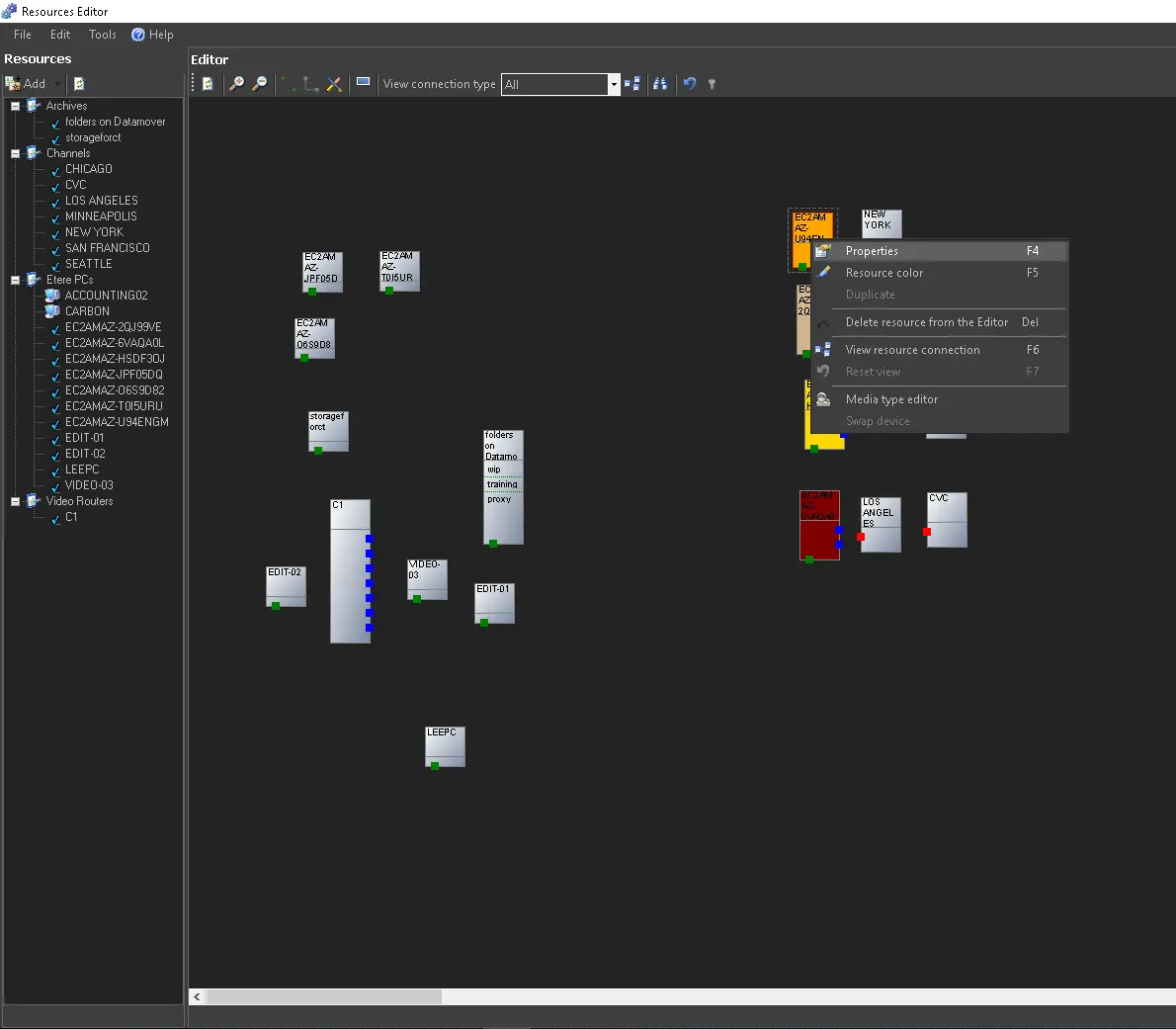
When you double-click on any Object/Resource, or right-click it, then select Properties, we can easily access to the resource functions and resource properties.
4877_res_pro
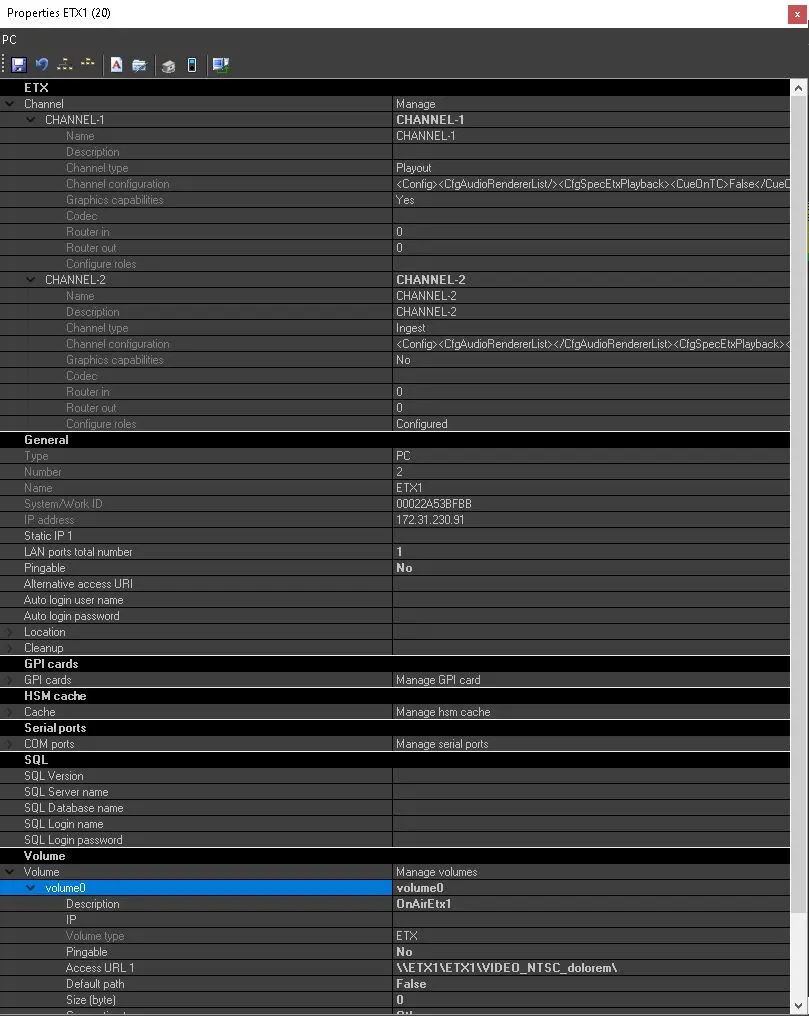
4885_etx_obj_prop
From there is possible to perform multiple operations and manage different aspect of the given Object/Resource:
- Channel Configuration
- General Information
- GPI Configuration
- Etere Library Configuration
- Serial Ports Configuration
- SQL Information
- Volume Configuration
4882_etx_channel_config
In the next Chapter we are going to have a deeper look at this.
 res_list
 editor_stage
 res_pro
 etx_obj_prop