84.4.5.24 STANDARD > IMAGINE > BINARY TYPE2
Import Scope
The Imagine Binary Import allows you to import a schedule from the date specified supplied in Binary format in an .LOG file.
Importing parameters
In order to use this import function, it is required to specify:
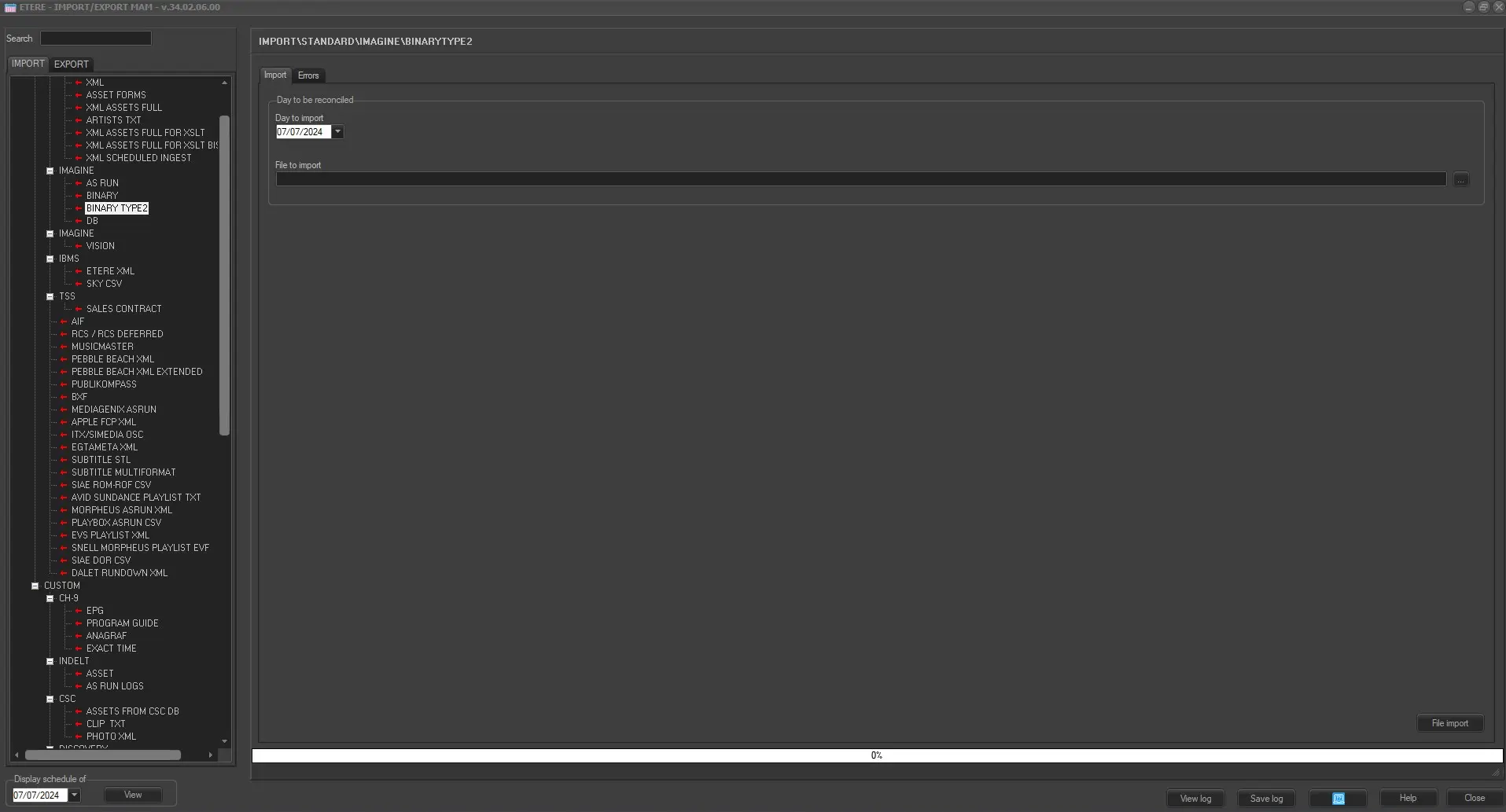
Import_standard_louth_binary_type2
Import
•Day to be reconciled: Specify the date of the schedule to be imported into Etere.
•File to import: Insert or browse for the file to be imported,
Errors
In the ERRORS field any errors that have occurred during import (for example attempts to import a block already imported) will be detailed.
Launch the import
Once the import has been configured, it can be started just by pressing the <File Import> button, once the import has finished, it will be possible to display the schedule of the related day to verify and/or approve the import operation.
 IMPORT_IMAGINE_BINARYTYPE2