79.4.8.8 List of categories
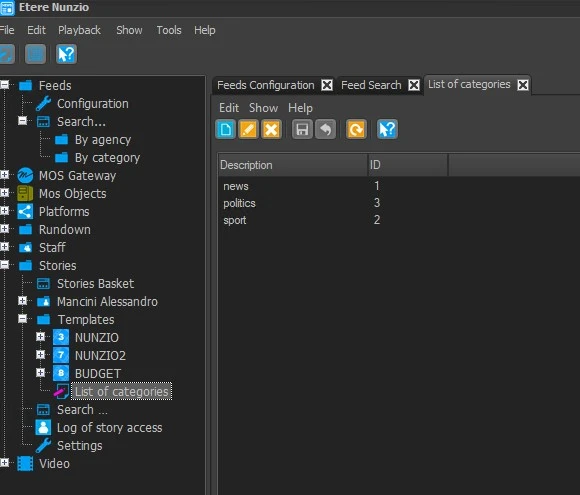
In this section is possible to create, modify and delete the categories for the templates.
list_of_categories
New: Create a new category assigning a description. This command is available also in the contextual menu.
Edit: Modify the description of the selected category. This command is available also in the contextual menu.
Delete: Remove the category from the system. This command is available also in the contextual menu.
Save: Apply the modifications to the categories list. The new category will have ID=-1 as soon as it's created, but it will change to a progressive number when the Save button is pressed.
Cancel: Undo the last operation performed. Useful in case a category is deleted by mistake, for example.
Refresh: Reload the list of categories.
 list_of_categories