59.2.5.2 Enabling audio shuffling
To make the [Audio Shuffling] available, it is required to have a routing device that supports audio shuffling; this device will be configured as detailed below:
1. Open the Resources module and [Add] your master control resource to the Resources:
Edit_Resources
NB: The selected resource must support custom audio shuffling. At present, the only supported resource is the Quartz MC.
2. Assign the newly created resource to the automation user and function:
automation_user_and_function
3. The resource will be now available for automation.
available_for_the_automation
4. Launch Etere Automation to update the automation resources.
Etere_Automation
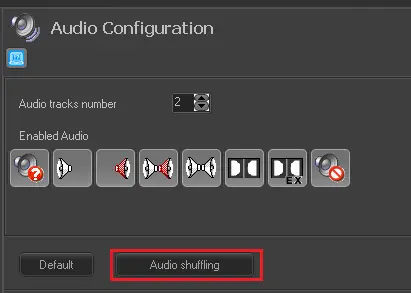
5. Under Etere Configuration, open the Audio Configuration section. The [Audio shuffling] button is now available:
Audio_shuffling
NB: If the resource does not support audio shuffling, the Set Audio command will fail with a timeout error.
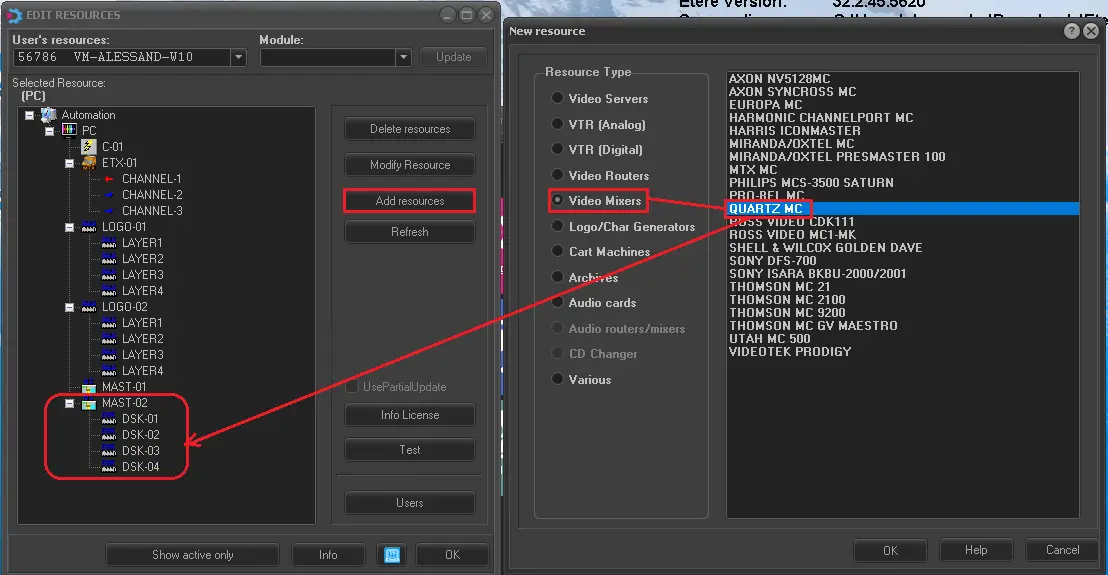 Edit_Resources
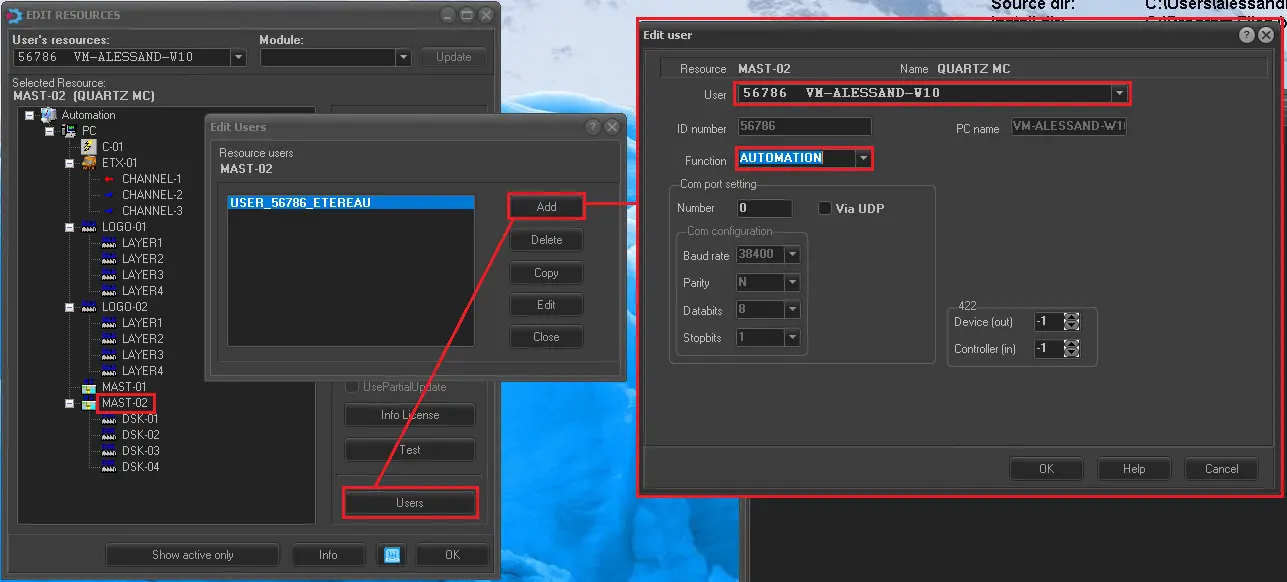 automation_user_and_function
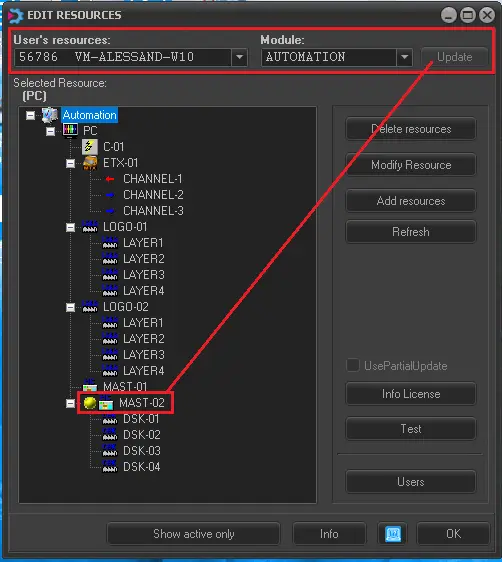 available_for_the_automation
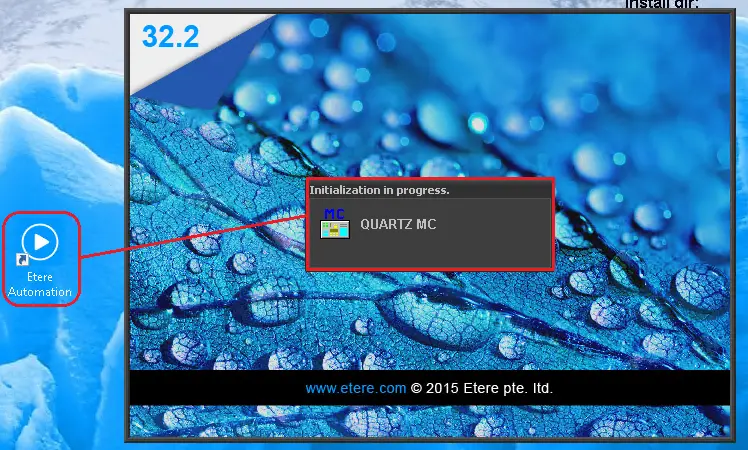 Etere_Automation
 Audio_shuffling