52.2.2 Common Parameters
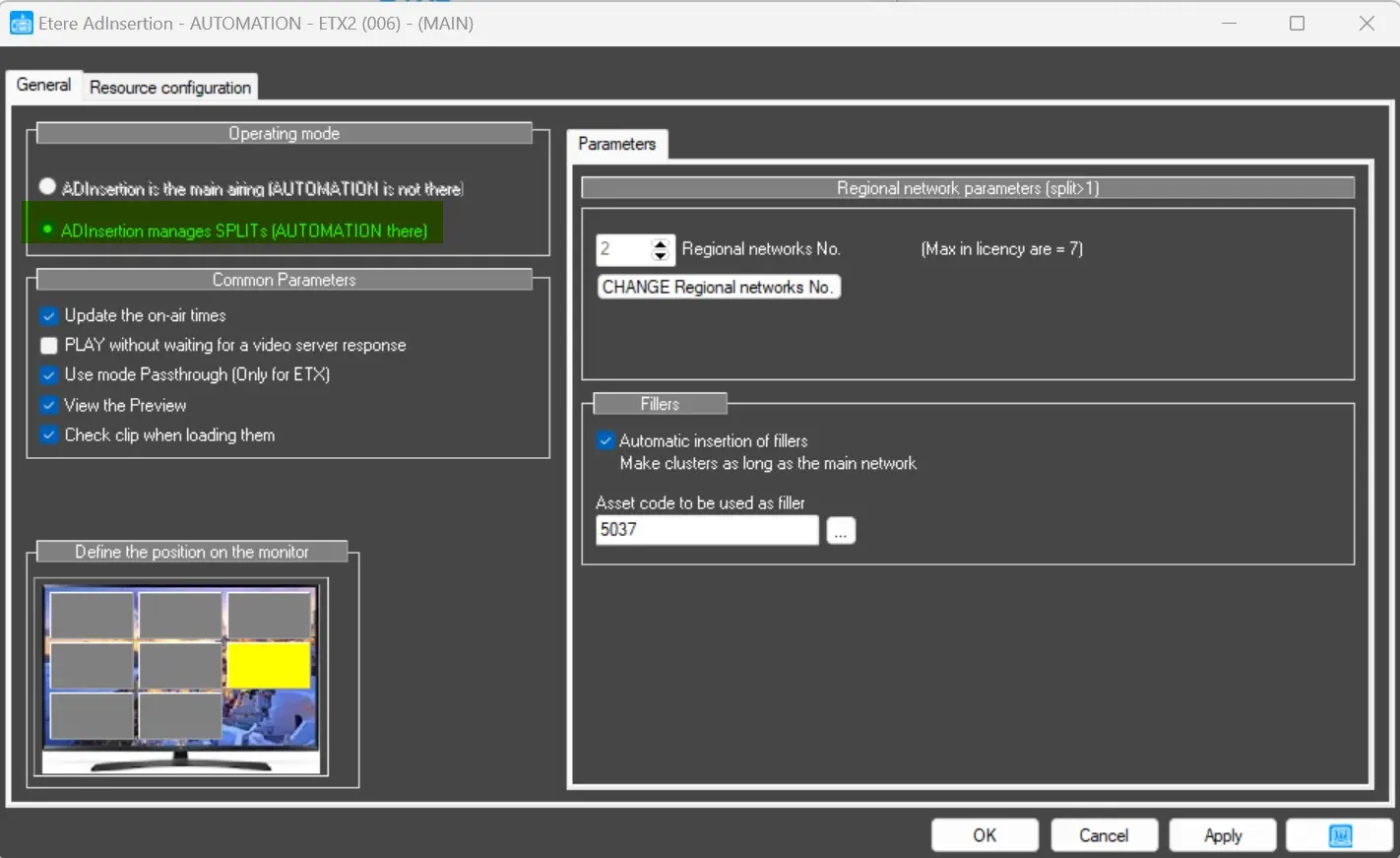
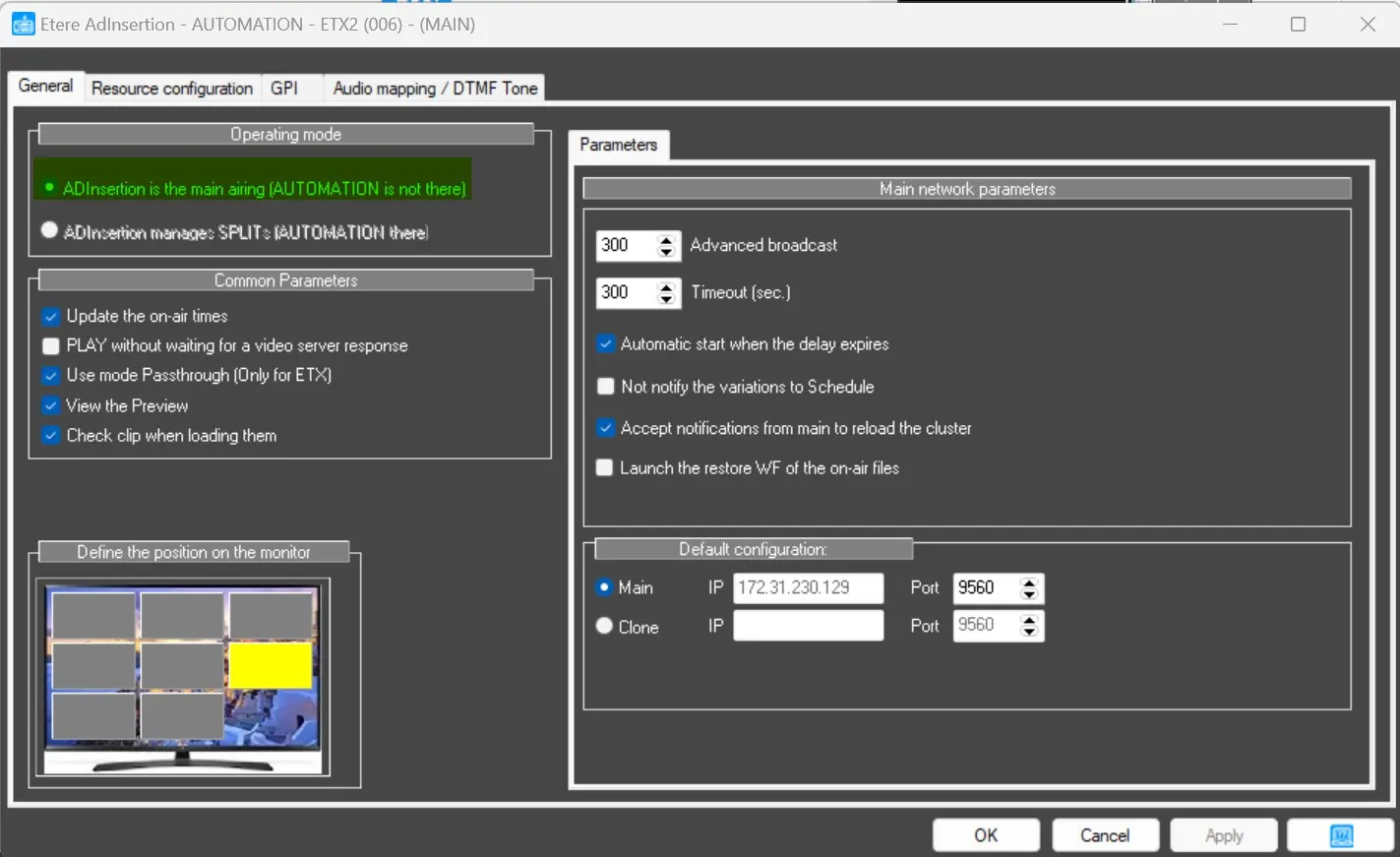
The options in Common Parameters can be globally applied to Ad Insertion Stand-Alone and Ad Insertion in Automation mode.
ad_insertion_automation
ad_insertion_standalone
• Update the on-air times: enable this option to update the actual event’s broadcasting times to the schedule in Executive Editor;
• Play without waiting for a video server response: if this option is enabled, when the same application is used to manage multiple Ad Insertion networks and the video server is “slow” to trigger the “Play” command, Ad Insertion would send the “Play” command to all video servers without waiting and allow a synchronous functioning of networks;
• Use mode Passthrough (only for ETX): enable the option to read a set of DTMF tones configured in the parameter and insert breaks during Passthrough. You can enter one or more tone values to be checked during Passthrough; the DTMF tones are read one tone at a time from the audio card;
Note: If the STOP command is disabled while the playlist is on air in stand-alone mode, it is necessary to activate this option.
• View the Preview: enable the Ad Insertion Video preview, which is present within the Ad Insertion GUI;
• Check clips when loading them: AdInsertion will check any material being put in CUE by Etere Ad Insertion.
Define the position of the Monitor
At the bottom left corner, you can define the position on the Monitor where the Ad Insertion window will be placed.
 ad_insertion_automation
 ad_insertion_standlone