59.4.1 Advanced Quality Check
Advanced Quality Check (QC) provides checking of asset status via T-workflow. In the quality check module, you can specify a set of parameters, including the consistency and integrity of the assets, the level of quality check, etc. The Advanced QC module could also be configured to detect critical events based on QC level and present the events in PDF format to alert the operator.
License
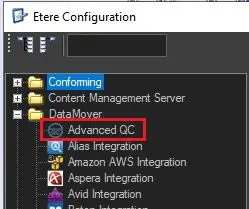
To access the Advanced QC section in Etere Configuration, license ET5531 must be included in the main license installed in the database.
Advanced_QC
Add Advanced QC for Data Mover Action
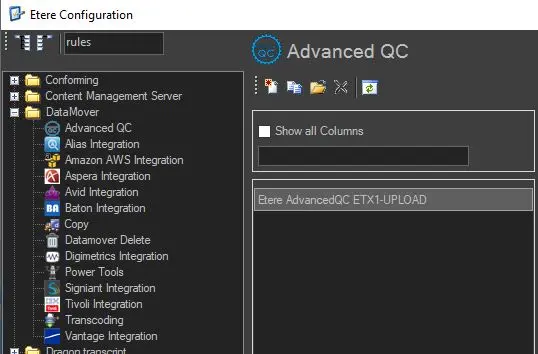
Launch Etere Configuration module and browse to Configuration Editor. From the Datamover folder, click on Advanced QC, than on [Add a new action] icon to add a new Advanced QC action.
Add_Advanced_QC_for_Data_Mover_Action
Refer to the sub-chapter "Etere Advanced QC" for a detailed description of parameter settings.
 Advanced_QC
 Add_Advanced_QC_for_Data_Mover_Action