66.4.19 Color Settings
You can configure color settings almost for all items in ETX-G. Background settings, text color and many others - all of the settings are colors. You can use not only solid colors, but set its transparency and use gradients.
You can set color by using its name, e.g. 'Red'. But it is recommended to use HTML-like color code such as HEX for instance: #0EAA88':
<graphics type='rect' round-corners='0.30' outline='3.0' color='#0EAA88' outline-color='white'/>
cg_hex
To set transparency to the color you should set its value in brackets just after color code, e.g. #0EAA88(100)':
cg_transparency
You can use different types of color gradient for color management. Type of gradient depends on syntax that you use for color property:
- Gradient type - Horizontal
- Syntax structure : Colors are separated by '-' symbol, e.g. 'color1-color2-color3'
For this type you can specify color angle for gradient with color-angle property, e.g. to set angle to 30 degrees you should set color-angle='30'
- Example : color='#00FF00-#FF0000-#0000FF'
Embim79
- Gradient type - Vertical
- Syntax structure : Colors are separated by '|' symbol, e.g. 'color1|color2|color3'
- Example : color='#00FF00|#FF0000|#0000FF'
- Gradient type - Round
- Syntax structure : Colors are separated by '*' symbol, e.g. 'color1*color2*color3'
- Example : color='#00FF00*#FF0000*#0000FF'
Embim81
 cg_transparency
 Embim79
 cg_hex
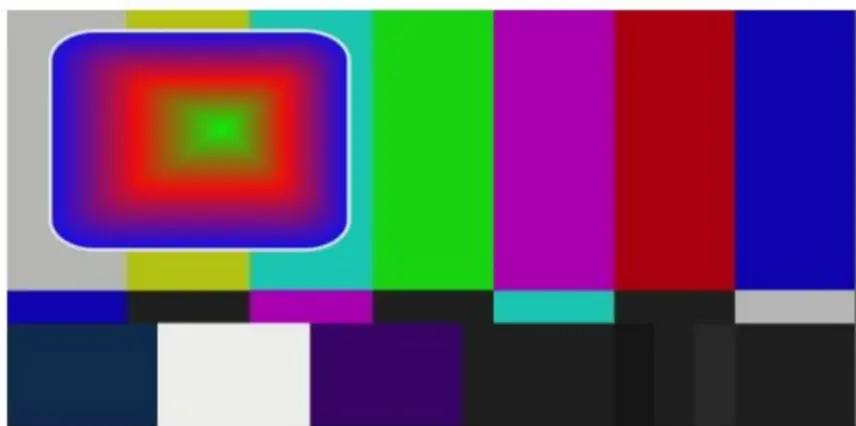 Embim80
 Embim81