69.1.1.5 EPG TIMB XML
Export Scope
The Export_Standard_EPG_TIMB_XML export a list of scheduled programs within a maximum period of 7 days to a XML file.
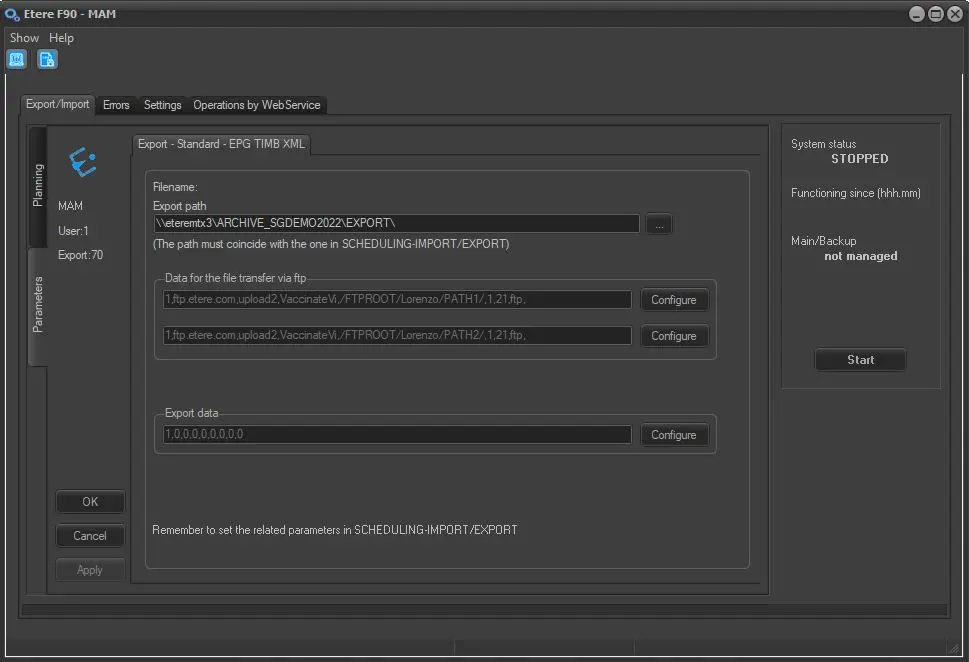
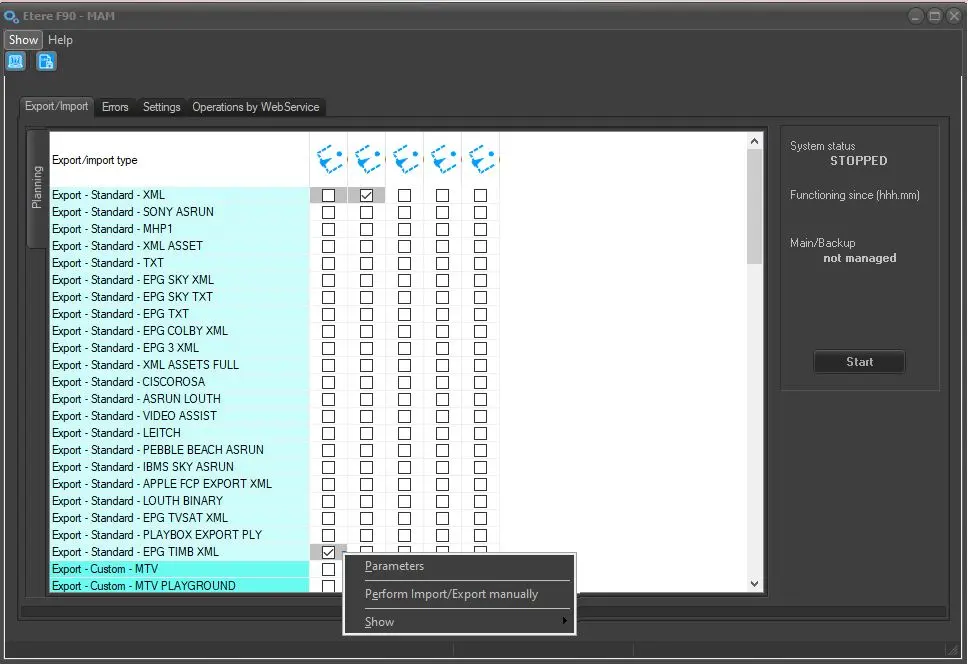
Export - Standard - EPG TIMB XML
Export path - Specify the location path to create the exported XML file. You can use the browse button to select a path in the network drive.
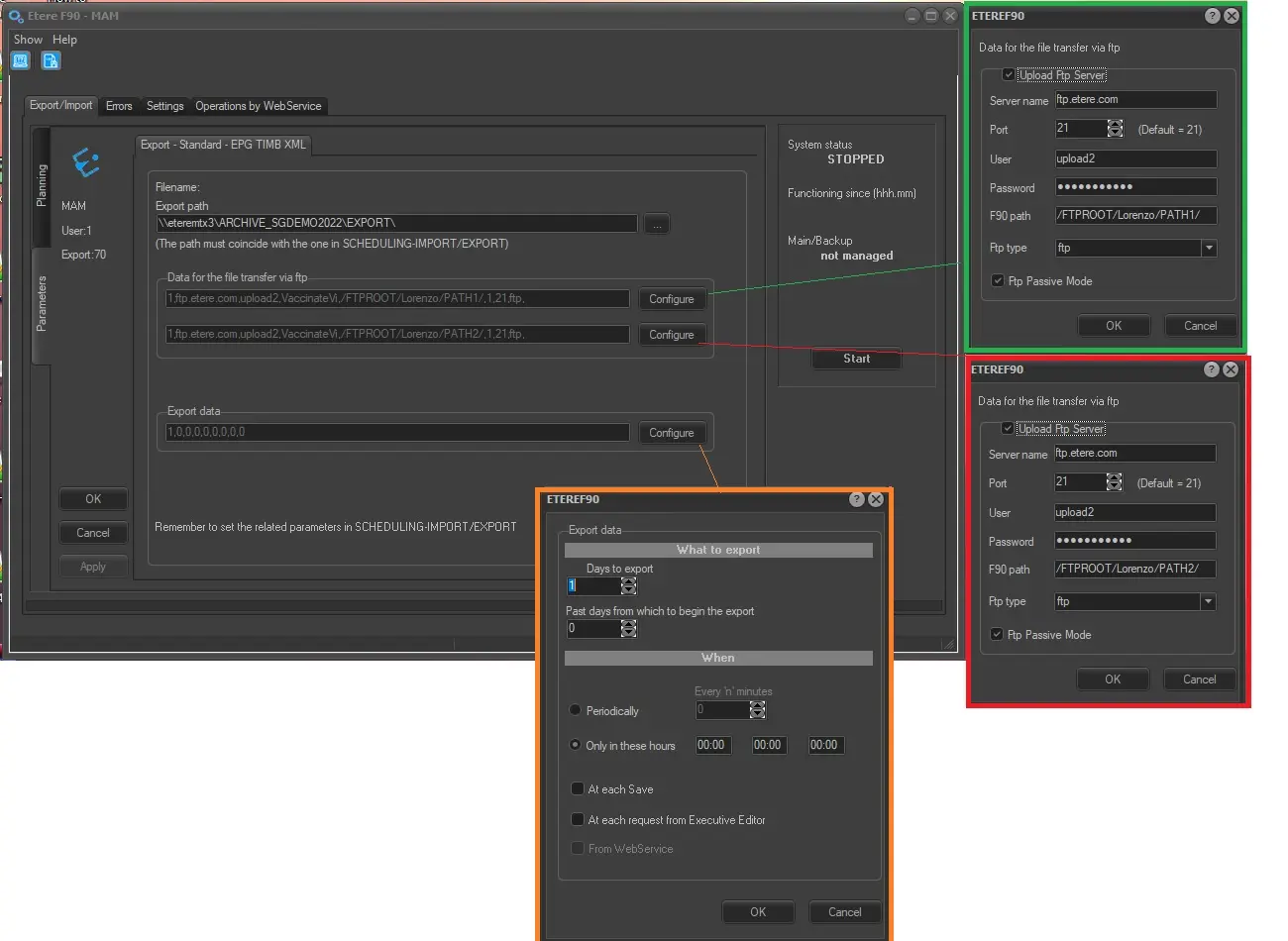
Data for the file transfer via FTP1-2 - Click on the <Configure> button and define the FTP parameters as described in Configure Data File Transfer via FTP chapter.
Export data - Click on <Configure> to open the Configure Export window to specify the days to be exported and the frequency for the export.
Launch the Export
Once all the parameters are fulfilled, click the <Start> to launch the export.
Remember to set the same parameters in the Etere Scheduling > Import/Export module and apply the changes.
 F90_EPG_TIMB_XML
 F90_EPG_TIMB_XML_Ver2
 F90_EPG_TIMB_XML_Ver3