Media Asset Management
59.2.43.21 Make Multilanguage
Under the WORLDWIDE node, the "Make Multilanguage" function enables adding a sub-item for the selected language for Flexi metadata, e.g. make Flexi metadata multilingual by adding a different language as a synopsis.
The languages available for selection are defined in Configuration > Settings > Basic > Languages section.
Make_Multilanguage
After selecting the function, the application would prompt for confirmation before proceeding.
application_would_prompt
Click <Yes> to proceed and enter the language code. The language code is written based on the last 2 values of the Windows Language Code Identifier (LCID).
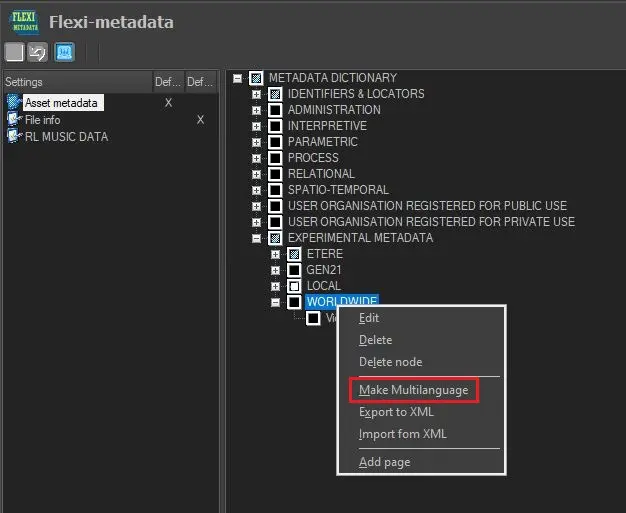 Make_Multilanguage
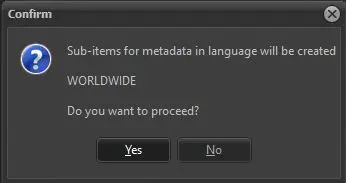 application_would_prompt