54.5.1 How to use Events Scheduling?
What is Events Scheduling?
The Events Scheduling module allows operators to easily create, modify and delete the programming of all non-commercial assets, including programs and seasons episodes, offering a robust set of sections designed to carry out precisely the various tasks that compose the scheduling of contractual assets.
Select the Asset
Press the [Search] button and select the asset to be scheduled:
Tralit_asset2
Choose an Operation
To operate, navigate to its proper tab and set the related parameters; available functions are:
Tralit_tabs2
Programming
Fixed Times
Rotation Table
Copies
Seasons
Adjustment
Replacement
Delete
Start the Process
Once all the parameters of the selected operation have been set, press the [RUN] button to start the process:
Tralit_launched2
 Tralit_tabs2
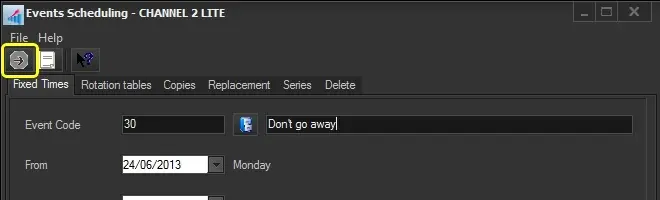 Tralit_launched2
 Tralit_asset2