79.5.4 ClassX
Etere Nunzio can be integrated with ClassX in order to manage any kind of GFX within the Etere Newsroom System.
ClassX manage GFX by relying on a HTML5 plugin.
Etere Nunizo is able to interact with ClassX HTML5 plugin and send GET METHOD in order to provide the management of the GFX itself.
Once the configuration has been done on ClassX side, we can start configuring Nunzio according.
First we need to create a brand new MOS Object in Etere Nunzio with the following parameters:
nunzio_mos_classx
After that, it would be possible to start communicating with the ClassX software.
We can start insert new MOS Objects within our Nunzio Stories just by going on:
Add Object > Select the ClassX previously configured.
add_mos_classx
At this point, the ClassX HTML5 plugin would be invoked, providing a search among the ClassX Engines.
nunzio_story_classx_plugin
Once we select the proper engine, we can search among all the available GFXs in the repository.
We can start by selecting the wanted GFX; the Template form would eventually appear.
edit_classx_mos_object
From here is possible to select any object, edit them and the related Text and so on. We can customize our GFX.
Once we've done, we can save the given template and the MOS Object would be placed within the Nunzio Story.
save_classx_mos_object
In addition, we can search for any MOS Object previously created just by going on:
MOS Object > Search > Classx
search_classx_mos_objects
 save_classx_mos_object
 search_classx_mos_objects
 edit_classx_mos_object
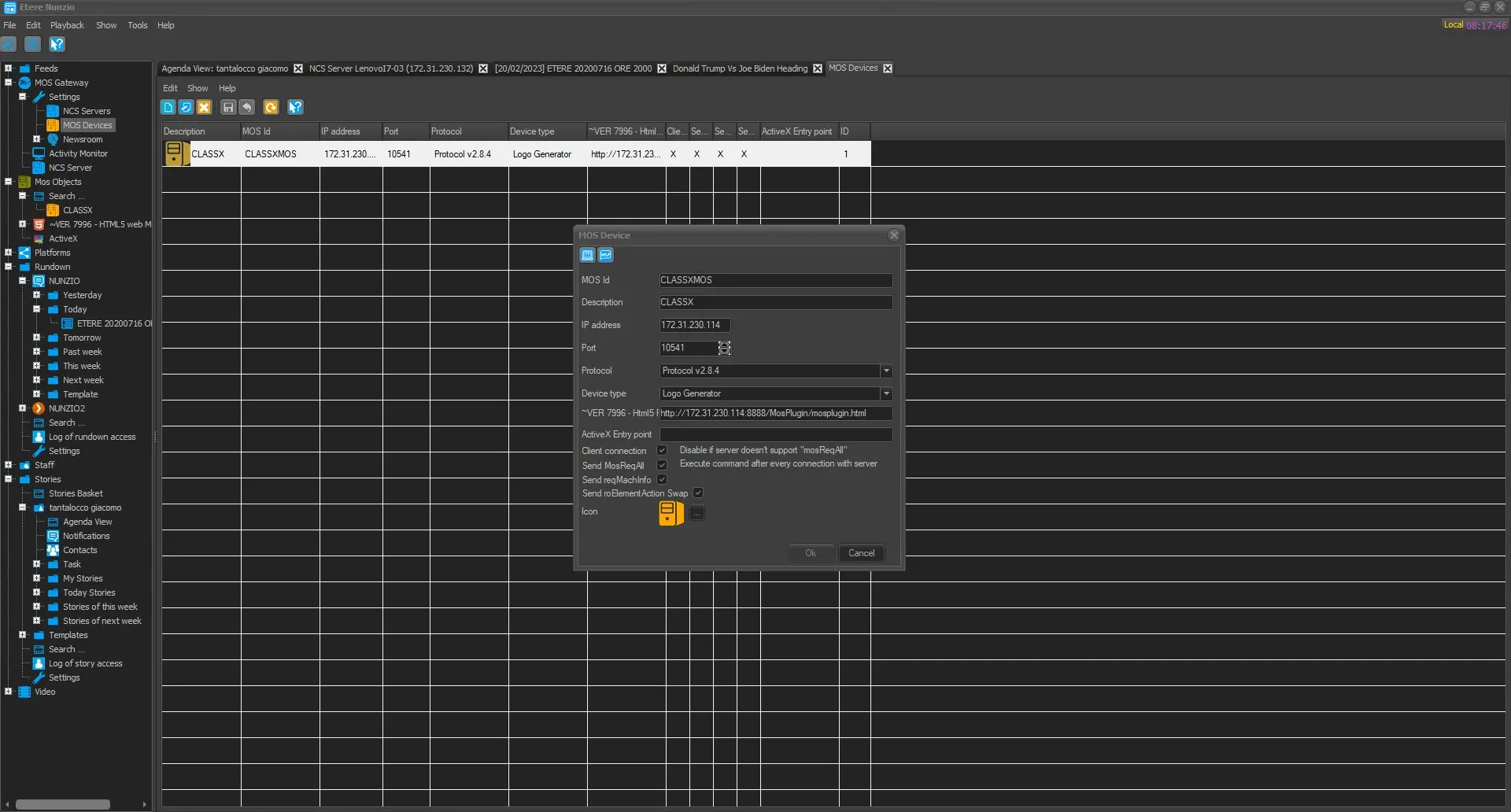 nunzio_mos_classx
 edit_classx_mos_object
 add_mos_classx
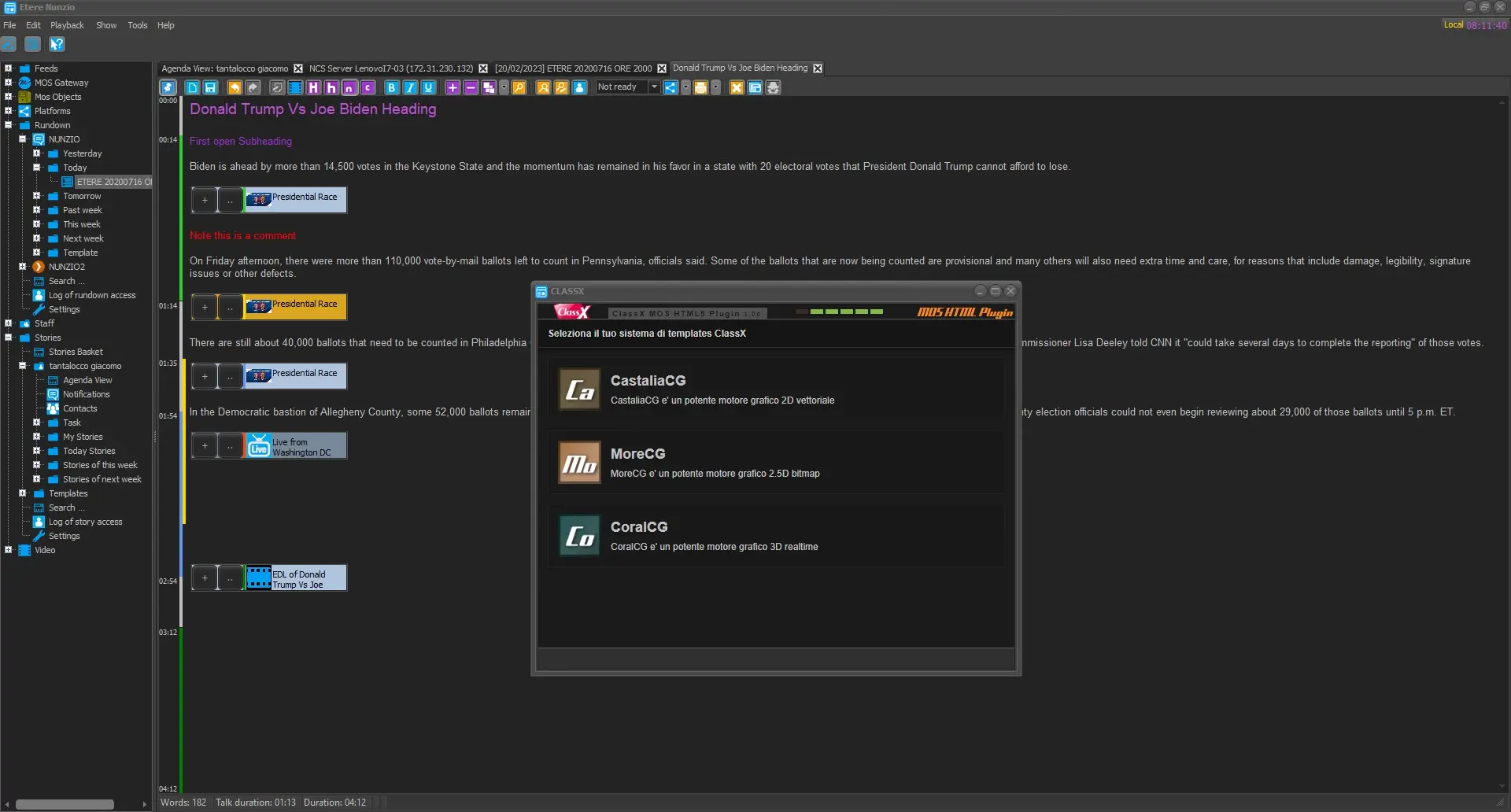 nunzio_story_classx_plugin
 search_classx_mos_objects