Search Assets
9.2.4.14 EPG
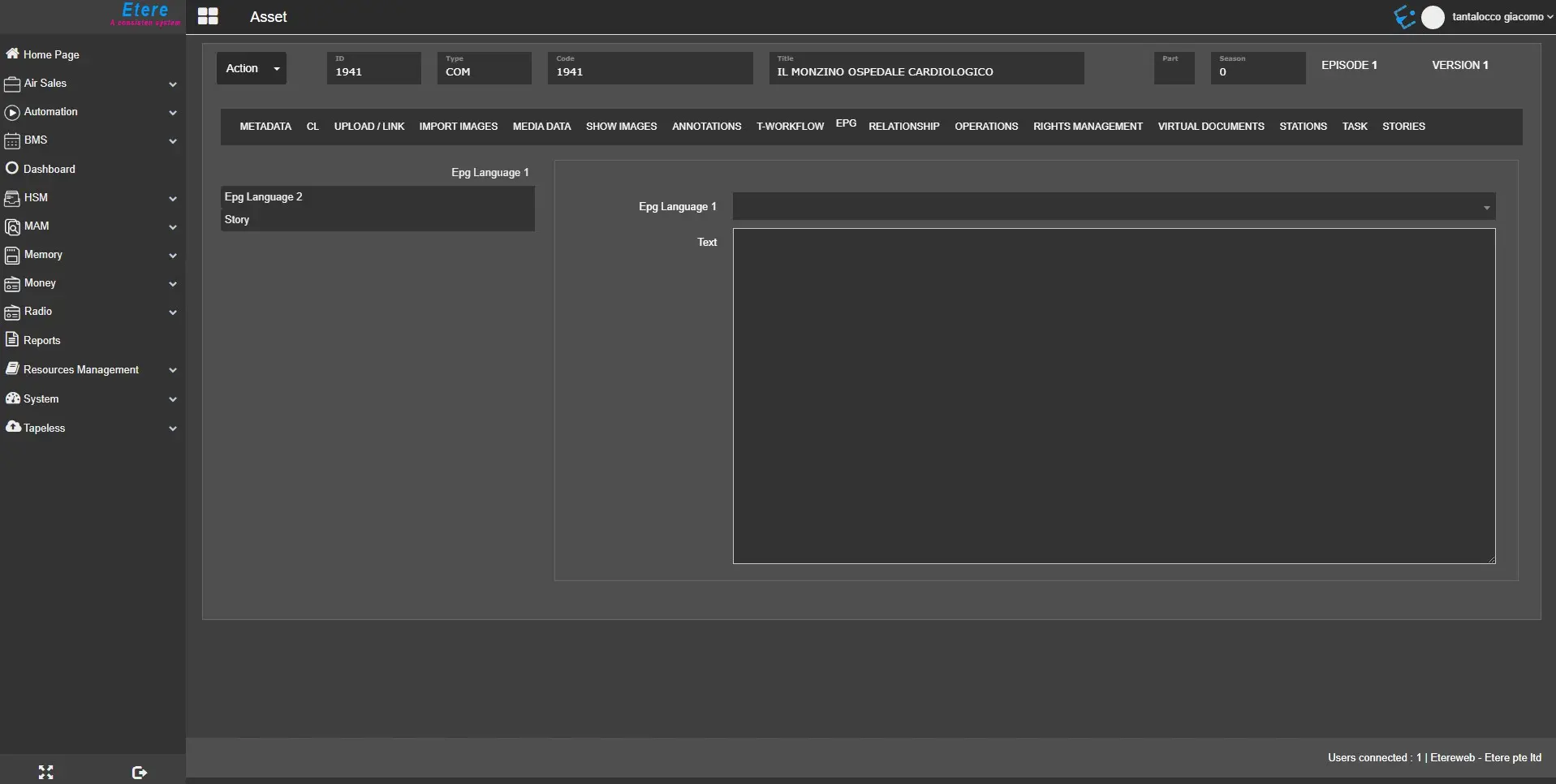
In the EPG TAB, you can insert additional information about the asset’s EPG language (up to 2 languages) and details of the story, including the story language.
EPG
- EPG Language 1 / EPG Language 2: Select the available language from the list to be used in the event's Electronic Program Guide (EPG). In the Text field, enter the information associated with the asset form.
- Story: In the story field, enter asset-relevant information associated with the asset form. If the asset is a Nunzio story, you can view the prompter text and layout of the story.
To prevent unauthorized users from modifying the story text, you can hide the EPG tab by denying access to the EPG tab in the User Permissions settings in the Configuration module.
 epg
epg