59.2.49.5 Web Assets Operations
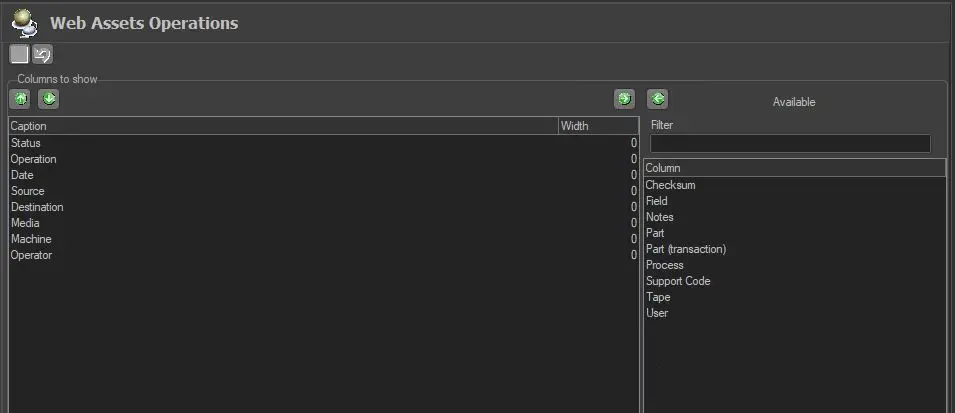
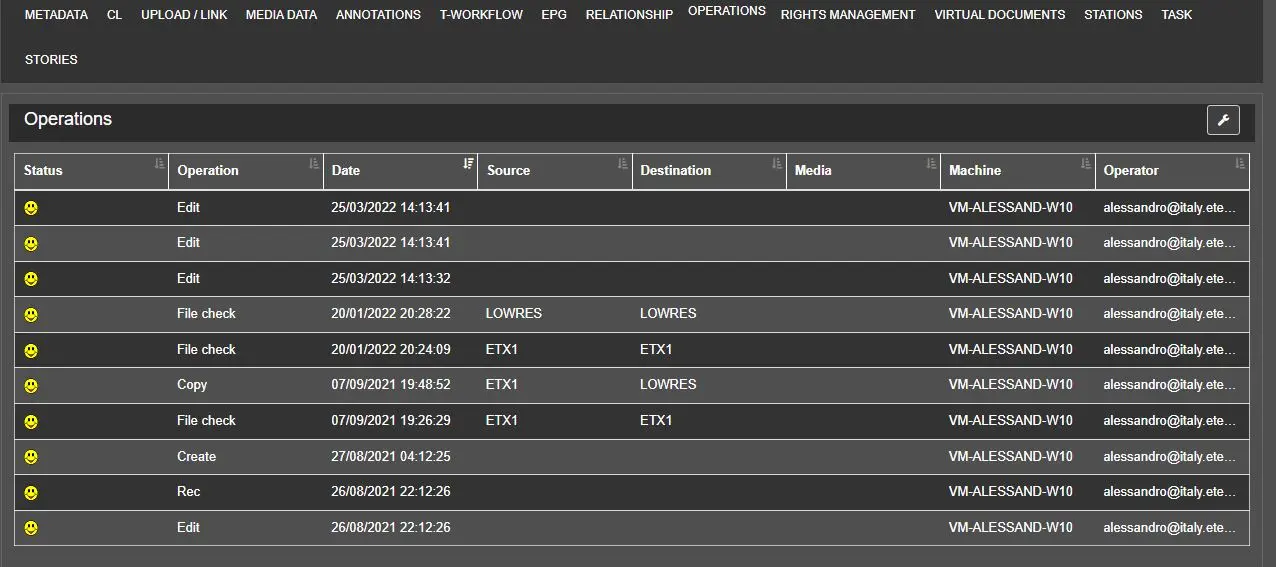
Under this section, it is possible to set the columns (operation details) displayed in EtereWeb under the Asset Form > Operations tab. It is enough to move the desired columns from the available list to the to-show list.
Web_Assets_Operations
On the "Columns to show" list, three fields can be customised:
•Width: Set the width of each column (or leave it as '0' to use the default value). Please note that the TOTAL of all column widths must be equal to or lower than 1150 (e.g., four columns sized as follows: 300+300+300+250=1150).
•Sort Order: You can optionally assign a fixed position to each column by indicating it here.
•Sort Type: Indicate how elements should be sorted within this column.
Note that the position on which columns will be displayed can be modified by moving them up/down according to your preferences.
Etereweb_operations
 Web_Assets_Operations
 Etereweb_operations