69.1.2.20 ZEUS AsRun
Export Scope
The Export_Custom_ZEUS AsRun export to a XML file containing events transmitted by current station within a specific period.
Export Parameters
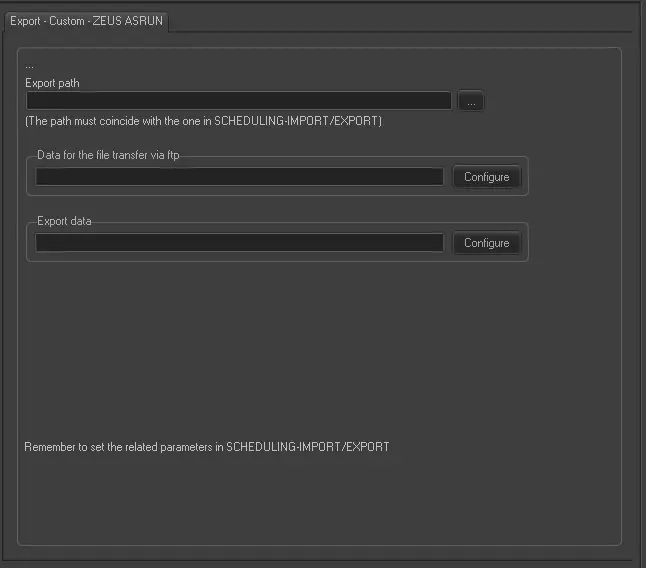
Export - Custom - ZEUS AsRun
Export path - Specify the location path to create the exported text file. You can use the browse button to select the path in the network drive or local drive. The path must be coincide with the path specified in the Scheduling > Import/Export module.
Data for the file transfer via FTP - Click on the Configure button and define the FTP parameters as described in Configure Data File Transfer via FTP chapter.
Export data - Click on <Configure> to open the Configure Export window to specify the days to be exported and the frequency for the export.
Scheduling related import
Set the same parameters in the Etere Scheduling > Import/Export > EXPORT\CUSTOM\ZEUSASRUNXML, and click <Apply> to confirm the changes.
 Export_-_Custom_-_ZEUS_AsRun