Supported Operations
19.4.1.2 Create Files for Import
DESCRIPTION: Allows an authenticated user to generate XML and XSLT files containing the related strings to be imported into the asset's metadata by Etere F90 (e.g. "Standard Generic Import XML Assets Full for XSLT").
Compliance check of XML and XSLT files is not performed by this function but by Etere F90.
INPUT:
- _user: Login name of the executor.
- _pwd: Password of the executor.
- _filename¹: Base name of the files to be created.
- _xml²: Name of the XML file to be created.
- _xslt²: Name of the XSLT file to be created.
CreateFilesForImport
- The full filename is composed of the base name, three hashes and the username (e.g. MyFile###michaelv).
- XML and XSLT files are created in the "WebServices File Folder", set in "Configuration > Conf Editor > Web".
New files with the same base name will be named appending a progressive number (e.g. MyFile1###michaelv).
output_files
OUTPUT:
<string xmlns="http://www.etere.eu/EtereWSApi"><?xml version="1.0" encoding="utf-8"?> <WSApiResponse> <Function Name="CreateFilesForImport"> <Files name="test_import_api###dolorem###dolorem" created="OK"></Files> </Function> </WSApiResponse> </string>
CreateFilesForImport_output
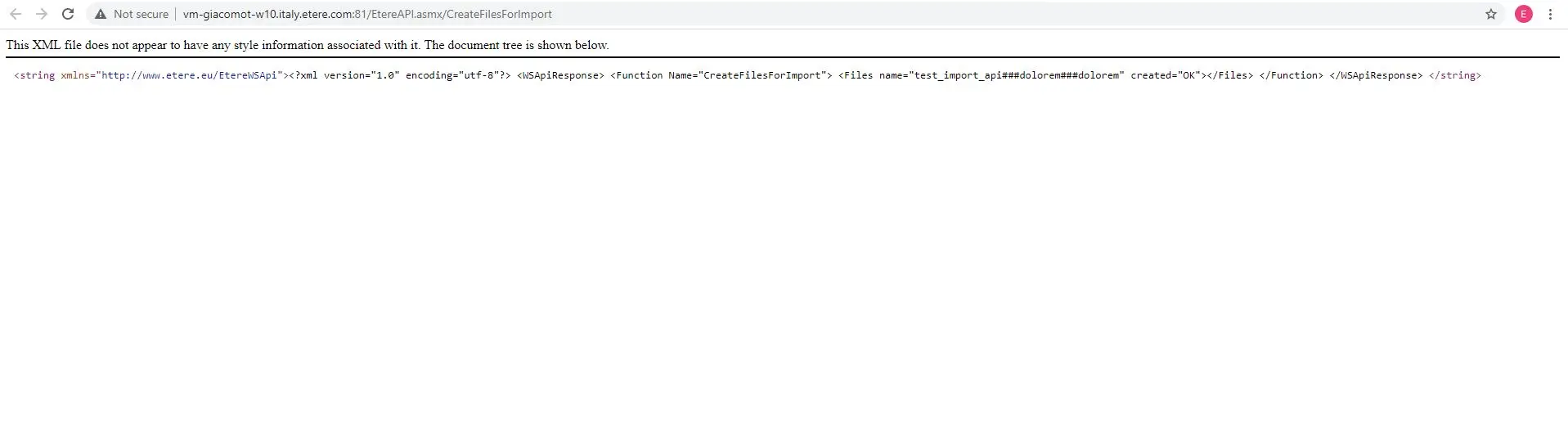 CreateFilesForImport_output
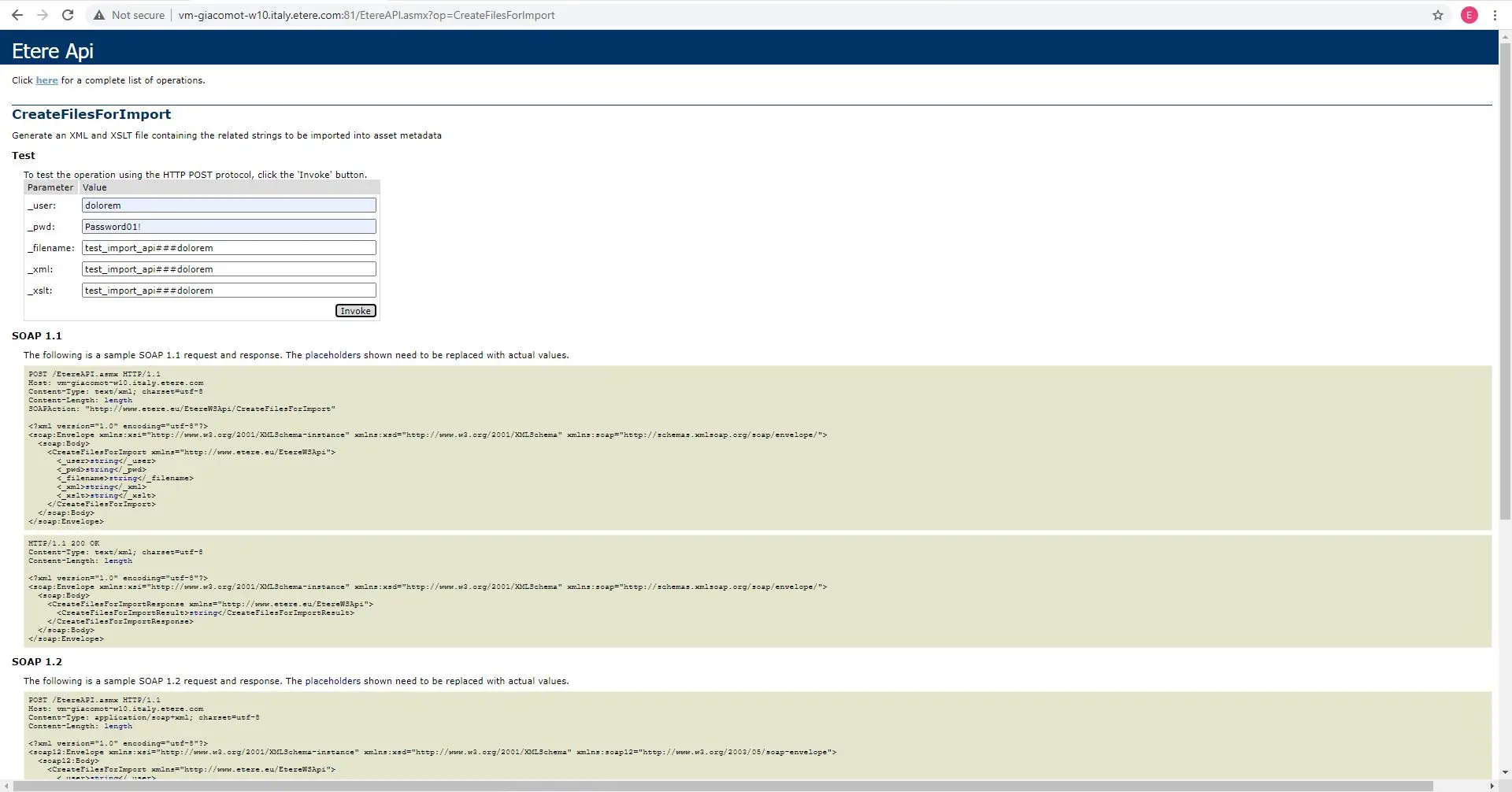 CreateFilesForImport
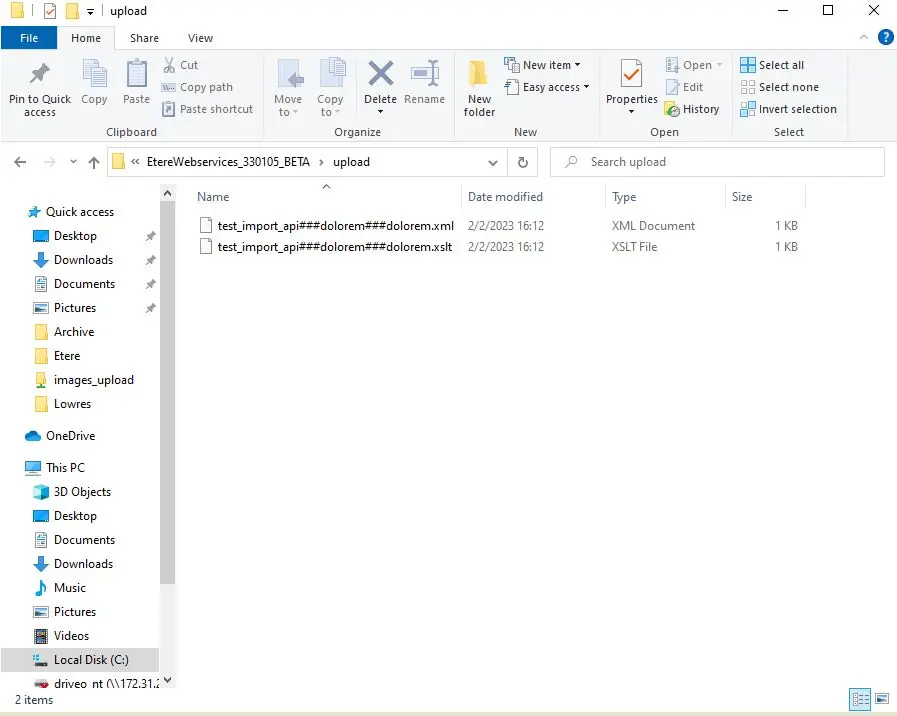 output_files