59.2.43.14 Creating Flexi-metadata pages
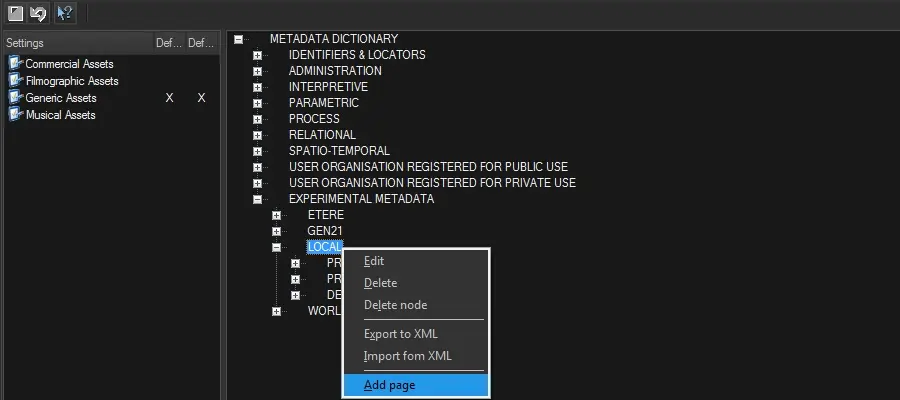
Flexi-metadata elements forming part of a profile can be created under the "Experimental metadata > Local and Worldwide" categories, either directly on the root or a custom sub-category. Right-click an element gives access to the following contextual menu:
Contextual functions
Edit - View and modify the properties of the selected node/element.
Delete - Removes the selected element.
Delete branch - Removes the selected node and all its elements.
Export to XML - Export to an XML file the structure of the "Worldwide" node.
Import from XML - Import into the "Worldwide" node the structure specified within an XML file.
Add page - Add a node/element to the currently selected node.
The procedures below create custom metadata:
1. Under the LOCAL or WORLDWIDE category, right-click on the category node and select the 'Add page' option:
Add_page
2. Define the new page by compiling its following tabs:
General - Enter the name, a description, and notes for the current element metadata and select its Data Type (i.e. node, boolean, DateTime, integer, real, string, binary or array), for instance:
• NODE (sub-groups for classifying metadata items):
NODE
• LEAF (boolean, string, integer, real, etc.):
LEAF
Multiple Lines Text: This option is only available if the user selects Flexi-metadata type “String" in the "Type” parameter; it displays multiple rows of text-box when editing the Flexi-metadata.
Constraints - Specify any restriction for the values that the element will be allowed to assume:
• None: The element metadata is allowed to assume any value.
• Range: The element metadata can assume values between the given interval (e.g. from 1 to 20).
• List: The element metadata is allowed to assume values from the given list (e.g. 1,5,10,15,20).
3. Press <Ok> to complete the creation of the Flexi-metadata.
Deleting elements
To delete a Flexi-metadata, right-click and select the 'delete' option. The item must be emptied and must not be mapped under the Flexi-metadata Mapping section to be deleted.
 Add_page
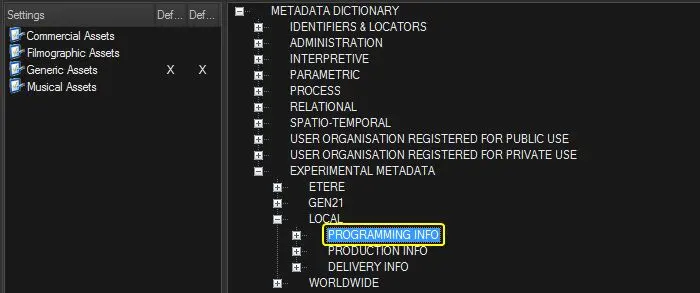 NODE
NODE
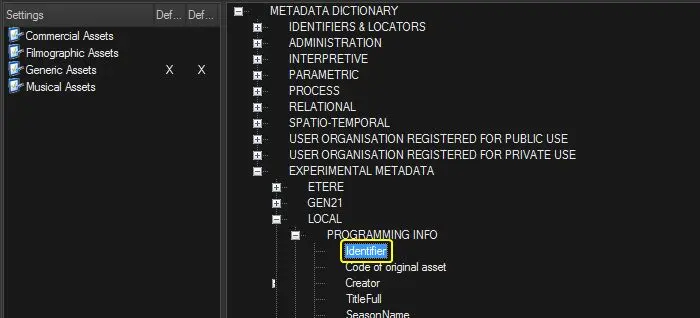 LEAF
LEAF