65.1.1.2 Adding a new resource
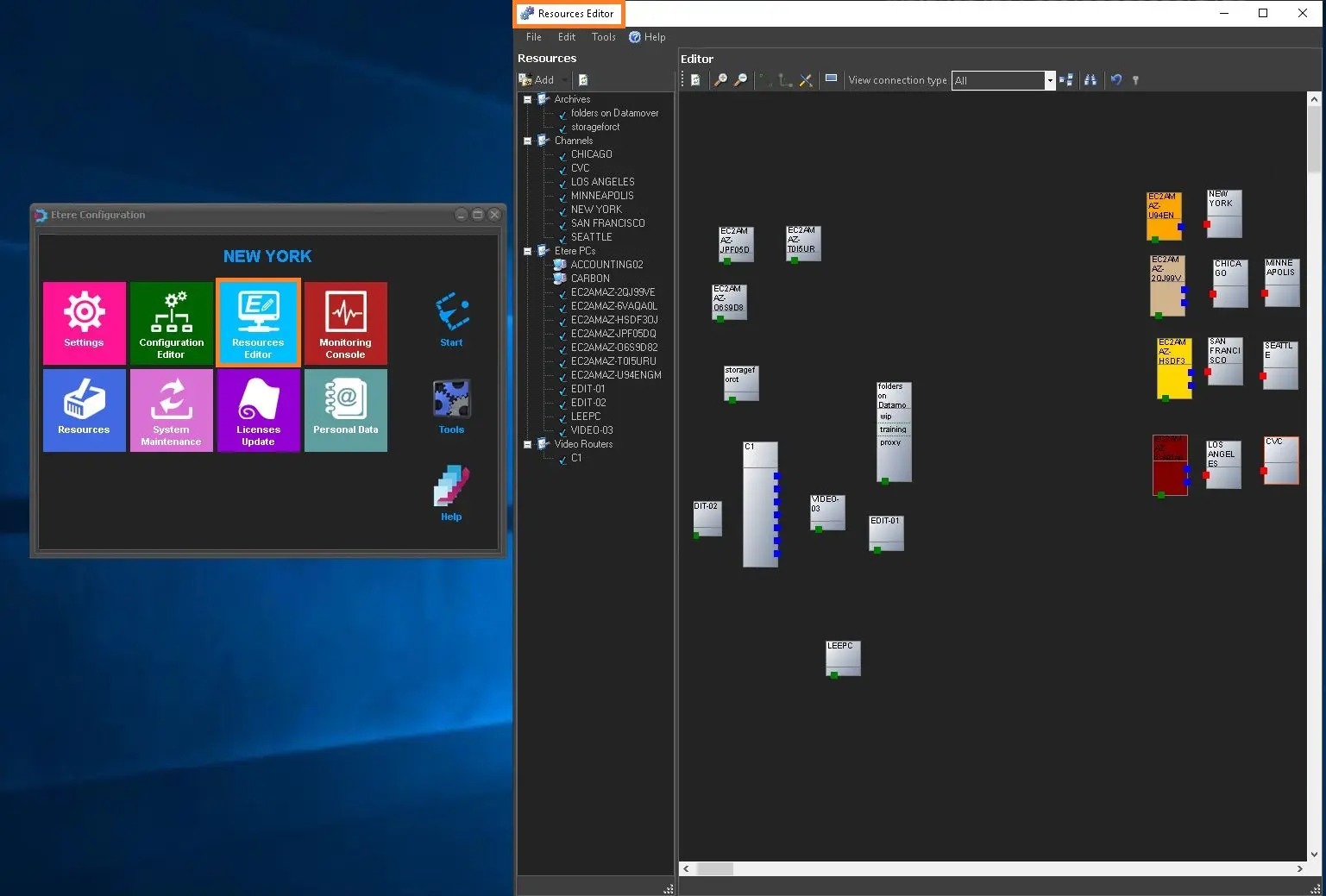
In order to insert a new resource, login to the server where the resource is connected, launch Etere Configuration module and eventually open Etere Resource Editor, as indicated below.
4875_res_editor
Depending from the type of the Resource we are going to insert, we may need to accomplish different actions.
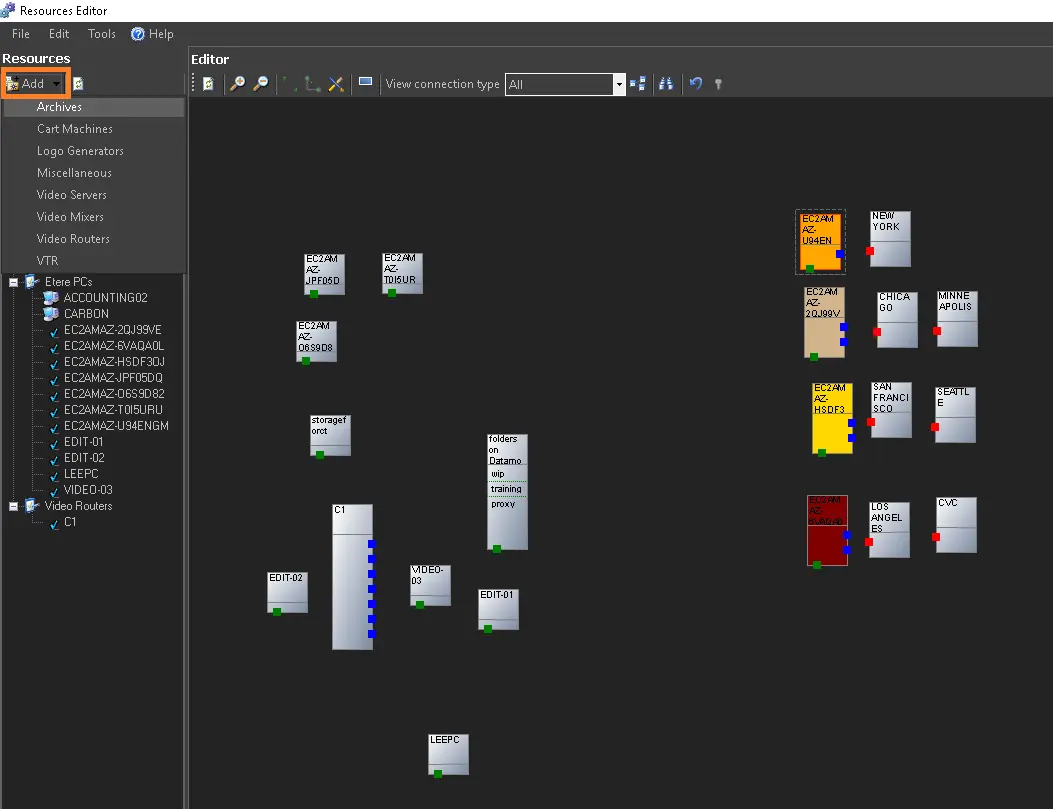
If we are going to insert any 3rd party Resources for instance, we need to rely on the Add button on the Top Bar of the Etere Resources Editor.
4879_add_button
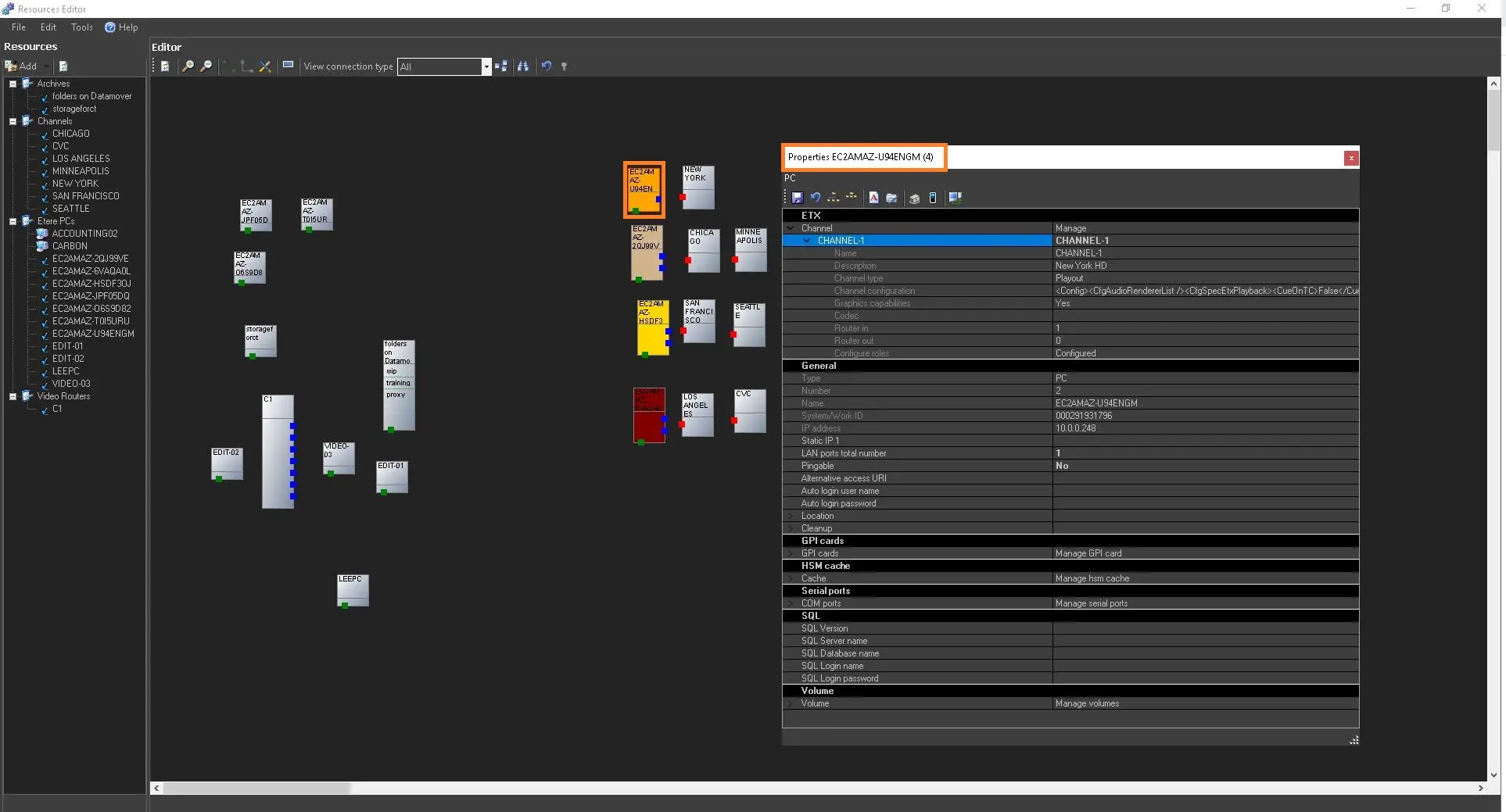
However in this specific case, since we are discussing about Etere ETX, we just need to select among our already available Server\Workstation which have been correclty connected to the Etere Database.
The first time any client/workstation/server is being added into the Etere Ecosystem, the resource is automatically inserted into the Resource List in the left panel.
4876_etx_res
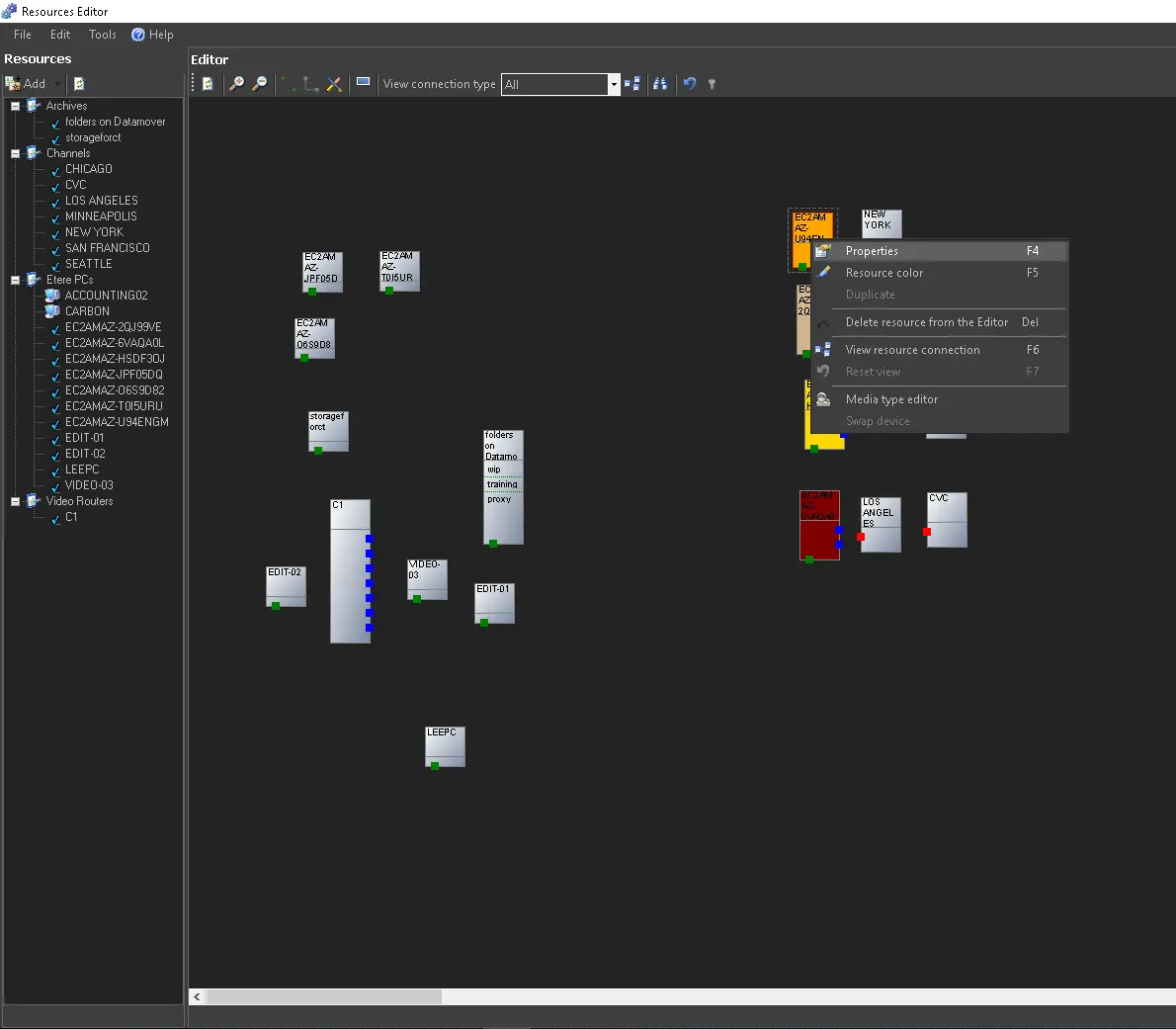
4877_res_pro
From the resource we can start to assign the proper configuration such as inputs, outputs, roles and so on.
In the next chapters is explained in details how to accomplish this.
 add_button
 res_pro
 etx_res
 res_editor