76.1.4 Parameters
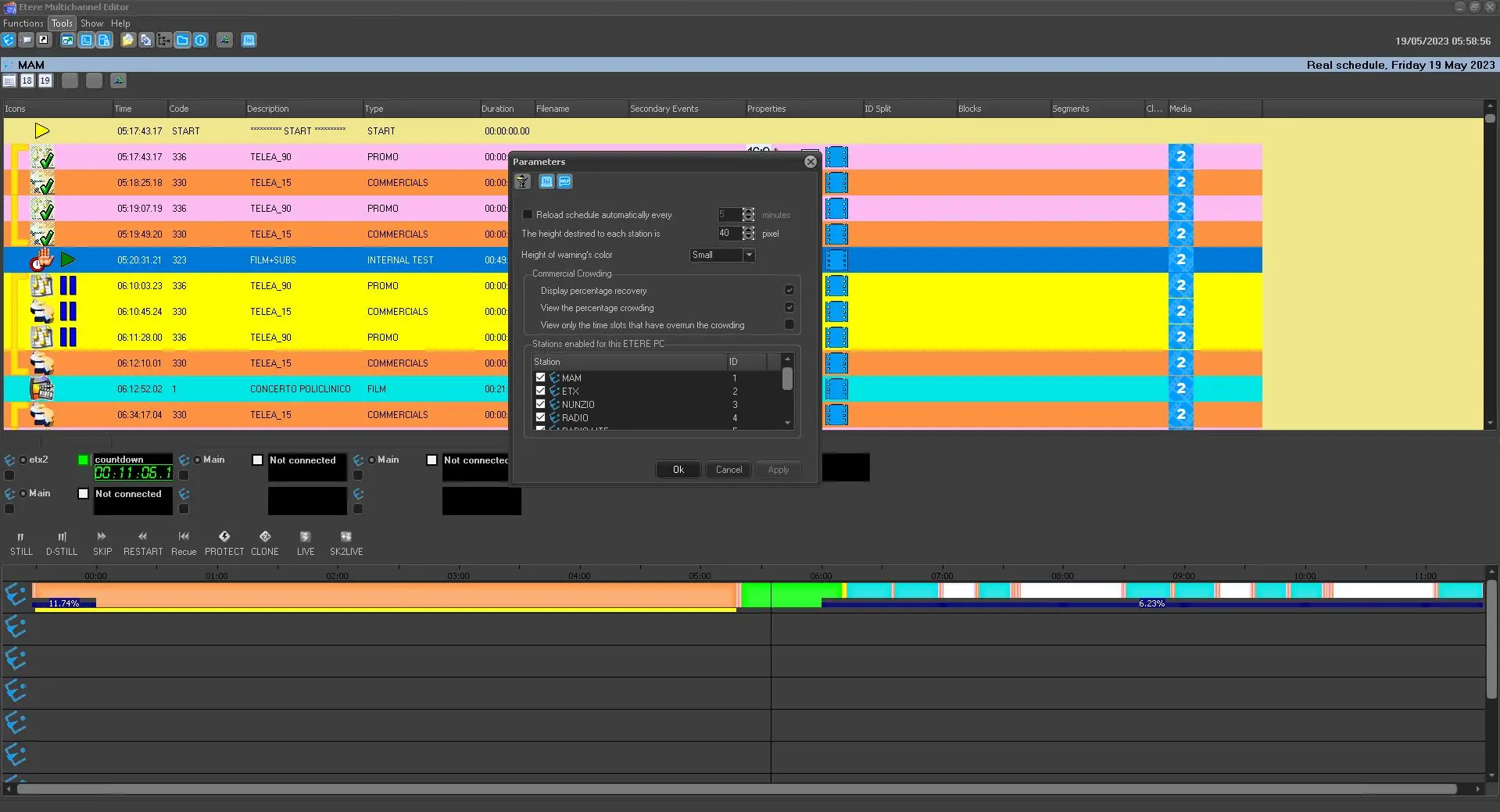
The Parameter feature in the Tools menu consists of all general settings you can configure for the interface of Multichannel Editor.
parameters
Parameter: Reload the schedule automatically every
Description: Set the time interval (minutes) to auto-refresh the schedules in Multichannel Editor.
Parameter: The height destined for each station is *
Description: Define the height for each station row (see image below)
Parameter: Height of warning's color *
Description: Define the height for the warning message in colors (see image below)
Parameter: Commercial Crowding
Description: Enable/Disable the options below:
•Display percentage recovery
•View the percentage crowding
•View only the time slots that have overrun the crowding
Parameter: Stations enabled for this ETERE PC
Description: Select the channels allowed to be managed by the current workstation.
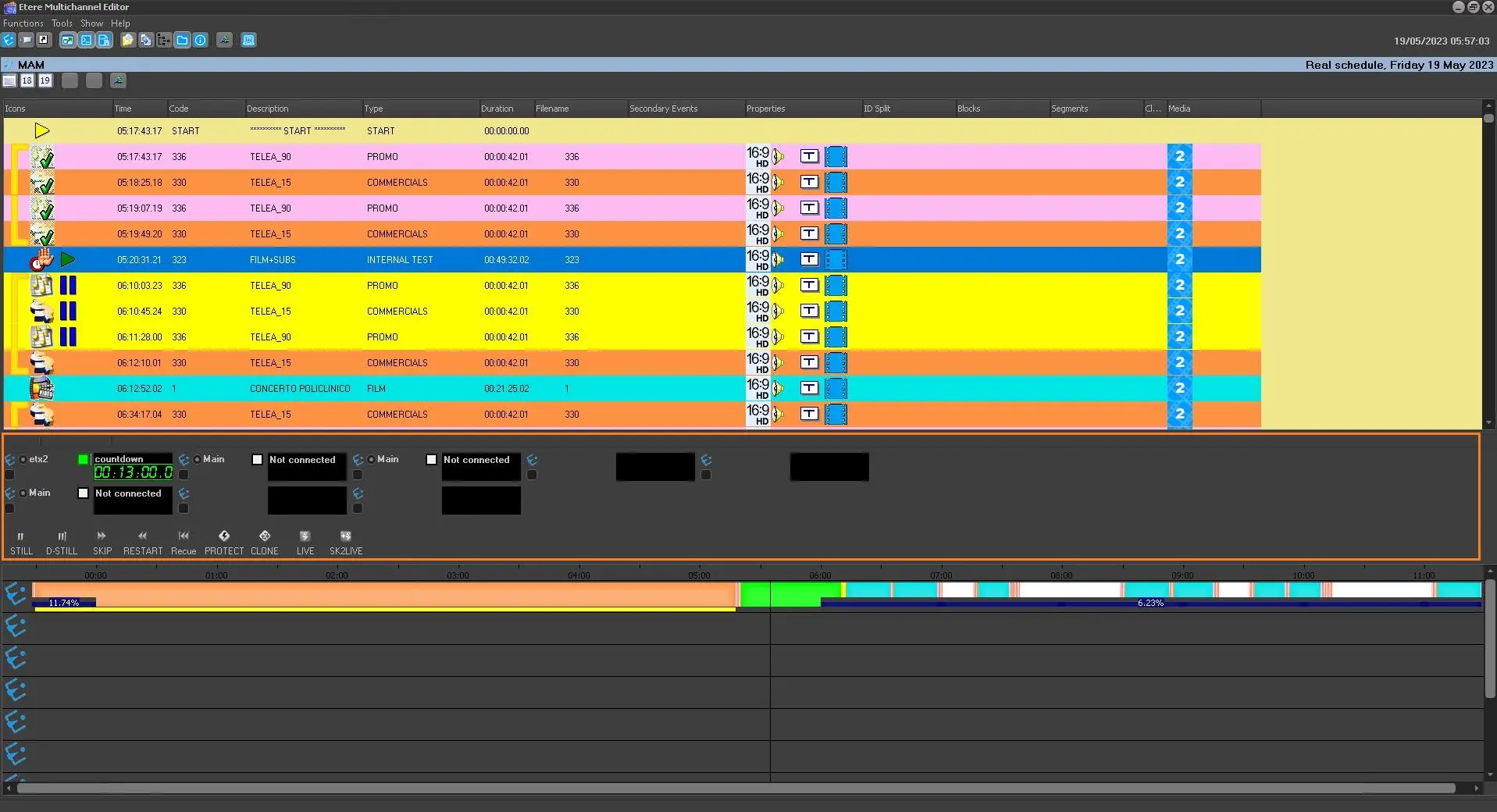
* The following indicates the height of the area to be defined in parameters:
Remote Panel
The Remote Panel function allows you to configure the number of stations and lines to be displayed during the remote control grid.
remote_panel
Under the Edit menu, there are two features available:
•Stations Update: It refreshes and remotely updates the station's current connection.
•Restore Default Values: If you had modified the number of Lines and Columns to be displayed, it would restore to the default values.
 parameters
 remote_panel