70.2.5.5 HSM Data Pump Service Operation
When Data Pump service starts, it read the list of Data Pump configured on local machine and start a Data Pump process for each configured Data Pump.
When Data Pump service stopped, all Data Pump processes started by the service would be closed. If the Data Pump process is currently in used, the Data Pump would be closed at the end of current operation.
The aforementioned scenario is true if the HSM Data Pump process managed by Data Pump service (EtHsmDataPumpService.exe) is started (by EtHsmDataPump.exe) with the following arguments in the Data Pump command line:
- First argument is 0, 1, 2 and etc, it indicate the index of Data Pump configured.
- Followed argument: “drive=xxx” indicate the name of tape drive.
- Third argument: “/mode=service” it indicate the Data Pump service would be running as service in background without GUI.
An example of above Data Pump command line is illustrated below.
Task Manager
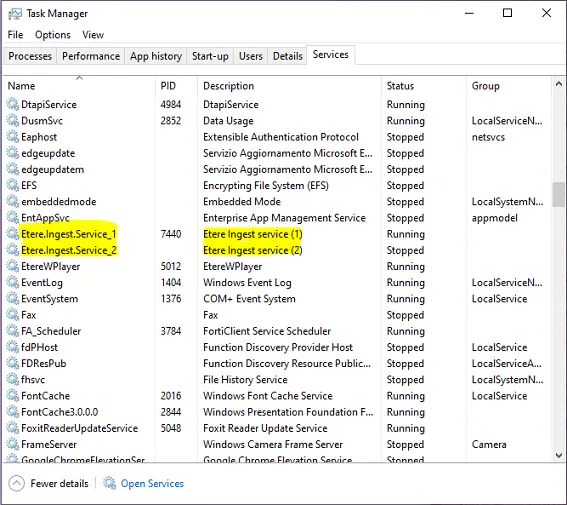 Task_Manager