ETX Configuration
65.1.1 Resource Editor
Etere Resources Editor allows the configuration of every resource a Broadcasting Company may need to rely on, from Video Servers, Channels and Video Routers to Storage and any single Workstation with any given role within the given company.
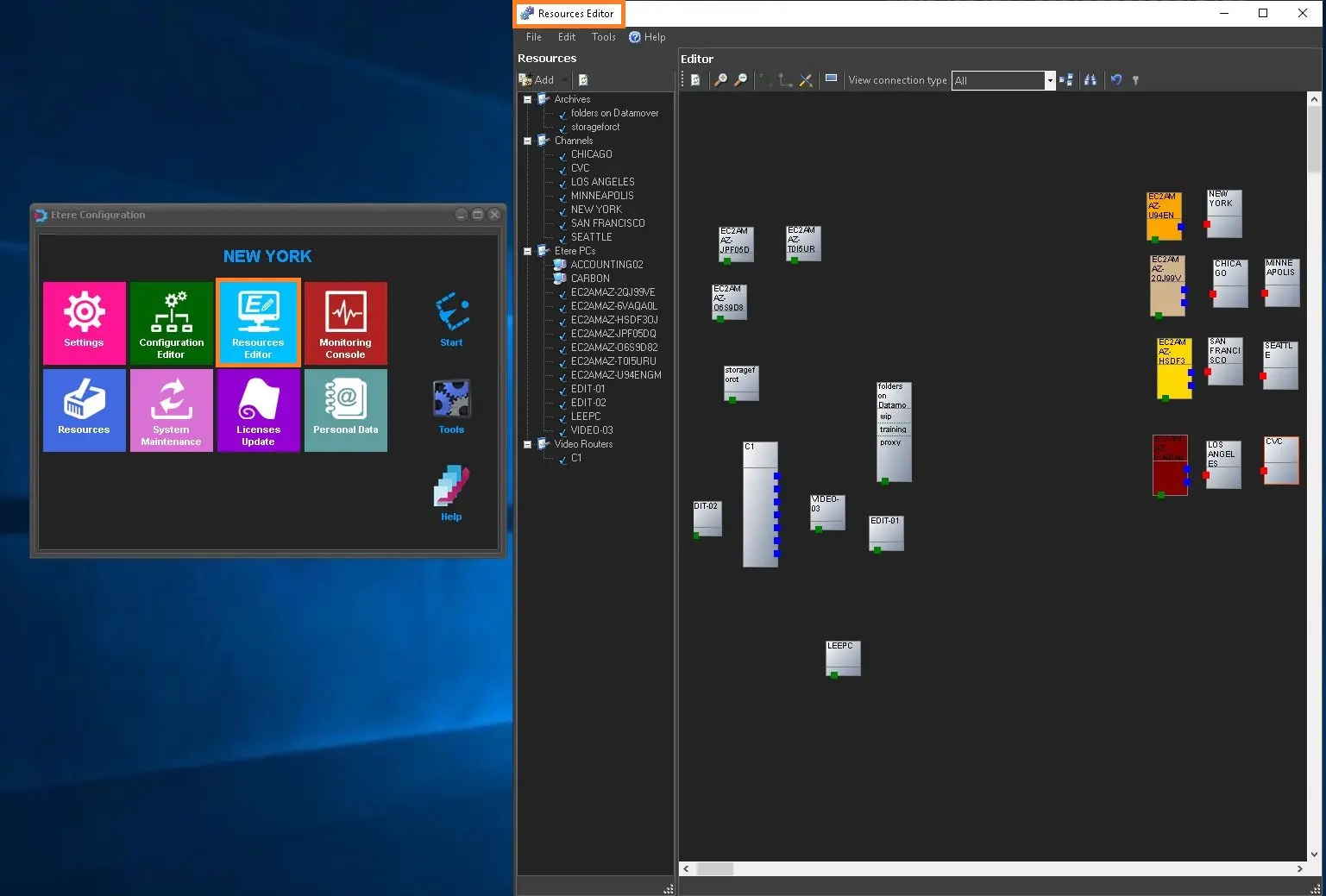
Open the Etere Configuration Module and launch Etere Resource Editor; the following window will eventually appear.
Resource Editor
There are three main areas in Etere Resource Editor:
- The left panel lists all the resources linked and finally configured in the Etere database;
- The top panel lists all available functions which allow the manage any Resources;
- The right panel provides a resource stage, allowing the design and management of any resources.
WARNING: When the Resources Editor is opened for the first time, the only resources available are the Channels (i.e. stations) and Workstations (i.e. PCs).
 res_editor