ETX Master Control
65.4.4 Master Control Change Theme
The Change Theme button at the top right corner of the Etere Master Control Panel allows you to change the background colour of the desktop displays.
It is also possible to choose the program and preset windows position: by default, PGM is on the left, and PST is on the right.
etx_mcp_themes_form
Click on the Change Theme button to launch the theme selection menu.
Below are a few samples of Etere themes for reference and comparison.
etx_mcp_theme_grey
etx_mcp_theme_green
etx_mcp_theme_red
etx_mcp_theme_violet
It is also possible to choose program and preset windows position: by default, it has PGM on the left and PST on the right.
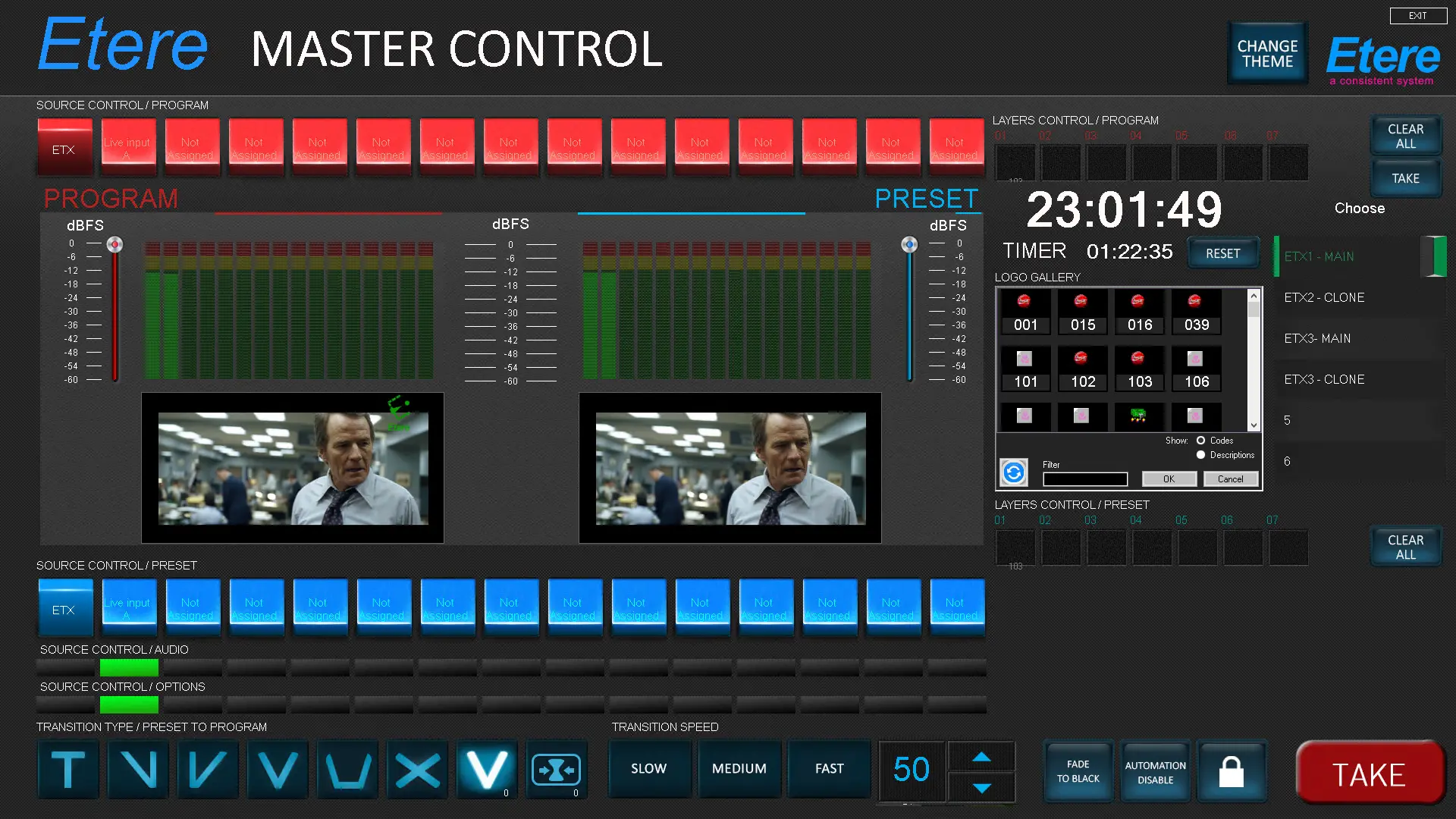 etx_mcp_theme_grey
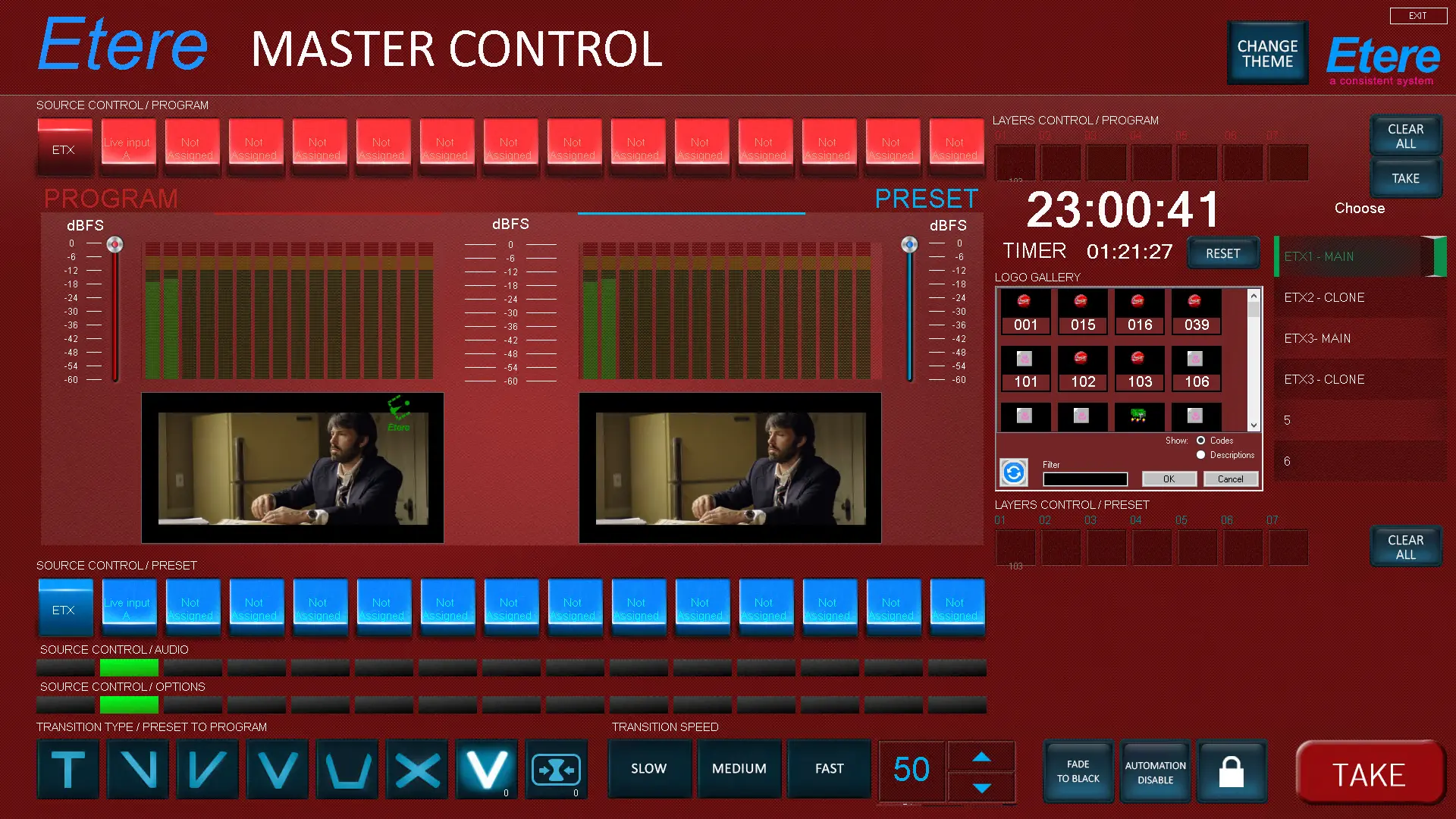 etx_mcp_theme_red
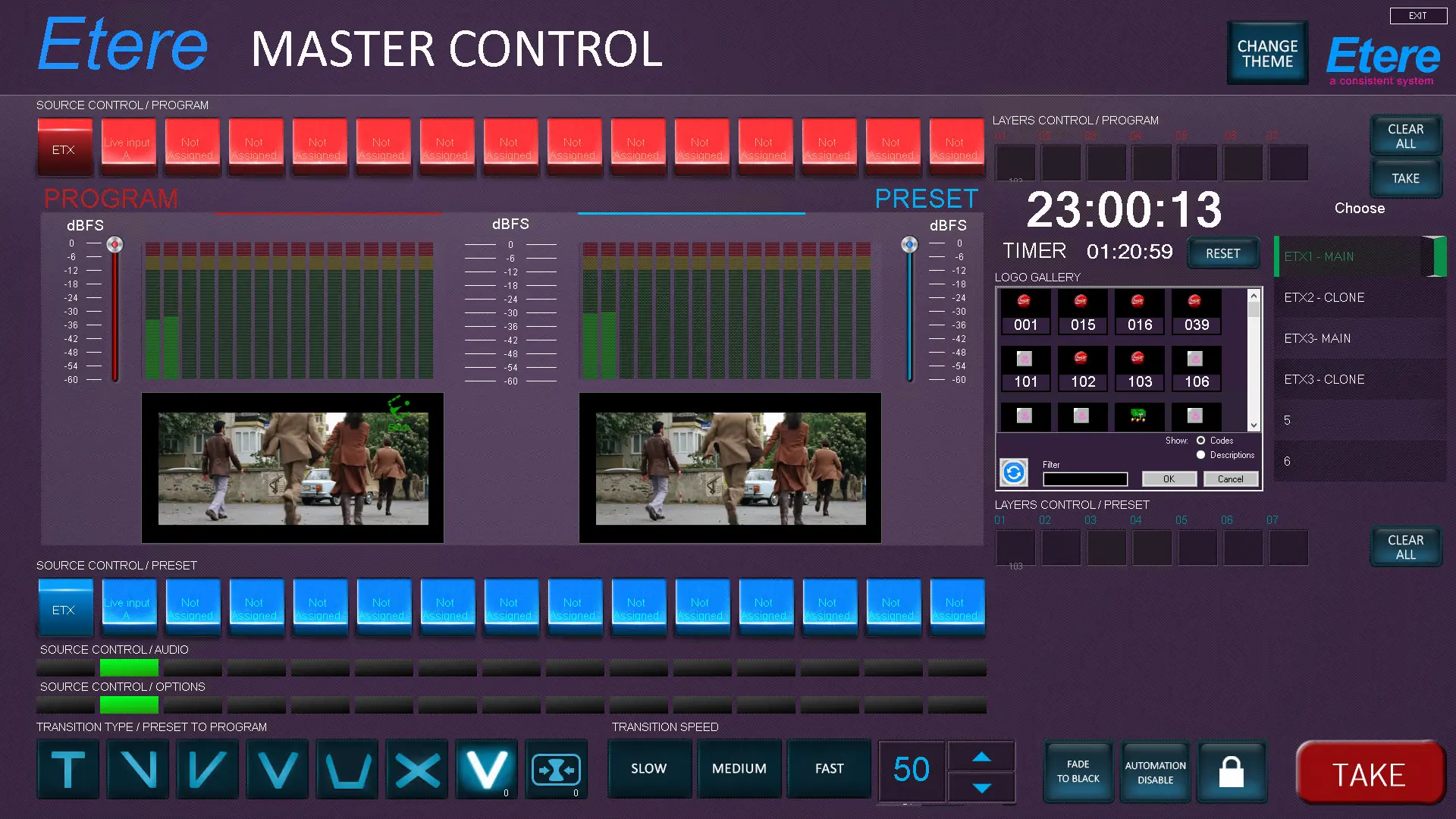 etx_mcp_theme_violet
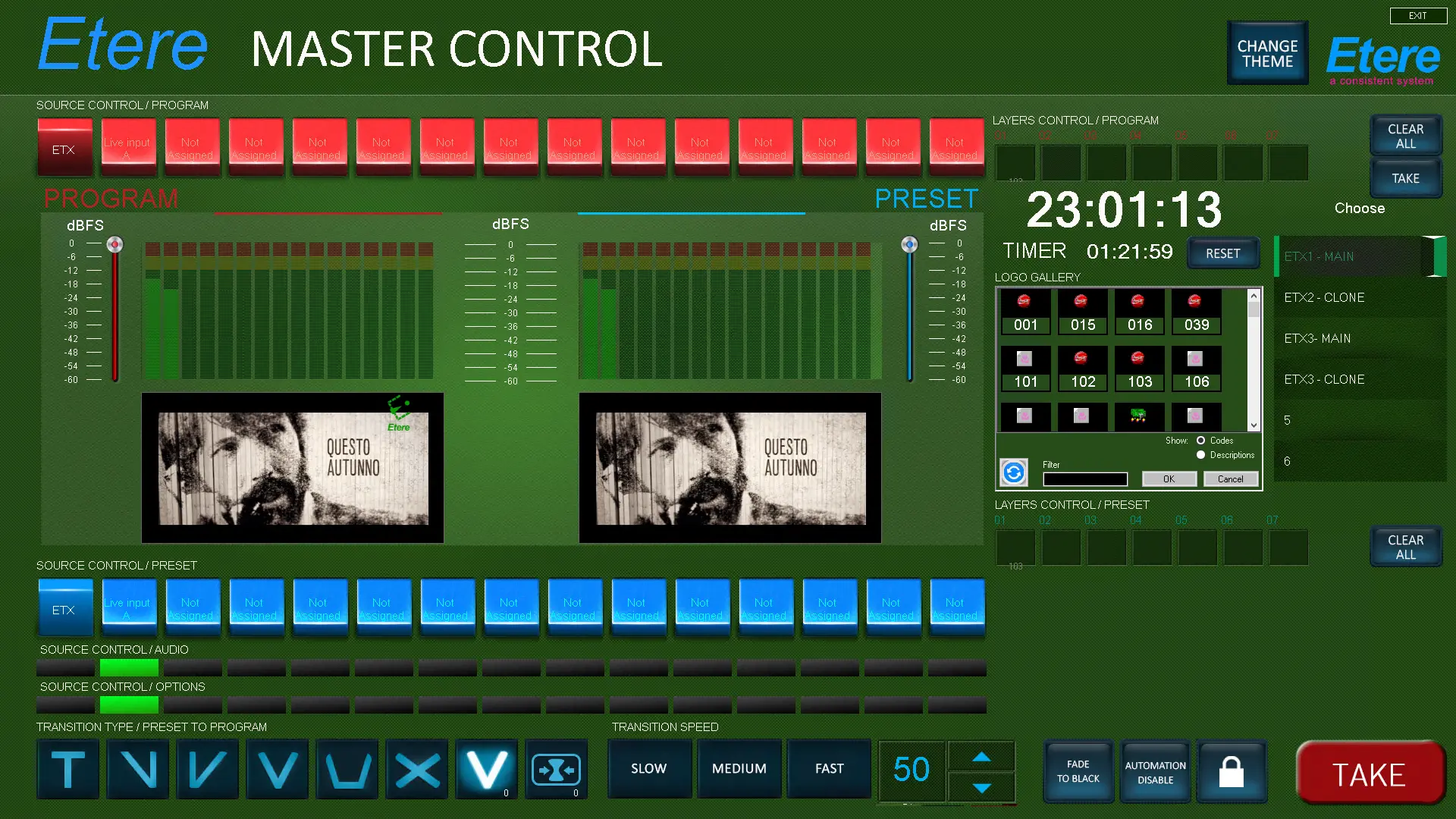 etx_mcp_theme_green
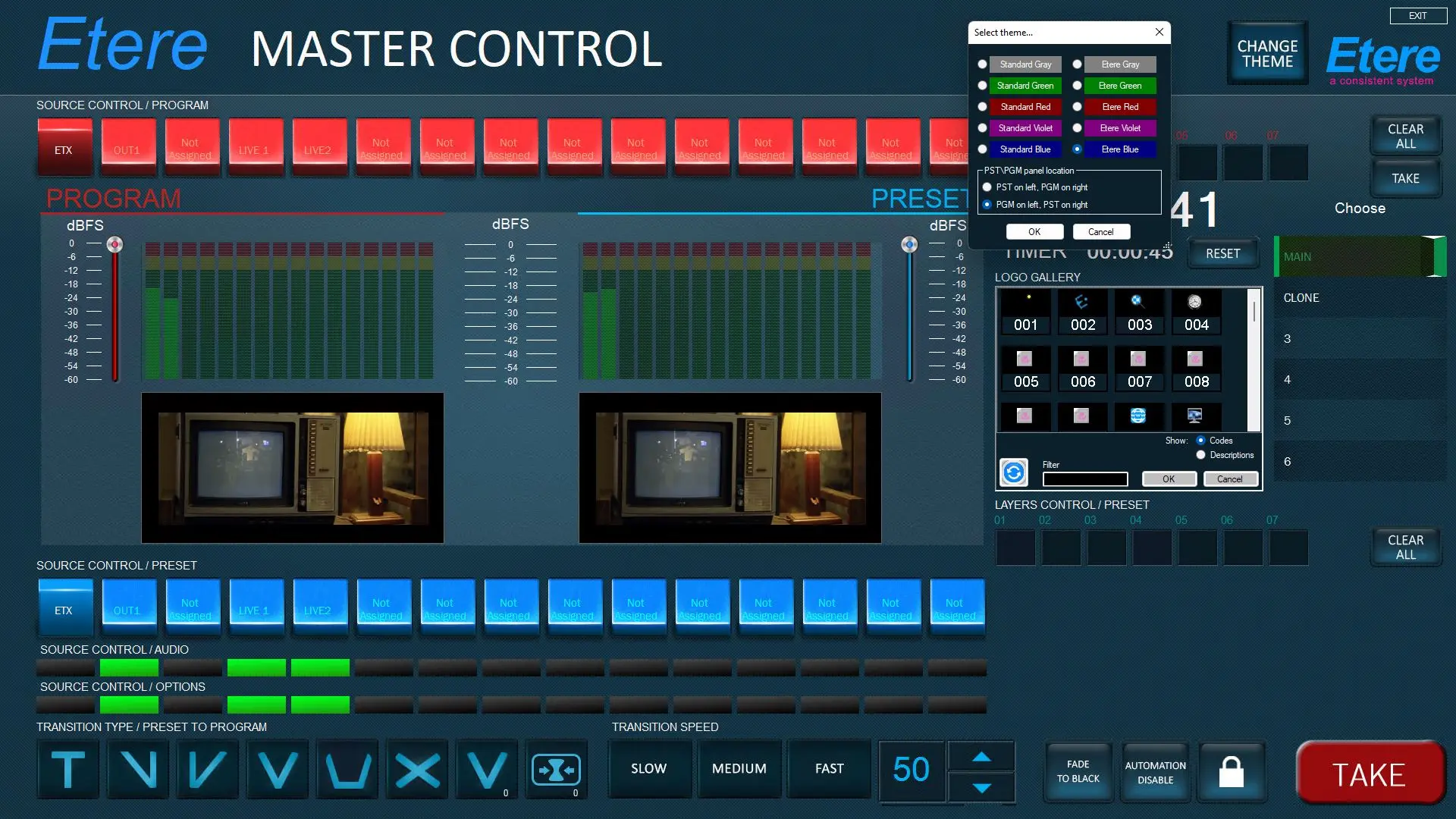 etx_mcp_themes