72.2.2.35 Annotations - Etere Player 2022
Etere Player 2022 is the improved version of Etere Player.
Following a resume of the major changes made to the new Etere Player:
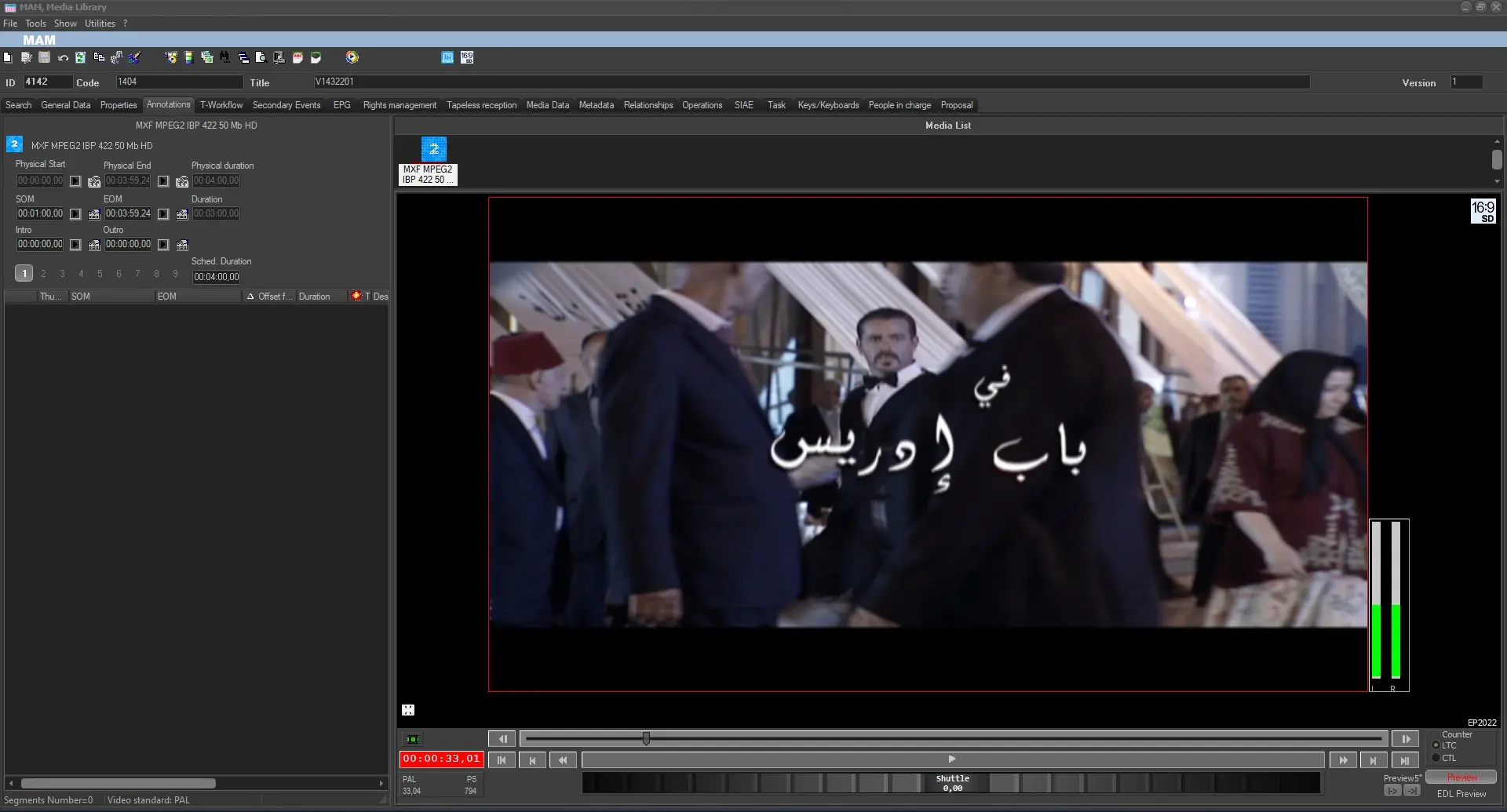
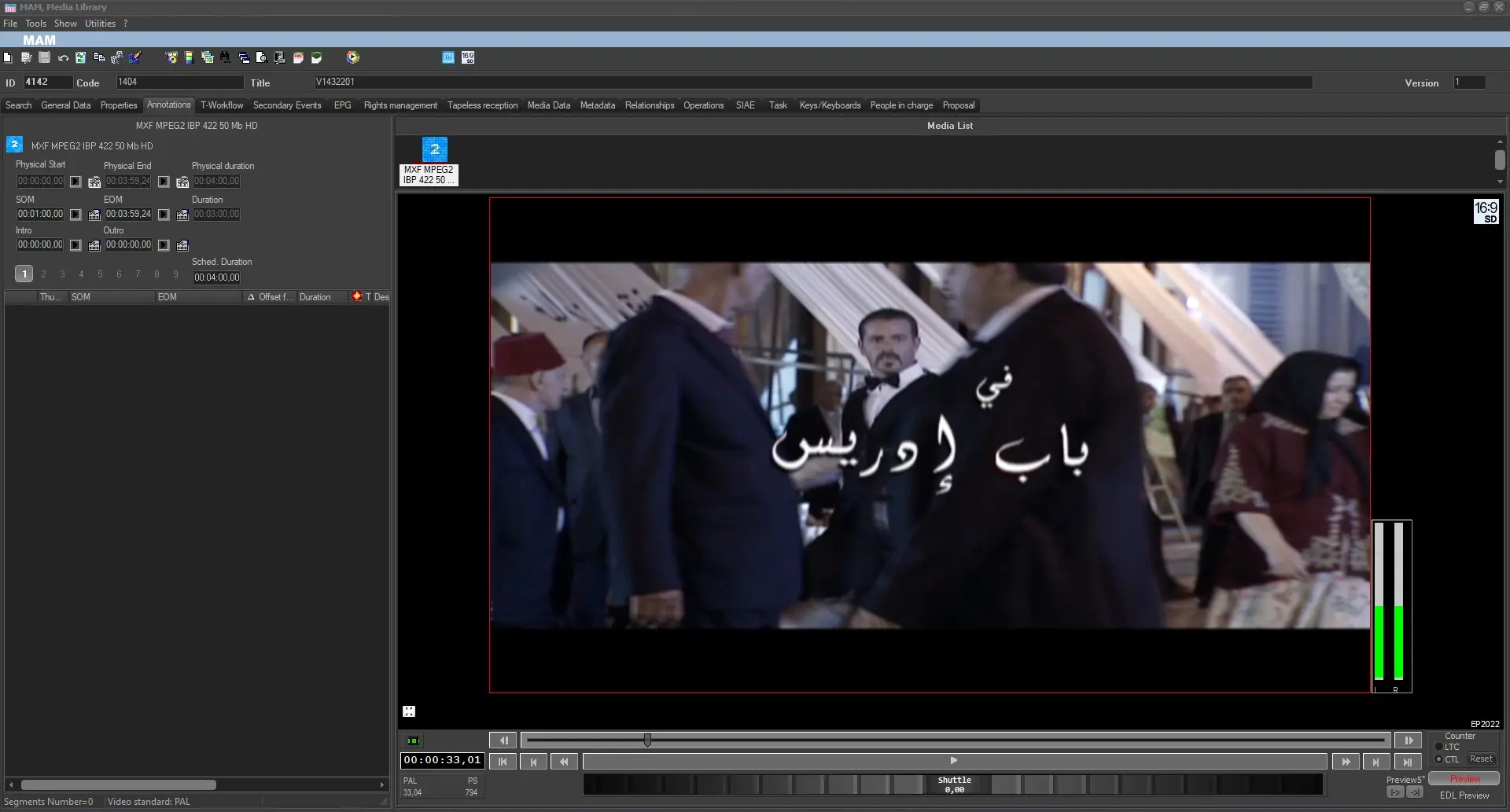
1. The counter's background color and the counter's color have been changed in Etere Media Library Preview, in case of negative counter or in case of player outside the asset marks: it will be displayed as white counter on a red background. This does not happen in case the CTL counter is selected.
negative_counter
counter_LTC
counter_CTL
2. The counter's settings such as LTC, CTL and RESET have been moved in the player's controls bar in order to facilitate the selection of the given functions;
counter_settings
3. Frame by frame advance buttons have been moved in the player controls bar in order to facilitate the selection of the given functions and the frame positioning has been improved in case of Multiframerate. In addition, the trackbar has been modified in order to clearly distinguish all the related controls.
frame_by_frame_buttons
grey_trackbar
4. The asset's aspect ratio is displayed in the upper-right corner of the player.
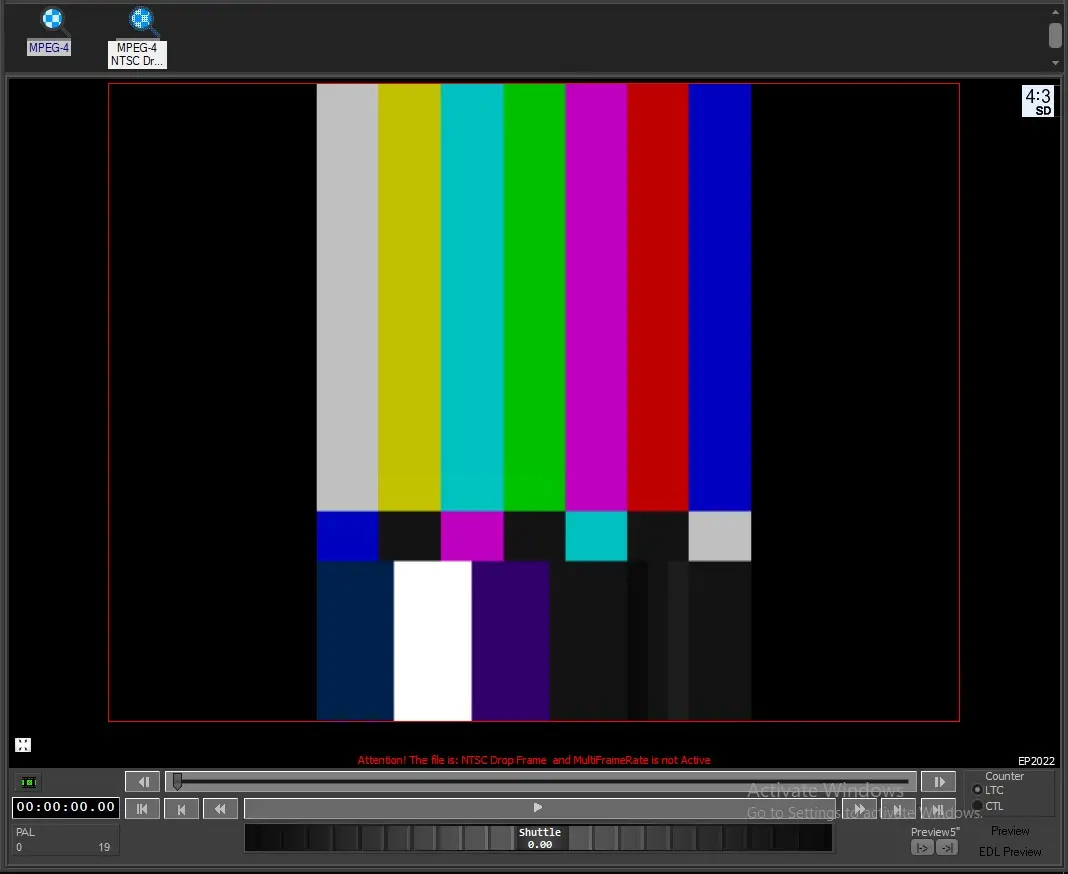
5. In case Multiframerate is disabled in Etere Configuration > Configuration Editor > System settings > Multiframerate and the user attempts to play a file with a framerate that is different from the station's one, a message will appear right above the trackbar, to warn the user that potential issues could arise during the play.
MFR_warning
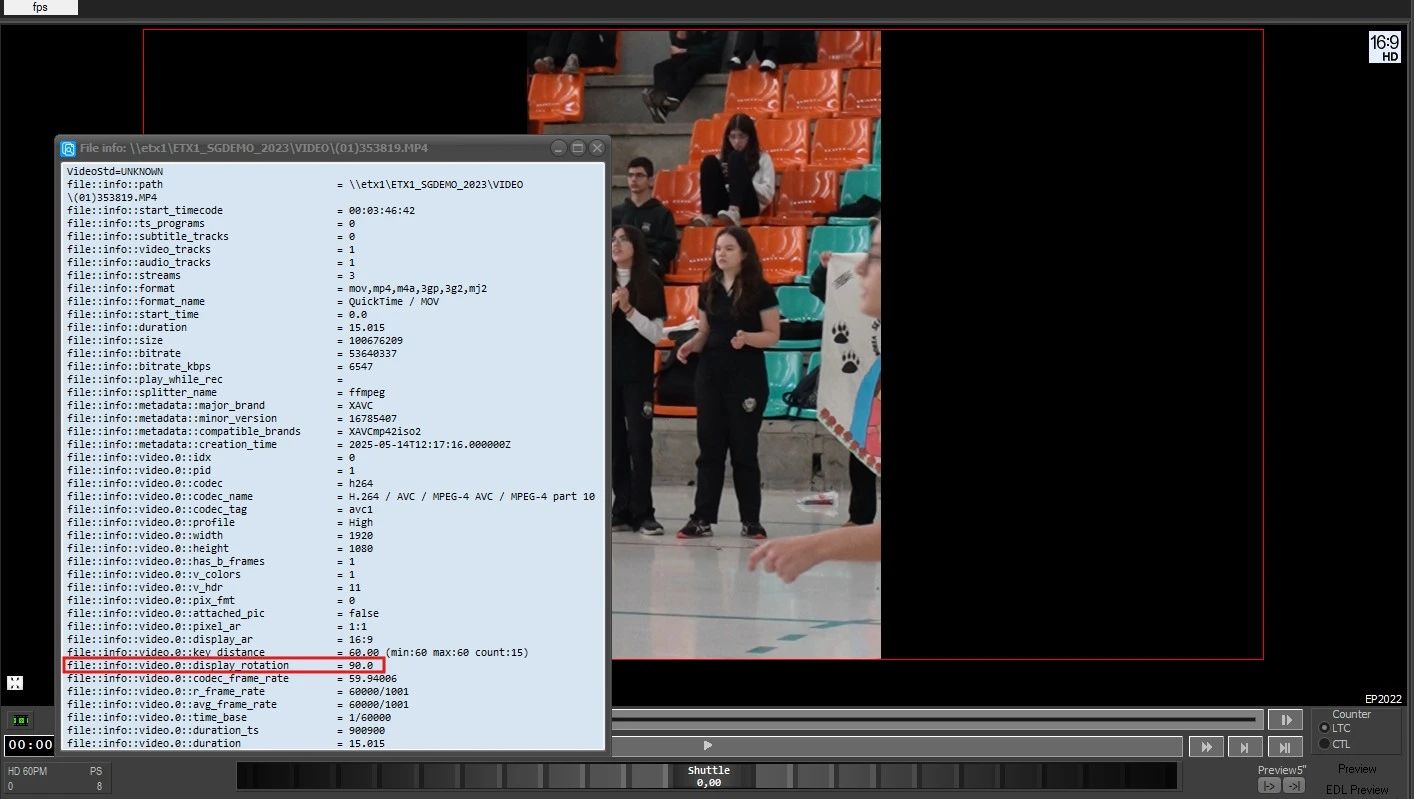
6. If the player reads the property file::info::video.0::display_rotation=90.0 or file::info::video.0::display_rotation=270.0 in the file, the video is automatically rotated according to the value.
display_rotation_property
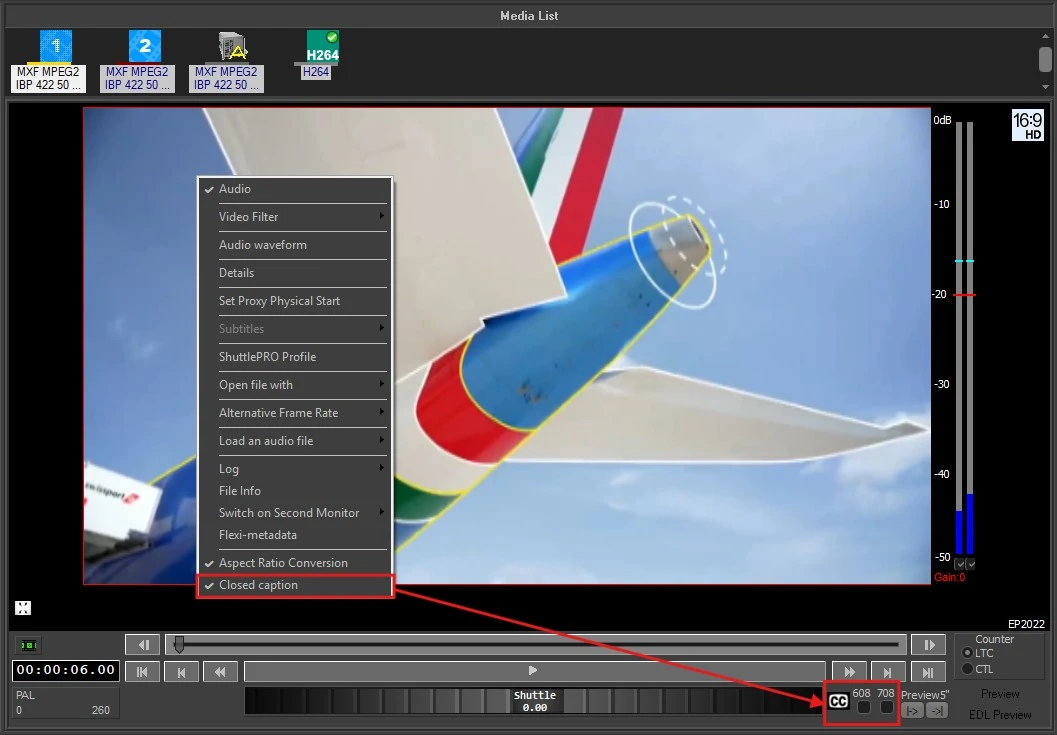
7. Like its predecessor, Etere Player 2022 can display closed captions along with the video file. In order to enable them, right click on the player and select "Closed Captions" option. "608" and "708" checkboxes will appear in the bottom-right corner, below the player controls. Activate the one corresponding to the type of cc to display. To disable the CC visualization, uncheck the box or disable the player option.
Each time the player is started, it resumes this setting as it was the last time, so there's no need to enable the CC visualization each time the user previews a file.
EP2022_cc_display
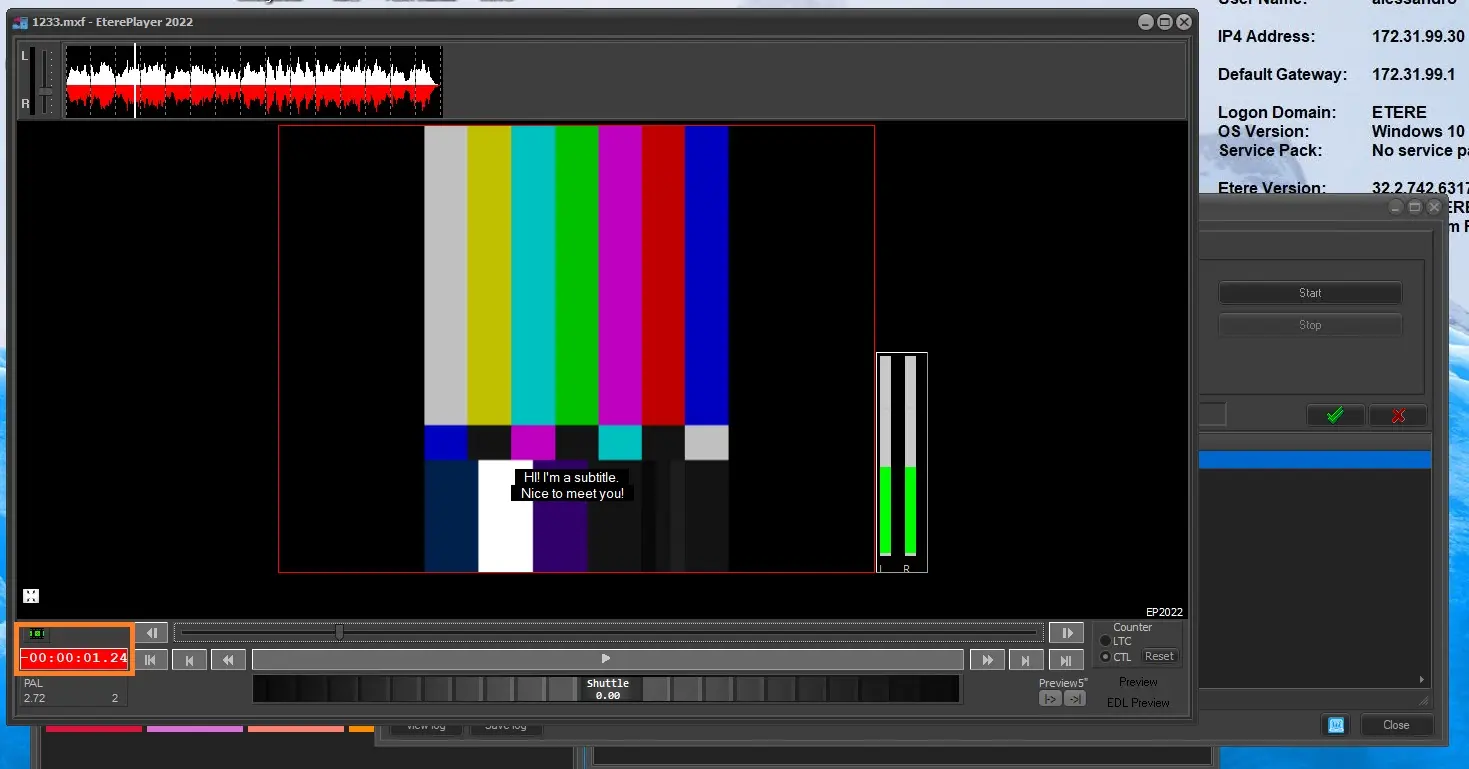 negative_conter
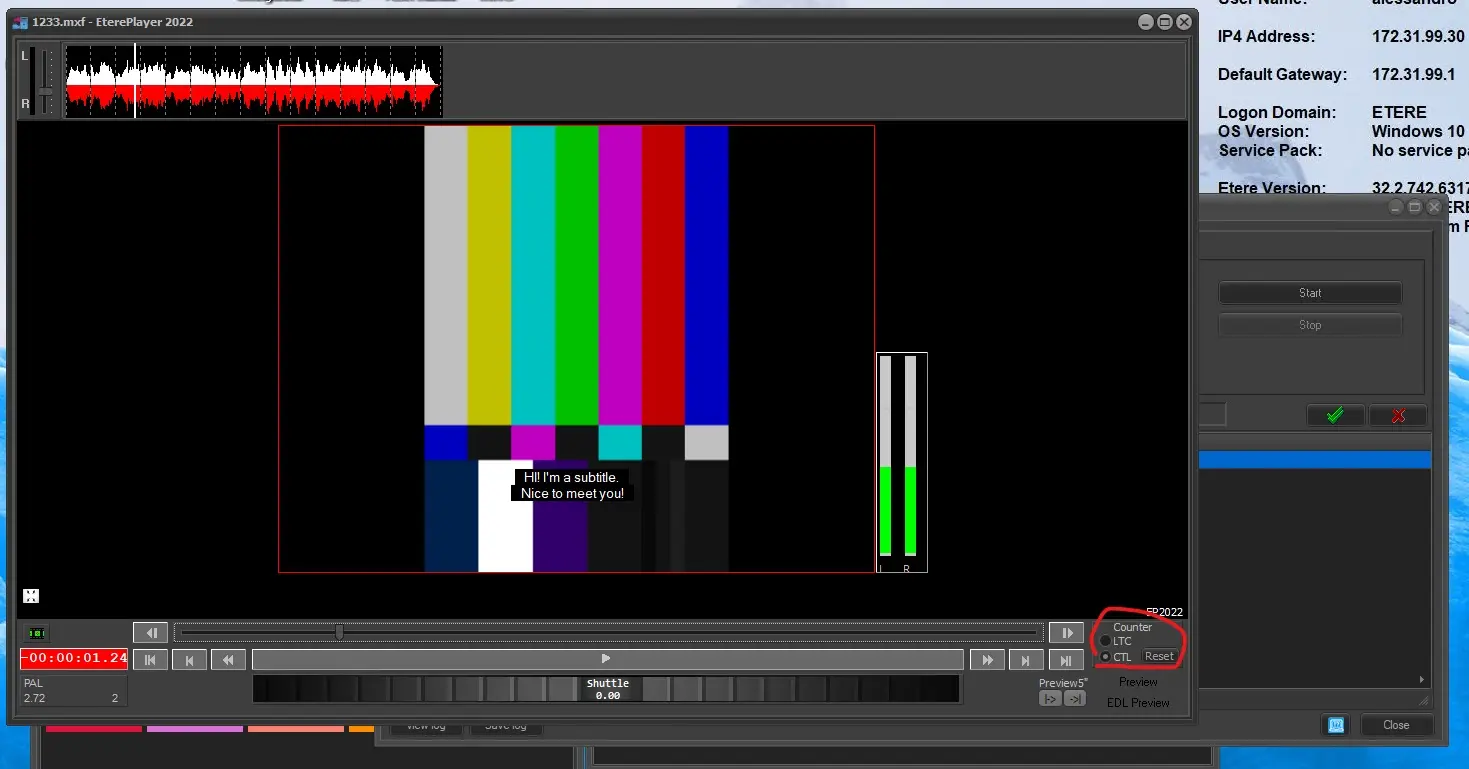 counter_settings
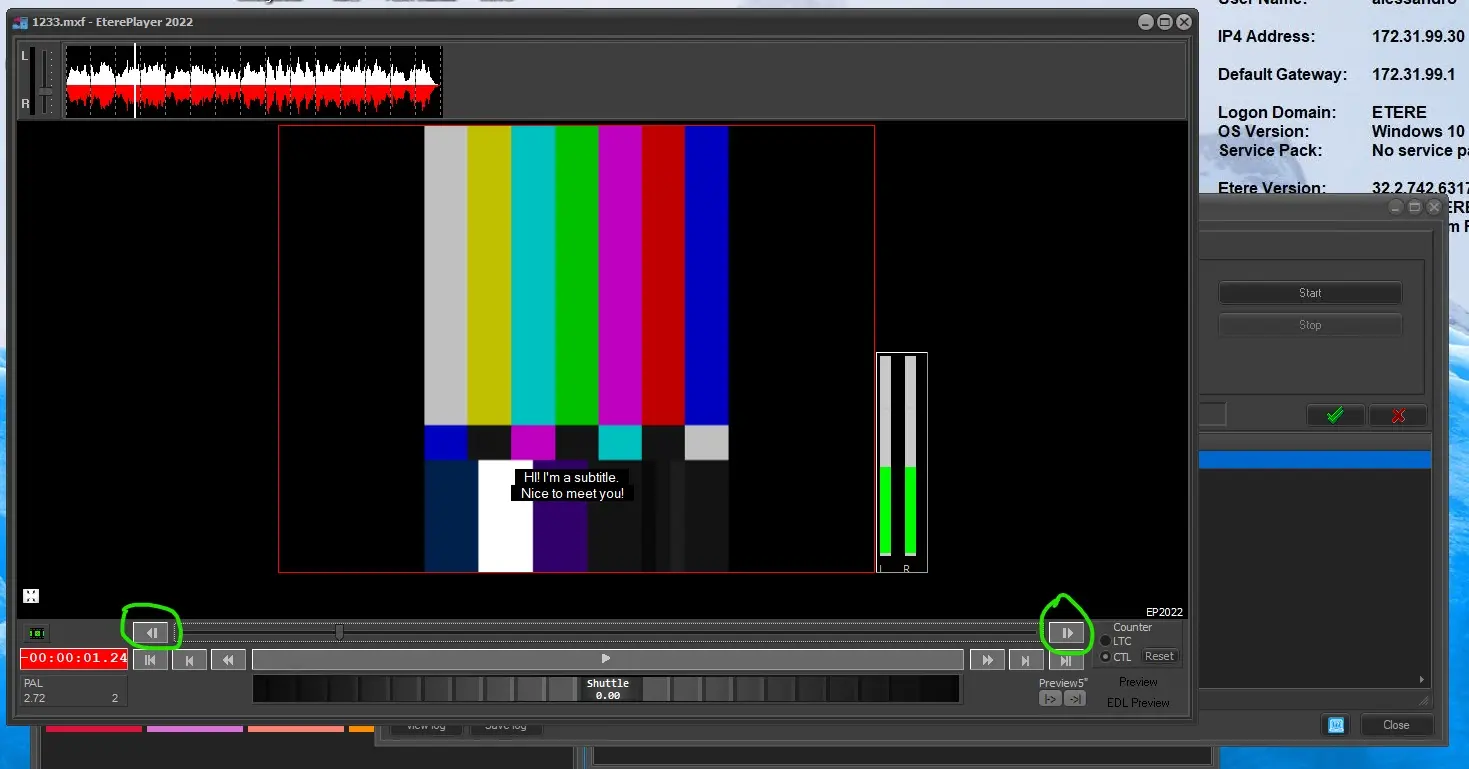 frame_by_frame_buttons
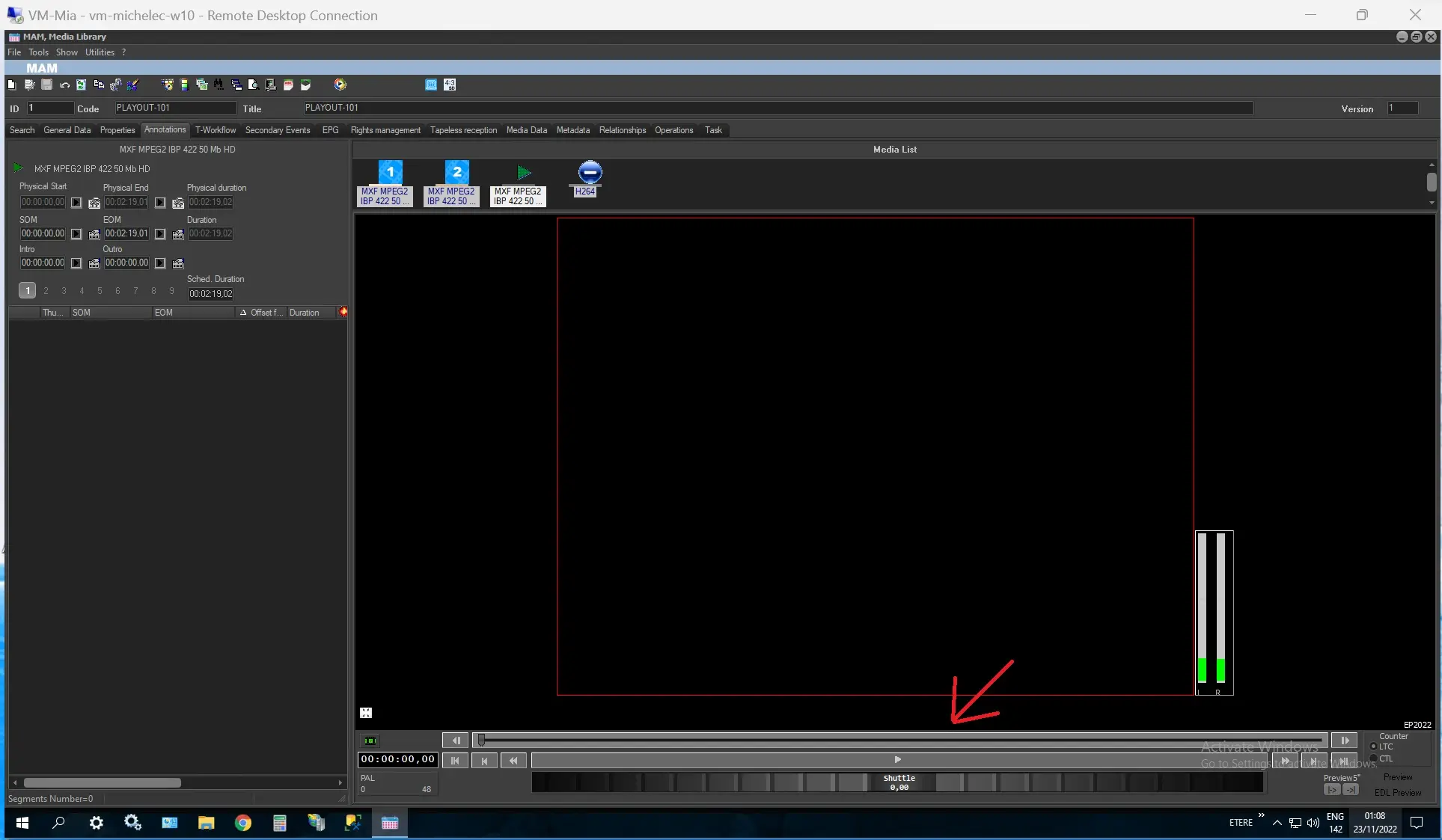 grey_trackbar
 counter_LTC
 counter_CTL
 MFR_warning
 display_rotation_property
 EP2022_cc_display