Adobe Premiere Extension
72.18.2.3 Access authentication
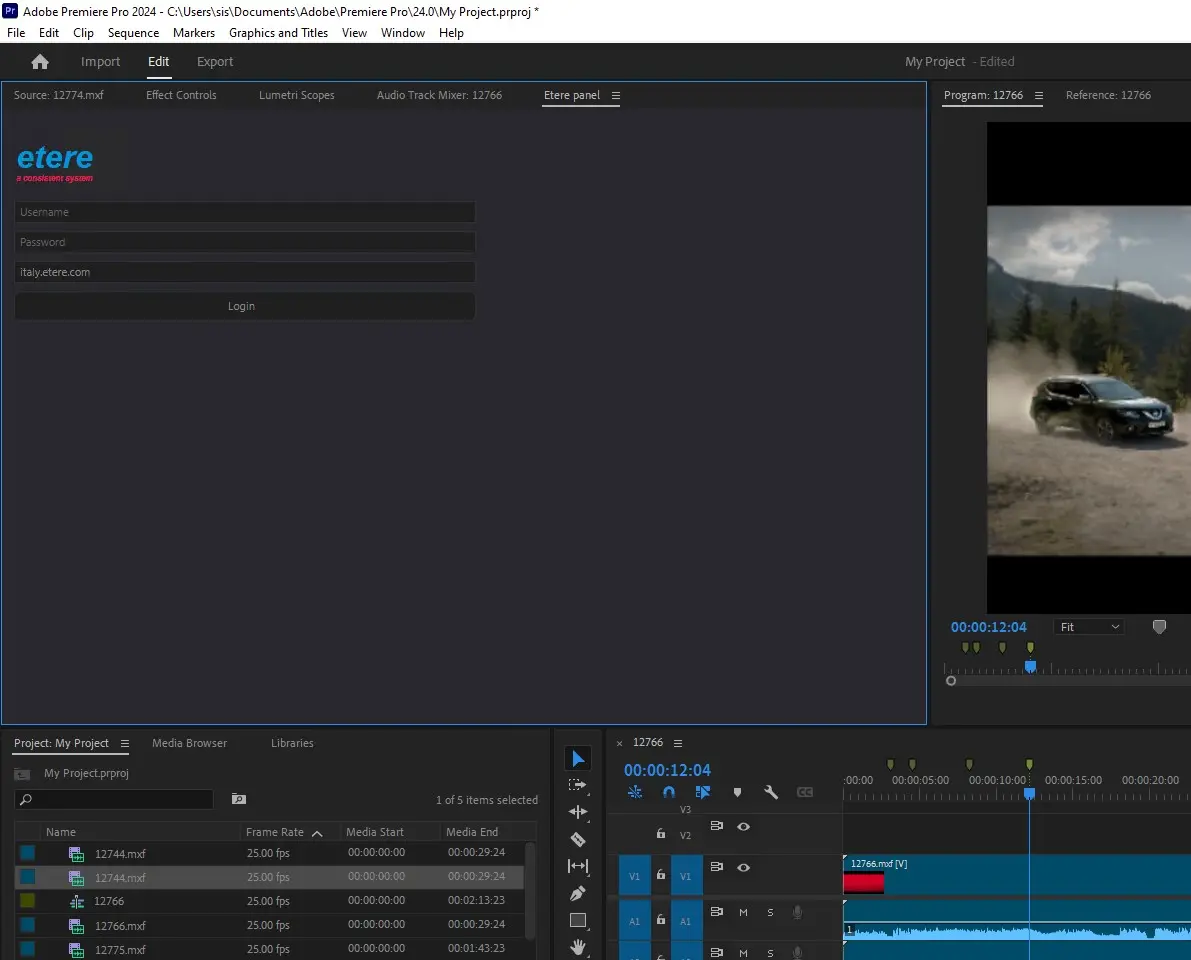
Once the Etere's Adobe extension has been installed it's ready to be accessed through the "Login" page. In order to start using the extension it's required to authenticate yourself into the Etere system, this, by entering the following information:
Login
Username - Enter your login name to access the Etere system
Password - Enter the password to authenticate your username in the Etere system
Domain - Select the domain you want to login into
You can close your session at any time by pressing the [Log-out] button available in the top right of the panel.
Note:
Users are required to authenticate their login at every access to Adobe Premiere Pro. The session timeout is configured in Internet Information Services.
 Login
Login