VOD
6.4.1 VOD Active List
The VOD Active List searches events within the specific period from the selected platforms.
VOD_Active_List
• From date - To date: Indicate the date range to filter the events.
• Platform: Select one of multiple platforms to extract the events.
Once the filters are confirmed, click <Apply filter> to extract the active VOD events. The type of VOD events to be filtered would reference the asset Type in Main Data when the contract is created.
You can click on the thumbnail to access the asset properties in the search result.
active_VOD_events
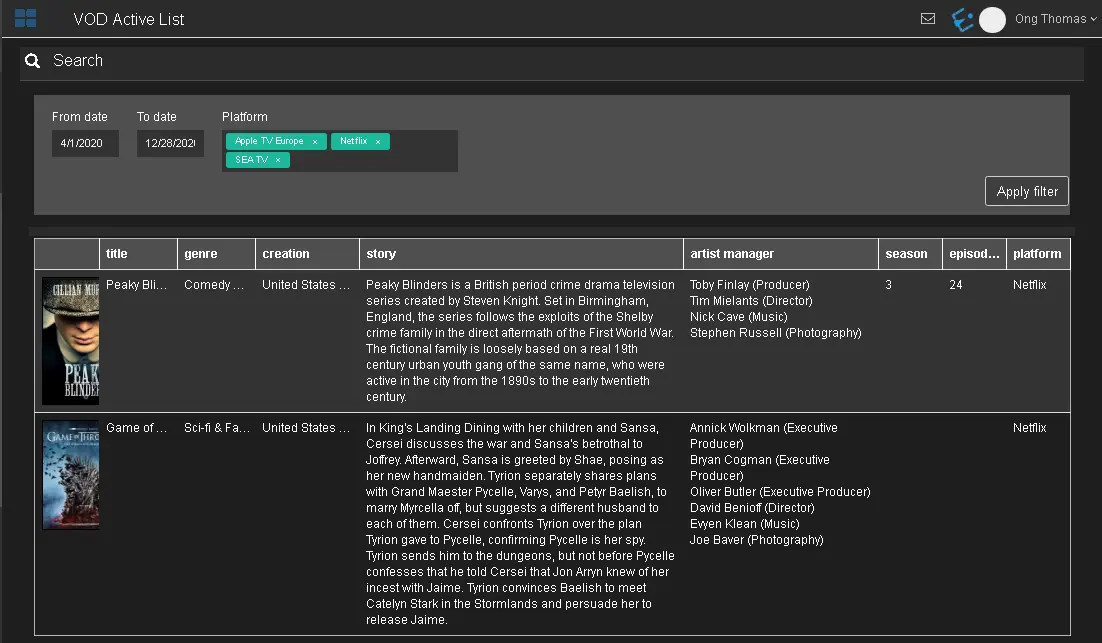 VOD_Active_List
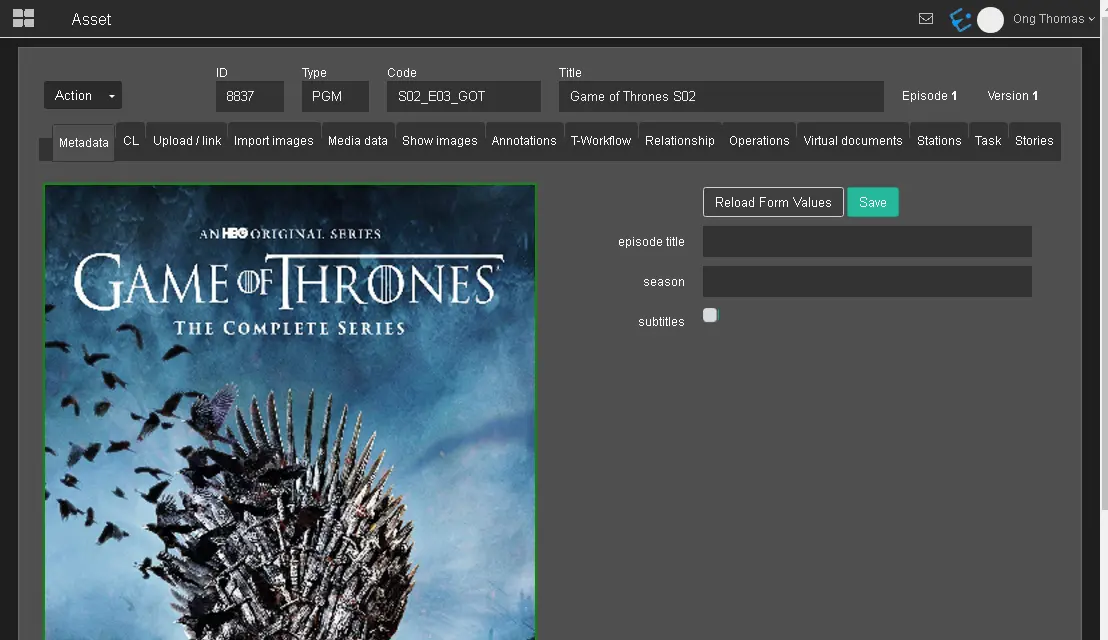 active_VOD_events