Live subtitling
72.7.6.3 Preload importing a file
From the main interface you can import text file containing the subtitles, from the upper panel click on the “Import” icon in the toolbar menu to launch the import process.
mam_live_subtitling_import
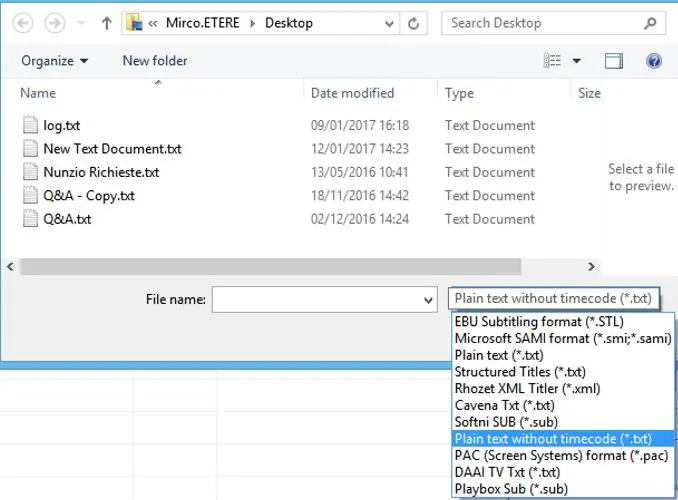
Next, select the text file containing the subtitles and click <Open> to confirm selection. The supported text file format are TXT, CSV and XML.
mam_live_subtitling_import_file
After import, the subtitle file would be appeared in the middle panel, you can double click on the imported file to send the subtitles to the CC Server.
 mam_live_subtitling_import
 mam_live_subtitling_import_file