17.3.3 Template
Once the rules have been defined, one or more can be applied to a template.
mm_templates
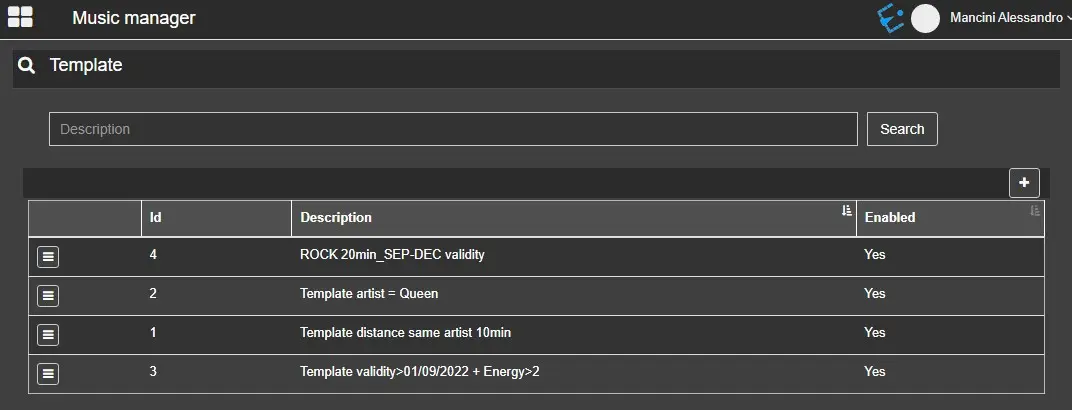
Clicking on the [+] button will open the template configuration page, where it's possible to set the template's name, some details and notes about it, and the rules to be checked.
The Select All and Deselect All buttons, placed above the rules tickboxes, allow a faster selection of the rules.
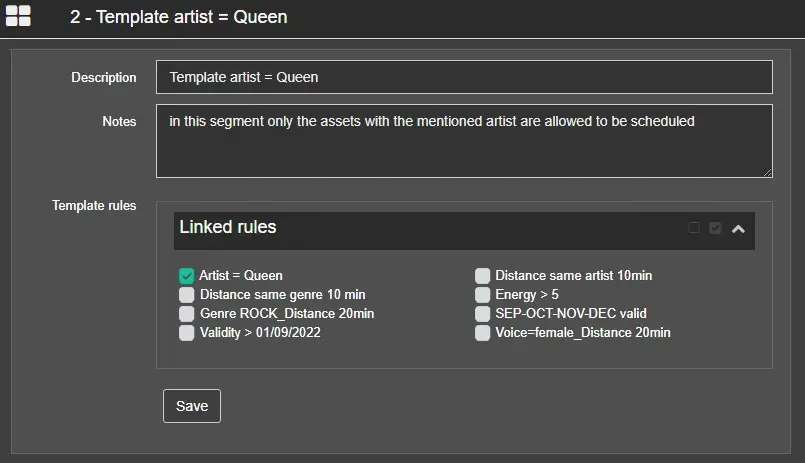
In the template below, only one rule has been applied:
template_one rule
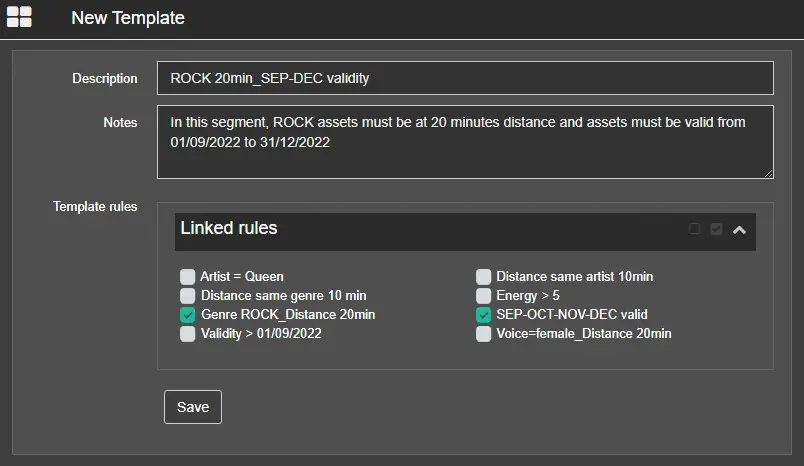
In this one, instead, two rules are enabled. So, in this case, there must be a distance of 20 minutes between 2 assets with Genre=ROCK, and the validity date of the assets in this segment must be included between the 1st of September and the 31st of December 2022.
template_two rules
Apply the template to the segment
The template must be selected in the related column in the Air Sales' Block editor to be applied.
apply_template
 template_one_rule
 mm_templates
 template_two_rules