84.4.4.78 CUSTOM > MTV SIAE ROM-DETAILS CSV
Export Scope
The Export_Custom_MTV SIAE ROM-Details CSV export to a CSV file the selected assets with related SIAE data and details linked to the parent asset.
In the exported file:
•If the asset contains SIAE details, the details are exported one per line
•If the asset contain no detail, only one row is exported
•The first column would contain the name of the single linked asset, not the parent asset
Export Parameters
Export_custom_mtv_siae_rom_details_csv
Period to export
Specify the asset to be exported. You can click the browse button to launch the search form to locate the assets:
•If you want to export single asset, specify the exact asset code.
•If you want to export multiple assets, you would need to indicate the asset classification of the assets. When you trigger the export it would prompt for confirmation of the number of files to be exported.
Parameter - Export path
Description : Use the browse button to locate the path in local or network drive to park the generated CSV file.
Parameter - Export filename
Description : The exported file name is defined by the asset code, e.g. “AssetCode.csv”
Launch the export
Once all the above parameters are fulfilled, save the parameters and click the <Export> button to start exporting schedule from the database.
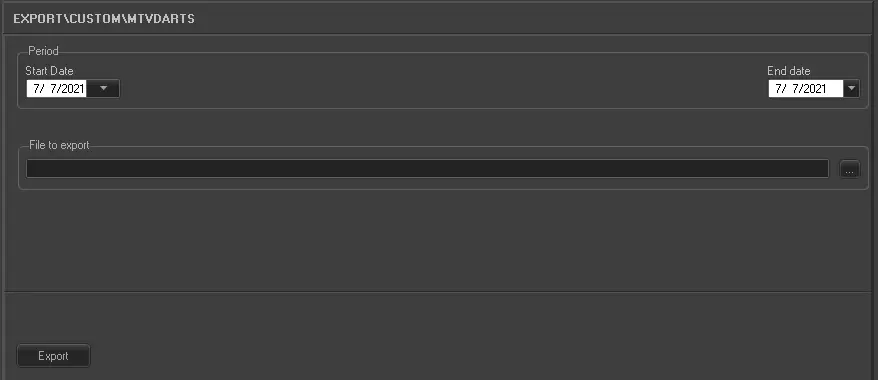 5187_Export_custom_mtv_darts