69.1.2.18 VIZRT
Export Scope
The VIZRT XML custom export allows to create an XML file containing all data (primary and secondary events) required by a VIZRT device to generate logos. Only the primary and secondary events which have a 'VIZRT' source (i.e. previously imported using the Standard XML Export) would be exported.
Export Parameters
This export function needs the following parameters to be configured:
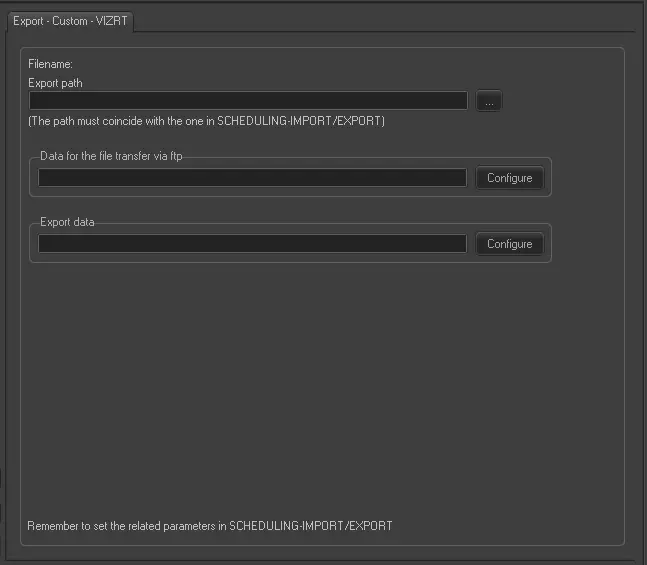
Export - Custom - VIZRT
Export Path - Indicate the path where the exported file would be placed. This path must coincide with the path set in Etere Scheduling > Import/Export.
Data for the file transfer via FTP - Click on the Configure button and define the FTP parameters as described in Configure Data File Transfer via FTP chapter.
Export data - Opens the Configure Export window to specify the days and the frequency to be exported.
Scheduling related export
Remember to set the same parameters in the Etere Scheduling > Import/Export > EXPORT\CUSTOM\POPTV\VIZRTXML and APPLY the changes once done.
 Export_-_Custom_-_VIZRT