Create Graphics with ETX CG Editor
66.4.12 Edit and Update Ticker Content
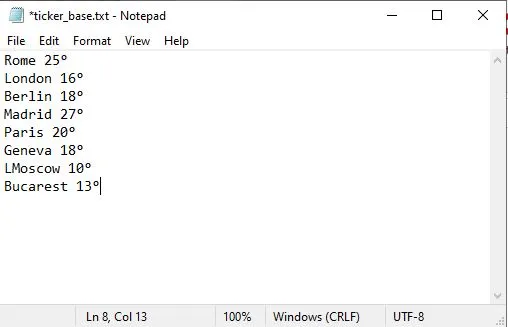
- Create content with 'notepad' application for the ticker; you can edit and update the content.
ticker_base
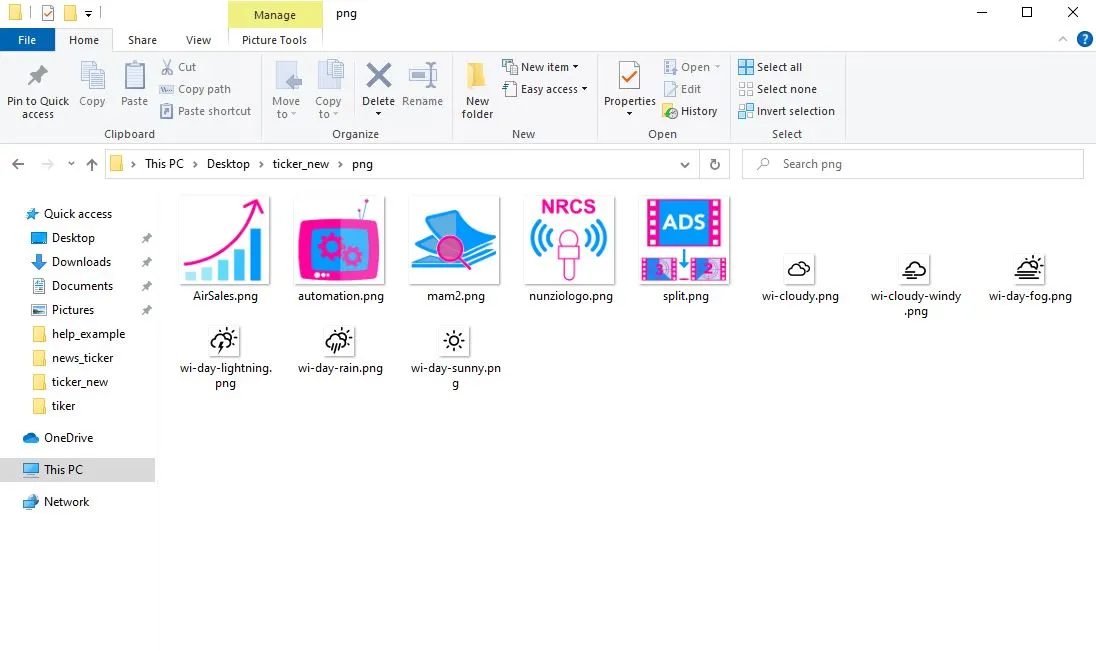
- Create a folder with PNG files for the image.
cg_image_folder
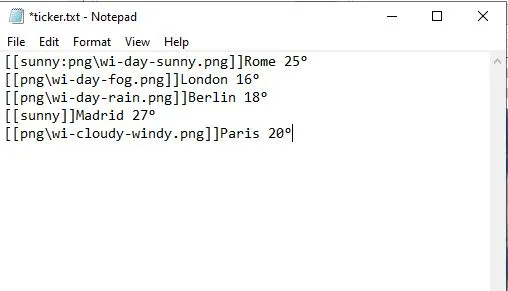
- You need to add "[[path_to_image]]" to your file.
ticker_file
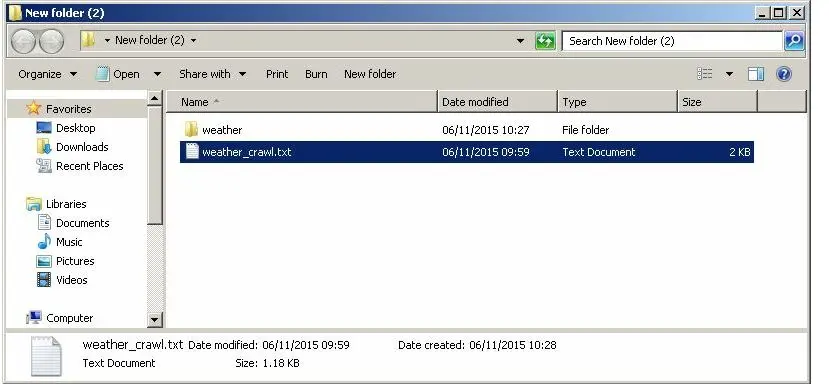
- Copy the image (PNG files) folder with the content text file you created into a single folder.
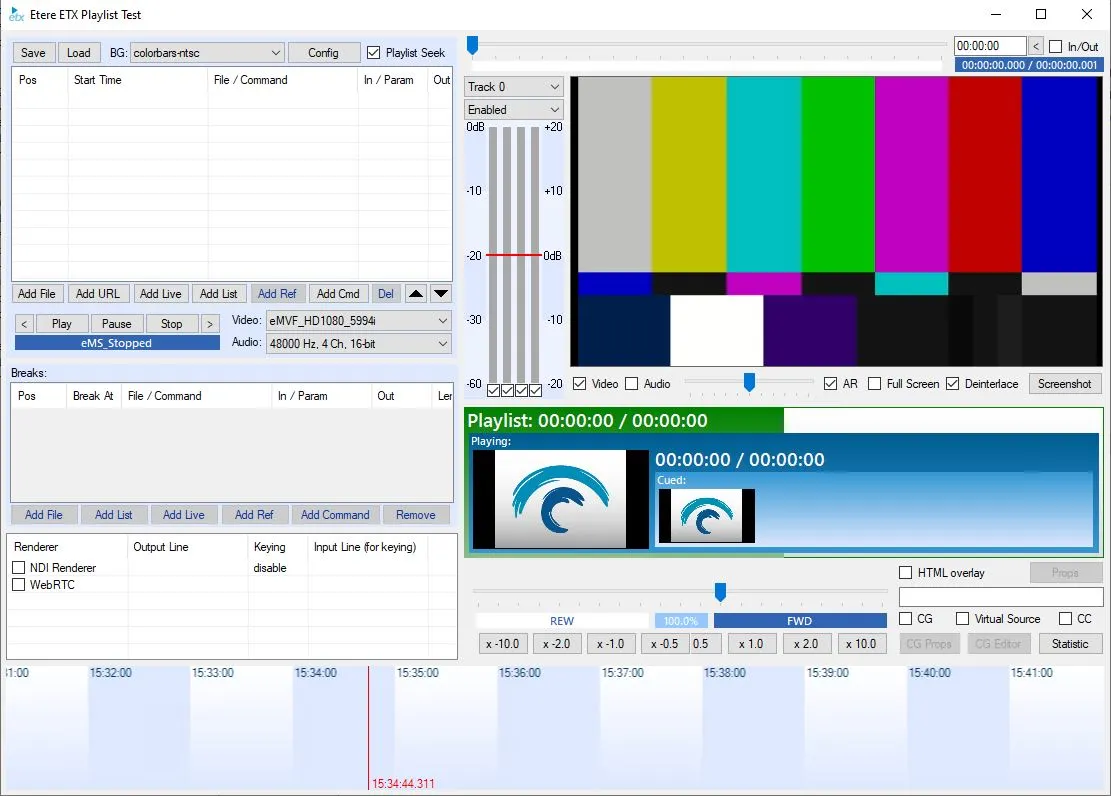
Test473 - Open Etere ETX
open_toolbox
- Check ETX CG Enabled and click ETX CG Props.
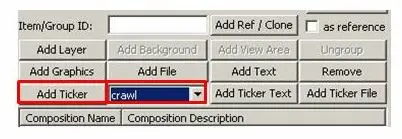
Select "Crawl" and select "Add Ticker."
Test476
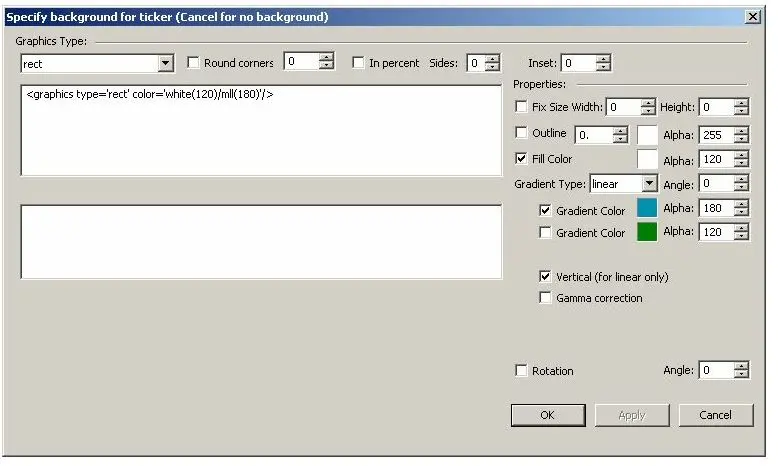
- Edit and specify the ticker background (optional); you can edit the ticker background and properties later in ETX CG Editor.
Test478
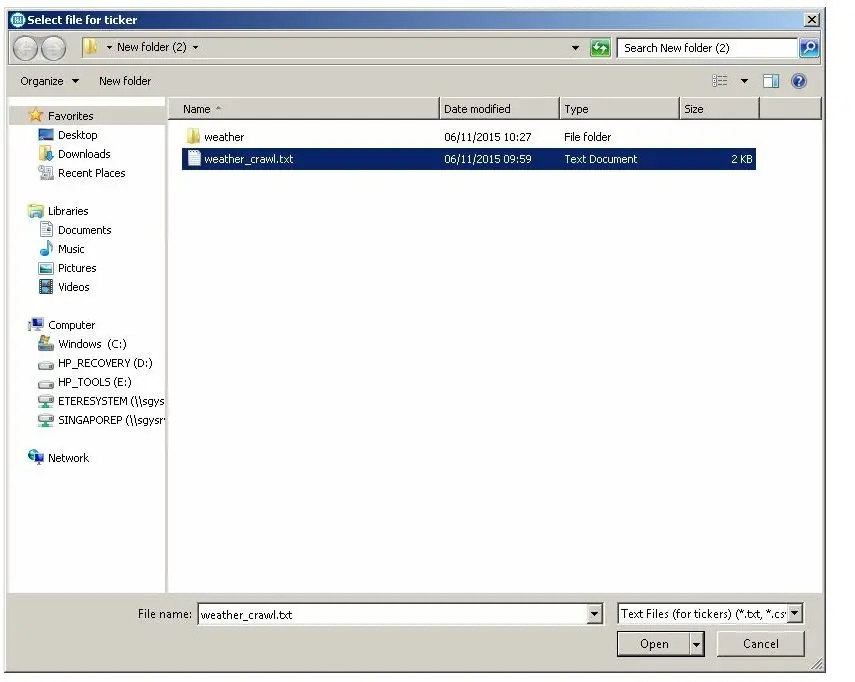
- After clicking <OK>, you can select the text file that you created from the folder:
Test479
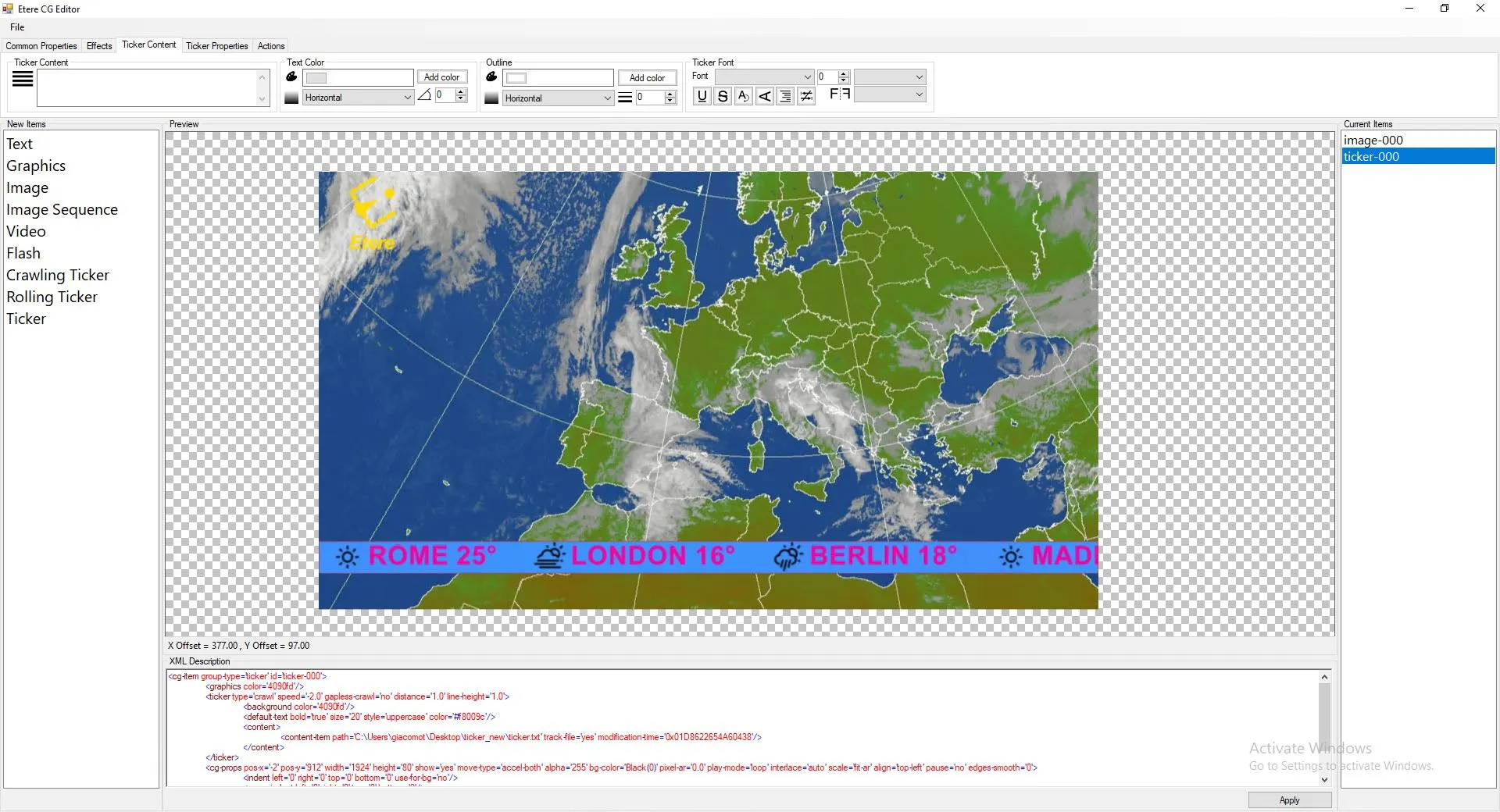
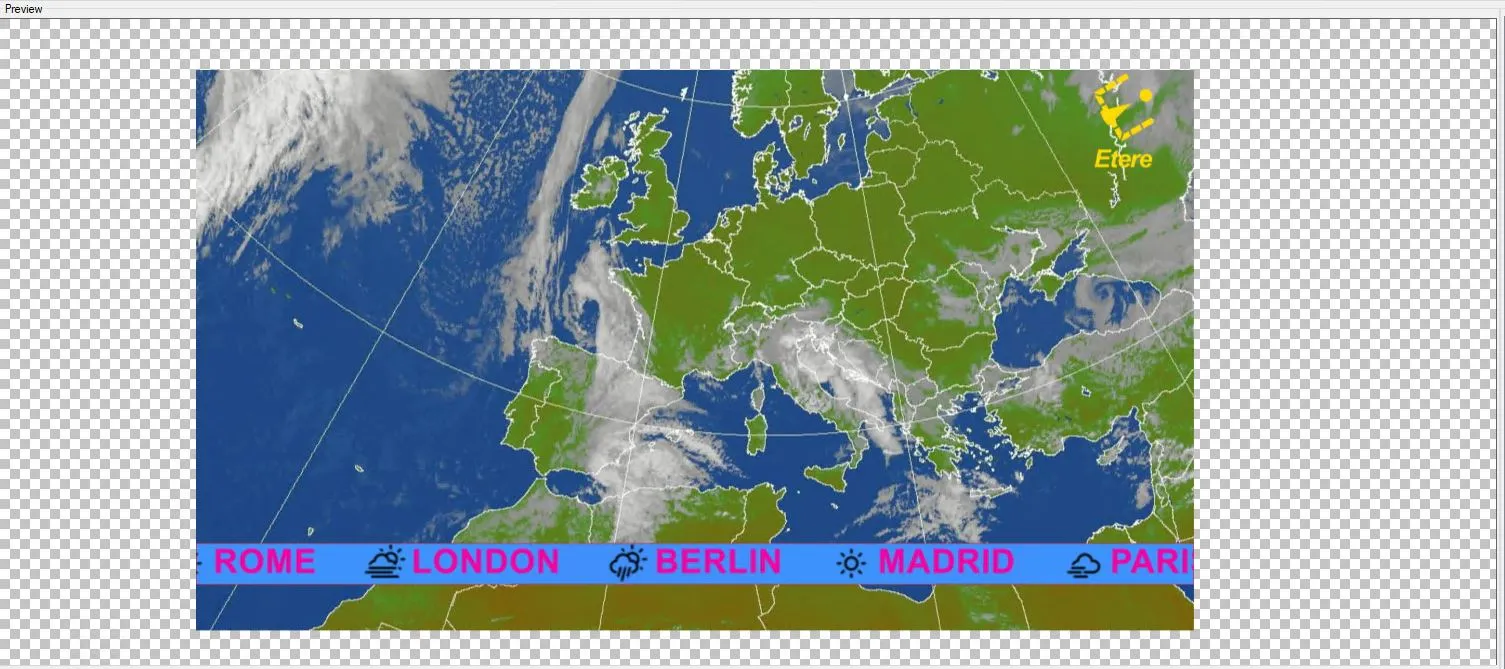
- Preview image with content for crawling ticker
Ticker_meteo
Ticker_meteo_2
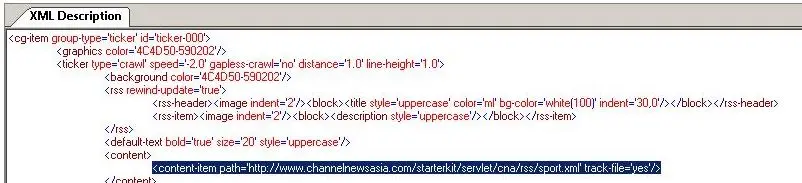
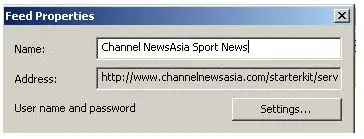
- You can use the RSS feed for the ticker content. To do so, you need to copy the URL address as a path to 'new content' in 'ticker properties':
Test481
Test483
cg_ticker_props
- XML description for RSS feed content ticker
Test485 - Preview with RSS feed
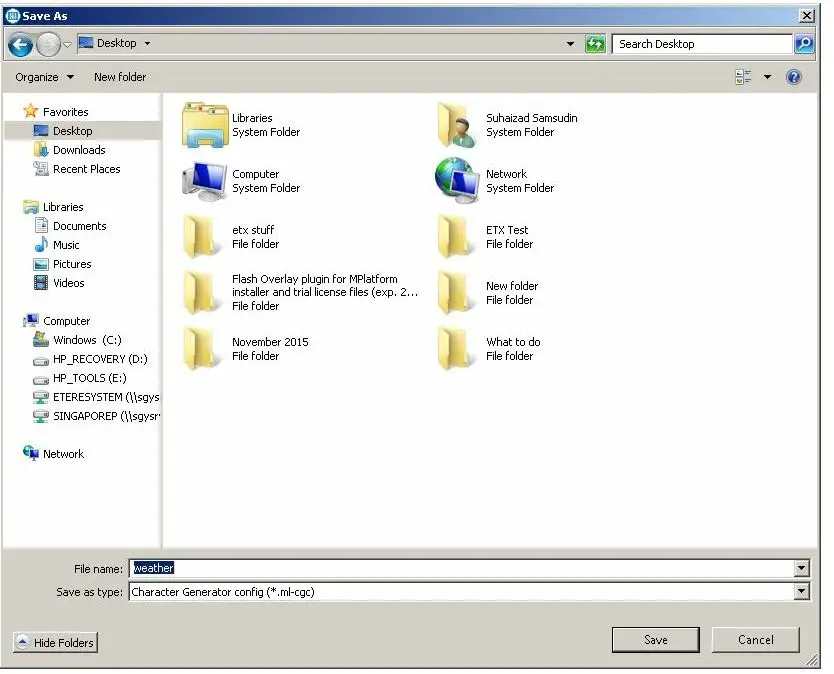
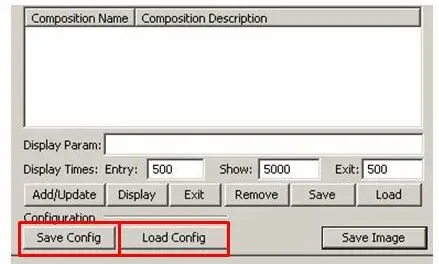
Test486 - You can save & load the configuration.
Test487
Test488
 Test473
 Test476
 Test485
 Test481
 Test479
 Test488
 Test486
 Test478
 Test487
 Test483
 ticker_base
 cg_image_folder
 ticker_file
 open_toolbox
 ticker_meteo_2
 ticker_meteo
 cg_ticker_props