84.4.4.81 CUSTOM > RAICDT XML
Export scope
The Export Custom RAICDT XML process export the CDT data from Tapeless system to the Trade system to be integrated with the current workflow.
In the exported XML file, the asset data include:
<id_movies> 11111 </id_movies>
<cod_progra> SPOTID </cod_progra>
<ebucore_identifier_uuid> FF123456787987987 </ebucore_identifier_uuid>
The fleximetadata with type string “<ebucore_identifier_uuid>” must be present when importing the XML file .
Export parameters
Set the following parameters:
Export_custom_raicdt_xml
Parameter
•Export path: Indicate the path where the exported file will be placed.
•Select assets to be exported: Open the asset search engine to allow selecting the asset(s) for which their linked files data will be exported.
NB: Multiple assets can be selected by holding the Ctrl and Shift keys while marking the assets; selections are confirmed when pressing the [Enter] key.
Launch the export
Once all parameters have been correctly set, press the <Export> button to launch the export operation.
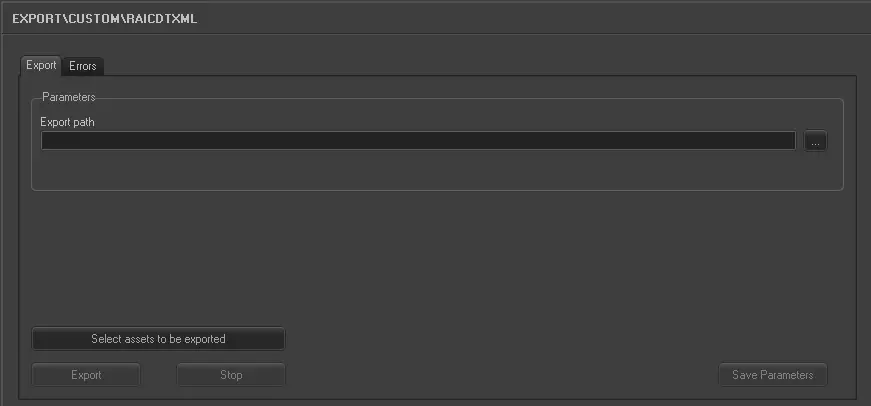 5190_Export_custom_raicdt_xml