84.4.2 How to EXPORT a schedule
In order to start exporting schedules to an external system (e.g. to be programmed, reviewed, or just archived) with a specific structure and in a specific format (e.g. TXT, XML etc) just follow the procedure below:
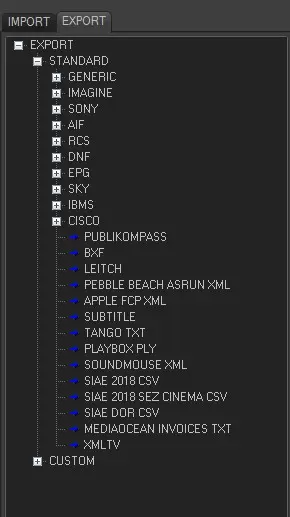
1.First of all search, manually or by the "search" form, in the EXPORT tab the desired format of the file to be exported, in this example we will export a Generic TXT file.
2. After then, under the General tab you must select the main parameters regarding the export:
File to export - Select the path to the target file to where the schedule will be saved.
In the example we will export the schedule to the file : 'C:\ExportFolder\Schedule.txt'
Date of schedule to export - Choose the date to export. In this case 04/05/2009
Fields - Select the fields and the order that will occupy in each line. Set the position to 0 or leave the 'working' checkbox unticked means that this field won't be exported.
In this example, fields will be exported as following: Code; Type; Description; Start Time; Duration
Exports
3. Under the Parameters tab you can set secondary options, usually the default values are recommended. Among those options, the most relevant may be the 'Fields Separator' which defines the character to be used to separate the fields.
4. Once all the parameters are correctly set, you can proceed with the exportation just by clicking on the Start button, the content of the exported file will look as follows (according to the previously defined format "Code; Type; Description; Start Time; Duration"):
schedule.txt
28;COM;Blank Bottles;00:00:00;00:00:00:01
70;FILM;Jeux D'Enfants;00:00:00;01:30:00:01
26;CLIP;Falling down;01:30:00;00:05:00:00
ETERE Free Seasons-0001;TV;ETERE Free Seasons - No.0001;06:27:00;00:30:00:00
Horror Tales-0002;FILM;Horror Tales - No.0002;06:57:00;01:00:00:00
22;NEW;National Live News;08:27:00;01:00:00:00
42;CLIP;Knocking on heavens door;01:42:00;00:05:00:00
Charlie Brown-0001;TV;Charlie Brown - No.0001;01:47:00;00:30:00:00
Note
Further information regarding export of many other formats is well described in the chapter "Export Formats".
 EXPORTS