Shopping Cart
9.5.6 View Pending Tickets
This page displays new tickets pending to be processed (in other words, the tickets are not yet submitted). You can also create a new ticket from this display.
View_Pending_Tickets
You can click the <Refresh> icon to activate the auto-refresh feature.
In each Pending ticket, you can view the detailed information with the following icons:
- Open Details: This icon displays the details of the selected ticket and the status of the processes for the assets selected.
Open_Details
- Log: The Log icon captures the operations performed by the whole process, e.g. the T-workflows launched, the assets automatically created, etc.
Log
- Delete Ticket: This icon deletes the selected ticket from the database.
 View_Pending_Tickets
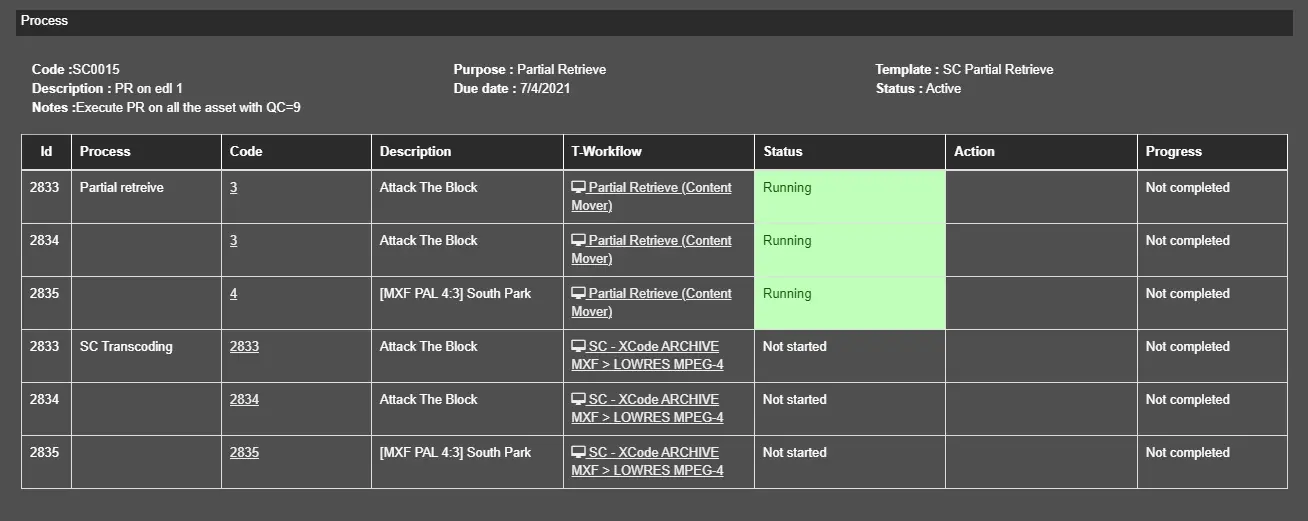 Open_Details
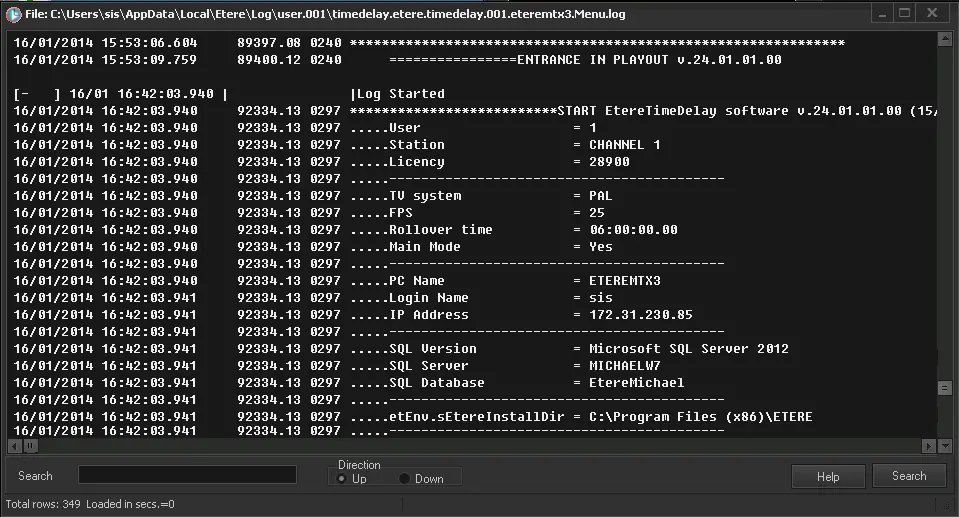 Log
Log