69.2.1.12 PLAYBOX ASRUN
Import Scope
The F90 Import Standard Playbox AsRun import an AsRun Log file containing one day scheduled events into database.
Import Parameters
You need to provide the following parameters to fulfill the import process.
Import - Standard - PLAYBOX ASRUN
Import path: Specify the path location of the file to be imported. You can use the browse button to locate the path in the network drive.
Filename: Specify the file name of the file to import. The file name format is “yyyy_mm_dd_00_00_00_Asrun1.LOG”, where “00_00_00” indicate the timecode of schedule start time.
For automated import, you can specify a different timecode other than “00_00_00” in the file name, e.g. “yyyy_mm_dd_00_25_00_Asrun1.LOG” or “yyyy_mm_dd_01_30_00_Asrun1.LOG”
the import program would search for file name with a file mask “yyyy_mm_dd*_Asrun1.LOG” to perform the import.
Import data: Opens the Configure Import window to specify the days and the frequency for the file to be imported.
Scheduling Related Import
Set the same parameters in the Etere Scheduling > Import/Export > IMPORT\STANDARD\PLAYBOXASRUNCSV and click [Save parameters] to confirm the changes.
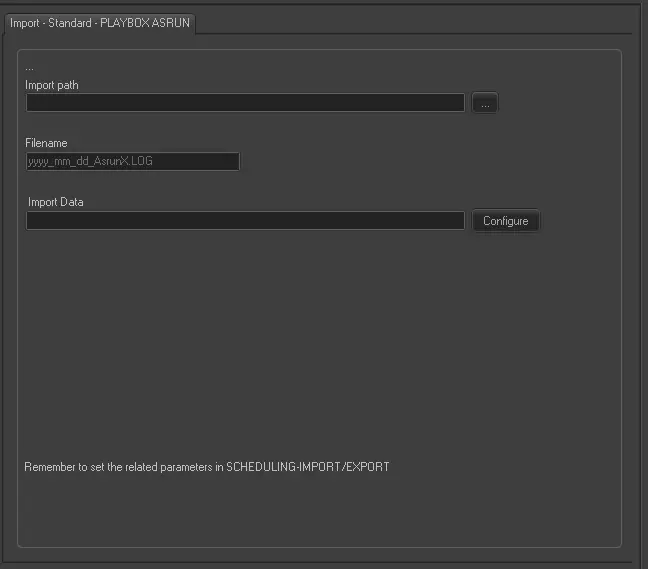 Import_-_Standard_-_PLAYBOX_ASRUN