59.5.4.30 Daily Schedules
Report Description
The Daily schedules report is intended to generate a document for viewing which schedules have been assigned to which days, being possible to specify the exact days that will be visualized.
Report Filters
All the parameters that permit a detailed report generation have been spread across seven different tabs to allow a more manageable configuration. By default, all filters are disabled (i.e., either blank or unselected); to enable them, it is enough to configure at least one parameter inside. Available filters include:
•Date range: Indicate the period on which the schedules to be included in the report are based,
•Station: Choose the station from which scheduled data will be retrieved.
Report Preview
The [Settings] permits configuring the page layout of the outgoing document; once filters and settings have been set, it will be possible to select between displaying a preview using the related [Preview] button or printing the document directly using the [Report] button. Please note that some reports permit the export of the generated document in the most common formats (pdf, CSV, doc, xls, XML, etc) just by using the [Export] button.
Daily_Schedules_preview
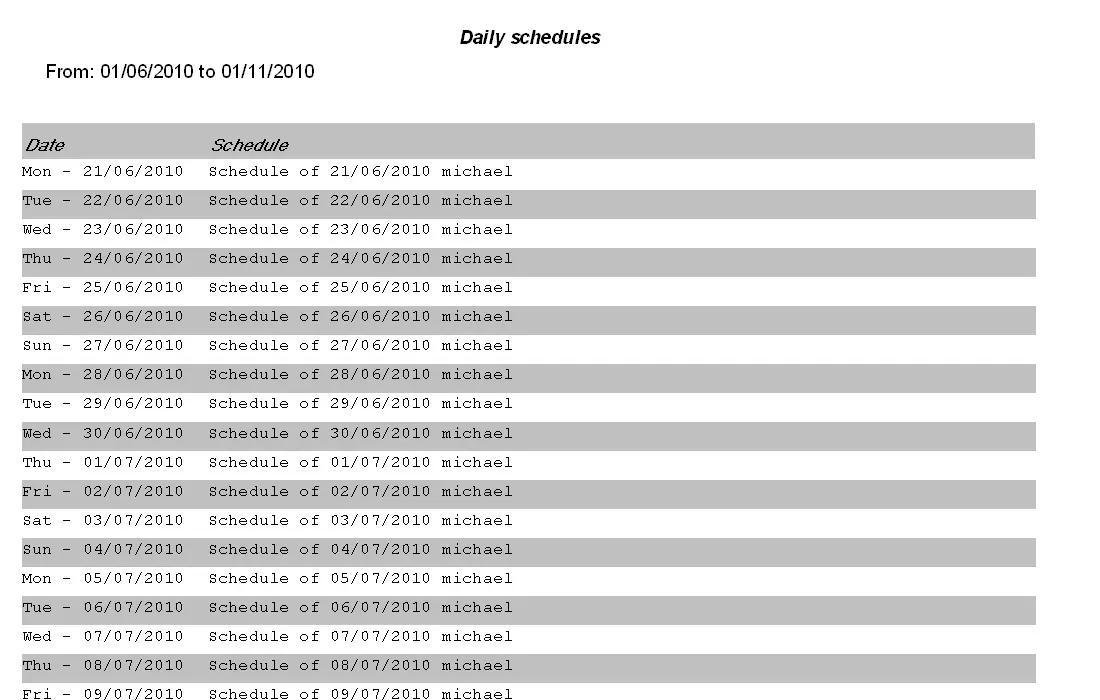 Daily_Schedules_preview