59.5.4.106 Asset by Artist, Role and Genre
Report Description
Asset by artist, role & genre reports can be produced that identify the frequency of asset use related to specific Artists, Roles or Genres defined by the code or description and over a user-controlled period.
Report Filters
All the parameters that permit a detailed report generation have been spread across seven different tabs to allow a more manageable configuration. By default, all filters are disabled (i.e., either blank or unselected); to enable them, it is enough to configure at least one parameter inside. Available filters include:
•Date (from-to): Indicate the date range from which data will be retrieved, that is, the scheduling period on which artists are featured,
•Code/Description (from-to): Specify the range of asset codes/descriptions on which the data retrieval will be based. For example, 'from code 1 to code 5' means that only those artist presences featured by assets whose codes are between '1 - 5' will be retrieved,
•Artist, role and genre: By default, no artists are selected, so all artists are included in the report; by choosing an artist, the report will consist of only the scheduled appearances of the selected artists, and additionally, by specifying the role and genre of the artists, the report will be even more specific,
•Options: Specify if the generated report will be either a summary of each feature (short) or a detailed list of all appearances,
•Reference time: Indicate if artists' appearances should be retrieved, taking into account (and displaying) either the scheduled data or the actual data,
•Sort by: Dictate if artists' appearances will be sorted either by code, description or date-time,
•Report date: If enabled, the data will be displayed in the footer of each page,
•Page number: If enabled, the consecutive page number will be displayed in the footer of each page,
•Station: Choose the station from which scheduled data will be retrieved,
•Split: Select the split network on which the artists to be retrieved must have been scheduled to be included in the report.
Report Preview
The [Settings] permits configuring the page layout of the outgoing document; once filters and settings have been set, it will be possible to select between displaying a preview using the related [Preview] button or printing the document directly using the [Report] button. Please note that some reports permit the export of the generated document in the most common formats (PDF, CSV, doc, xls, XML, etc) just by using the [Export] button.
Artist_asset_short_report
(short-report)
Artist_asset_analytic_report
(analytic-report)
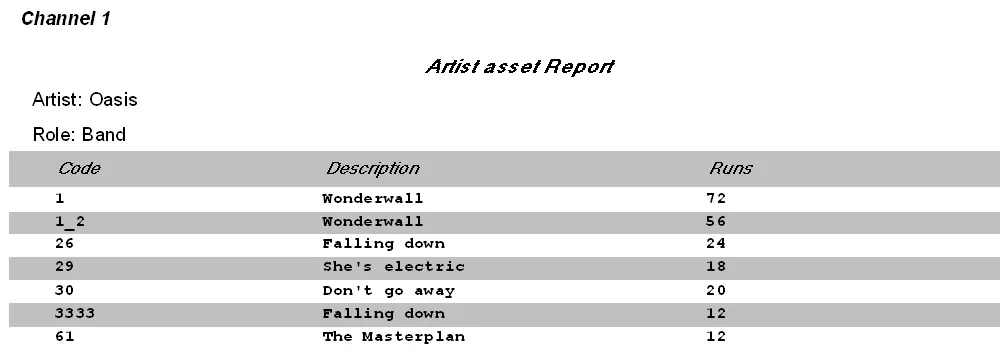 Artist_asset_short_report
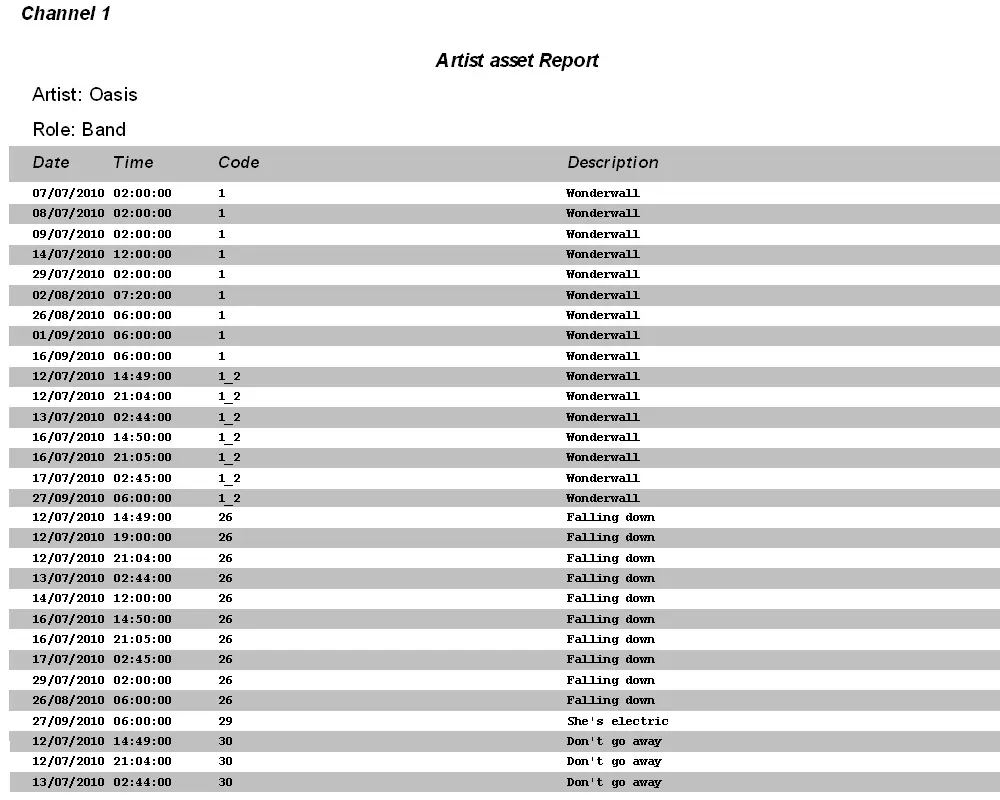 Artist_asset_analytic_report