Main Operations
72.2.1.9 Searching asset - Asset Search For ETX-G
ETX-G asset search form:
ETX-G asset search
In Media Library, you can search for graphics objects using the following search methods:
1.Enter the search criteria in Standard search form.
2.Right-click on Standard tab and select “Add filter -> Search filter”. A new window pop up, allowing search for the desired filter.
3.Search for "ETX-G" and check it, then press OK.
4.The filter is now on the standard search panel allowing you to use 3 different search options:
4a. Assets (standard asset search), only search for assets.
4b. ETX-G Graphics, only search for ETX-G Graphics.
4c. All, search for both assets and ETX-G Graphics.
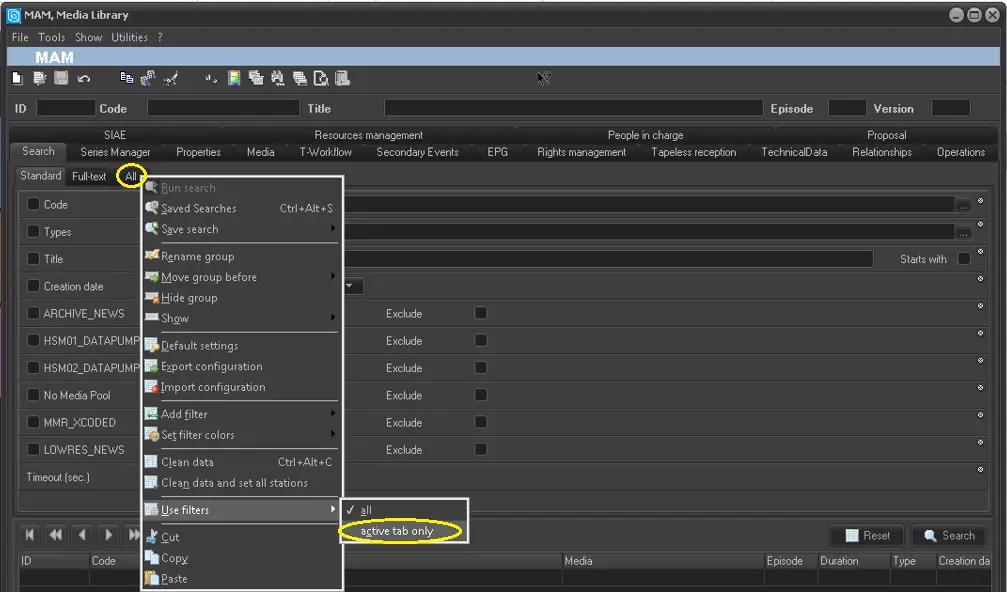 Active_tab_only
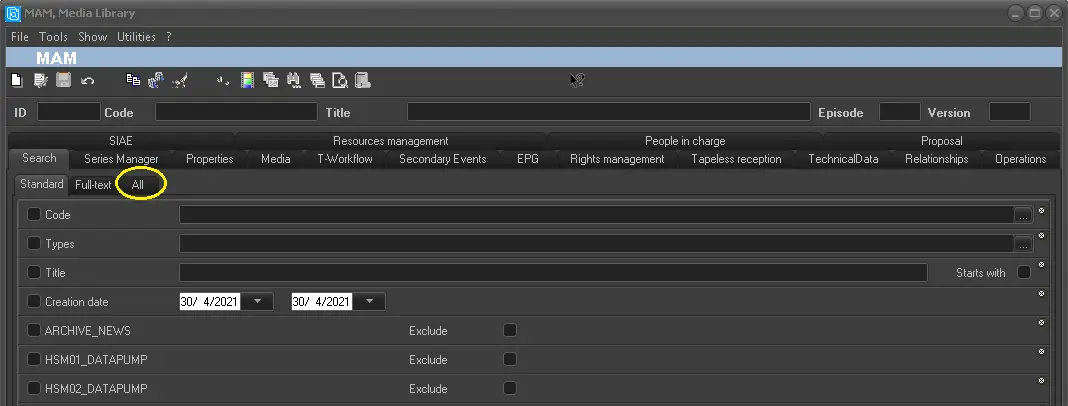 Show__All
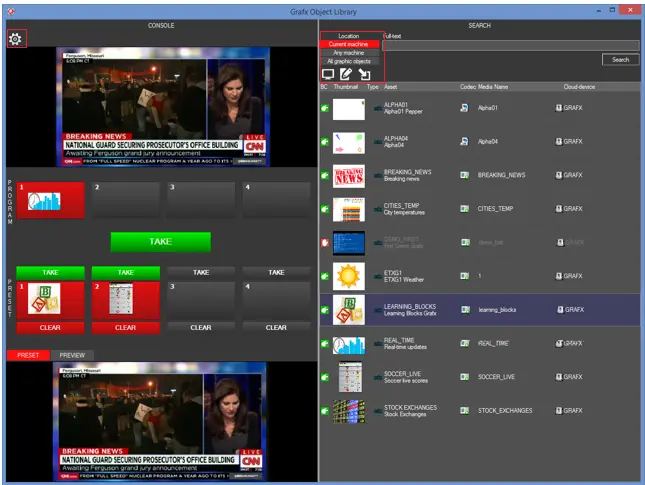 ETX-G
ETX-G
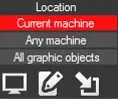 Location
 ETX-G_asset_search