8.4 hsm robotics
To use HSM Robotics in EtereWeb, ensure that a tape library has already been configured.
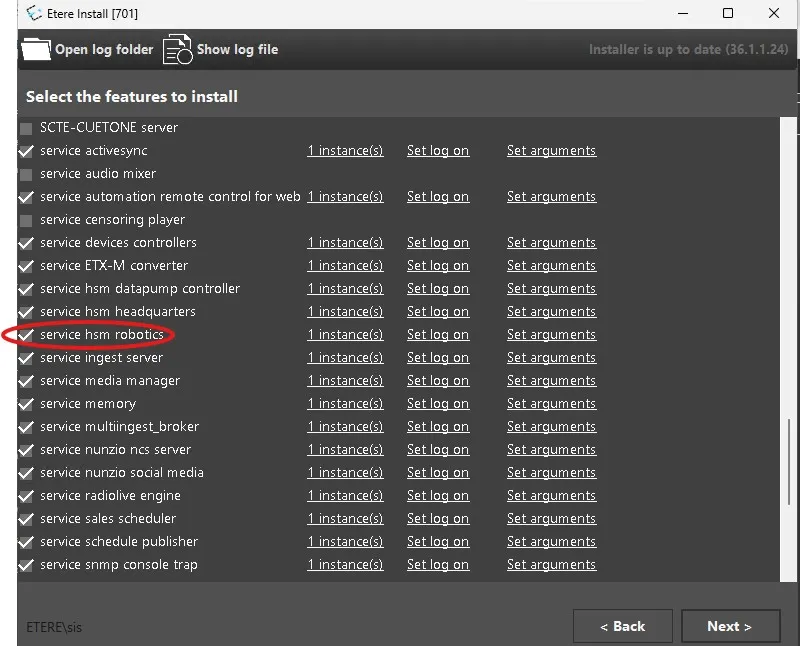
Install the HSM Robotics Service module from Etere Update on the server to which the tape library is connected. No additional configuration is required.
When the HSM Robotics Service starts, it automatically detects the available storage device in the following order:
- SCSI pass-through tape library
- Driver-claimed tape library
- Tape drive (single-drive configuration)
- Optical Memory (ODA) library
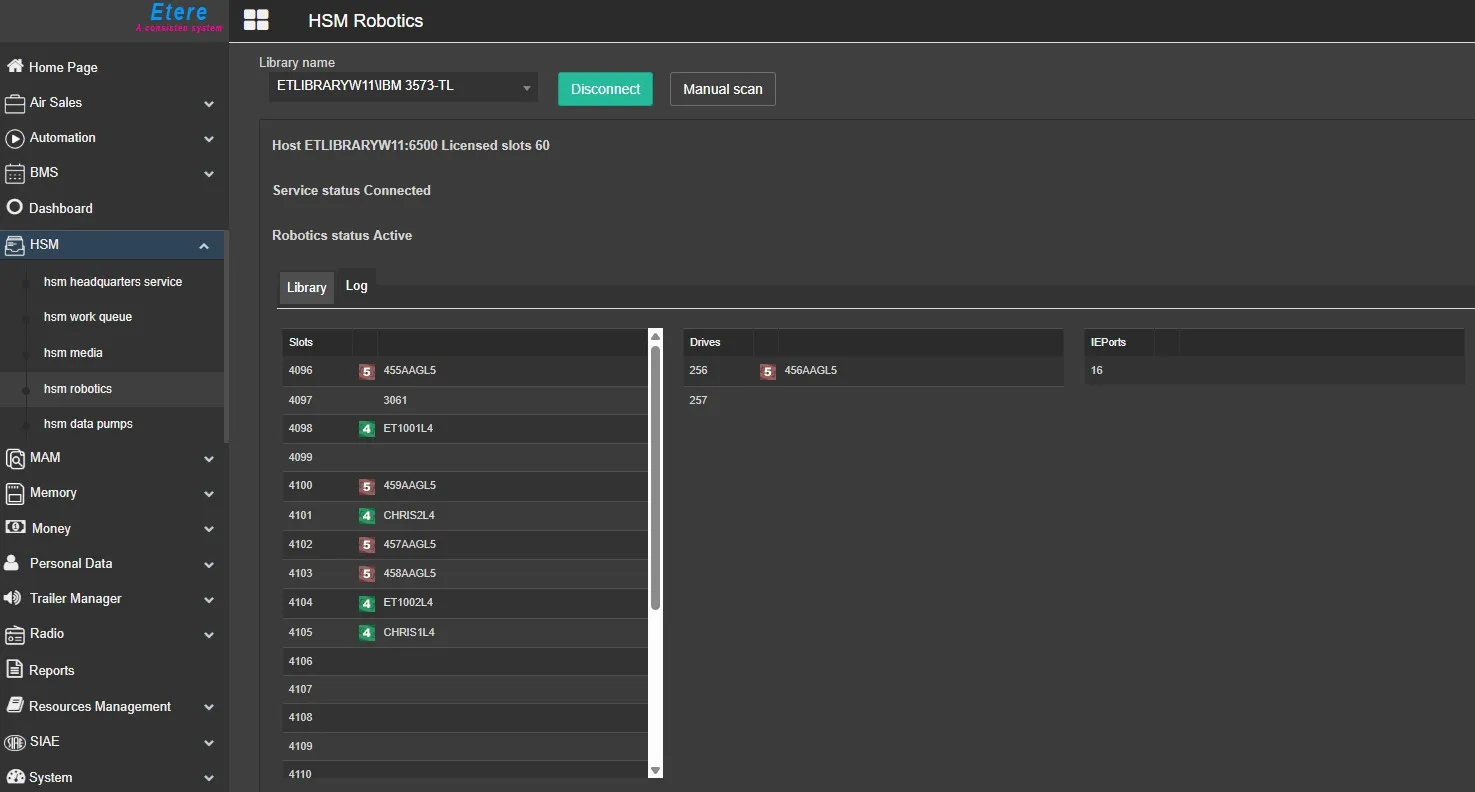
Once the service is running, you can access the HSM Robotics page in EtereWeb by navigating to HSM > HSM Robotics.
Here, the user can select the desired library from the Library drop-down list, then click Connect to establish the connection.
Once connected, the page displays the library status and the available tapes. The Robotics Logs are available on the second tab of the page:
HSM Robotics page
 robotics_service
 HSM_Robotics_page