72.7.2.10 Google Speech to Text
Google Speech to Text support auto translation of languages in subtitles, based on BCP 47(Best Current Practice) standards. This feature require EA1451 license to be activated in workstation.
Etere Subtitles Tool provide integration with Google Cloud Speech-to-text which includes support for up to 120 languages.
Each language specified within a language code parameter which includes a BCP 47 identifier tag that identifies the language and region/country of the language.
language_bcp47
subtitles_bcp47
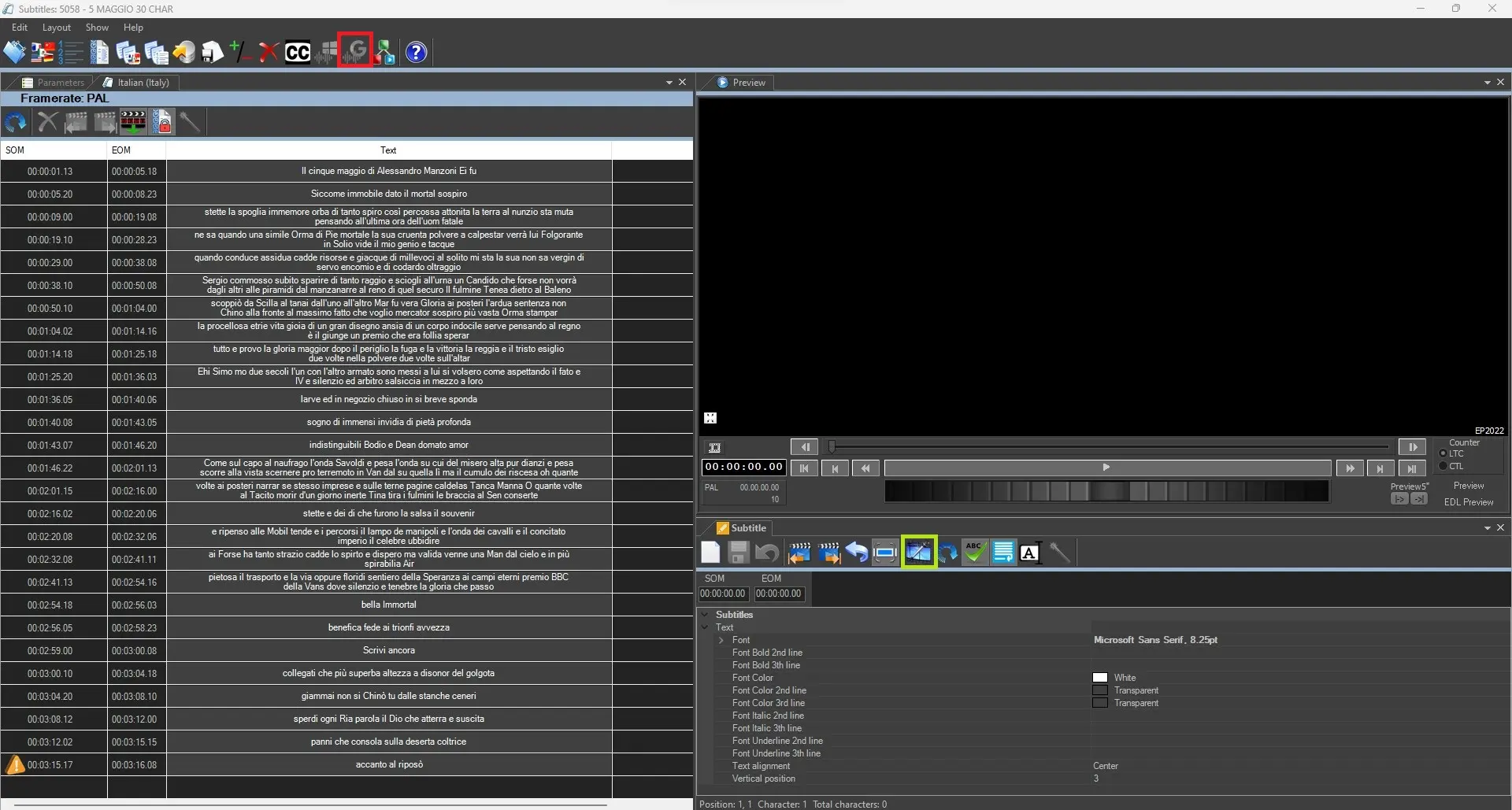
Before the Google Speech to Text Icon can be visible in Etere Subtitles Tool GUI
sub_tools_gui
the following configuration settings must exist:
- is mandatory to have a Google Cloud Account as first step. Please visit https://cloud.google.com/speech-to-text/ for additional details;
- The Google Service Account file must be accessible;
google_speech_settings
- The chosen language is supported under BCP 47 Language code;
language_bcp47
- Etere feature “Speech to text” must be installed in workstation;
google_speech_install
- Google speech recognition works only if the PC is connected to internet.
You can follow along on chapter 78.7.2.14 Offline Microsoft Speech Recognition Engine
ms_speech_2_text
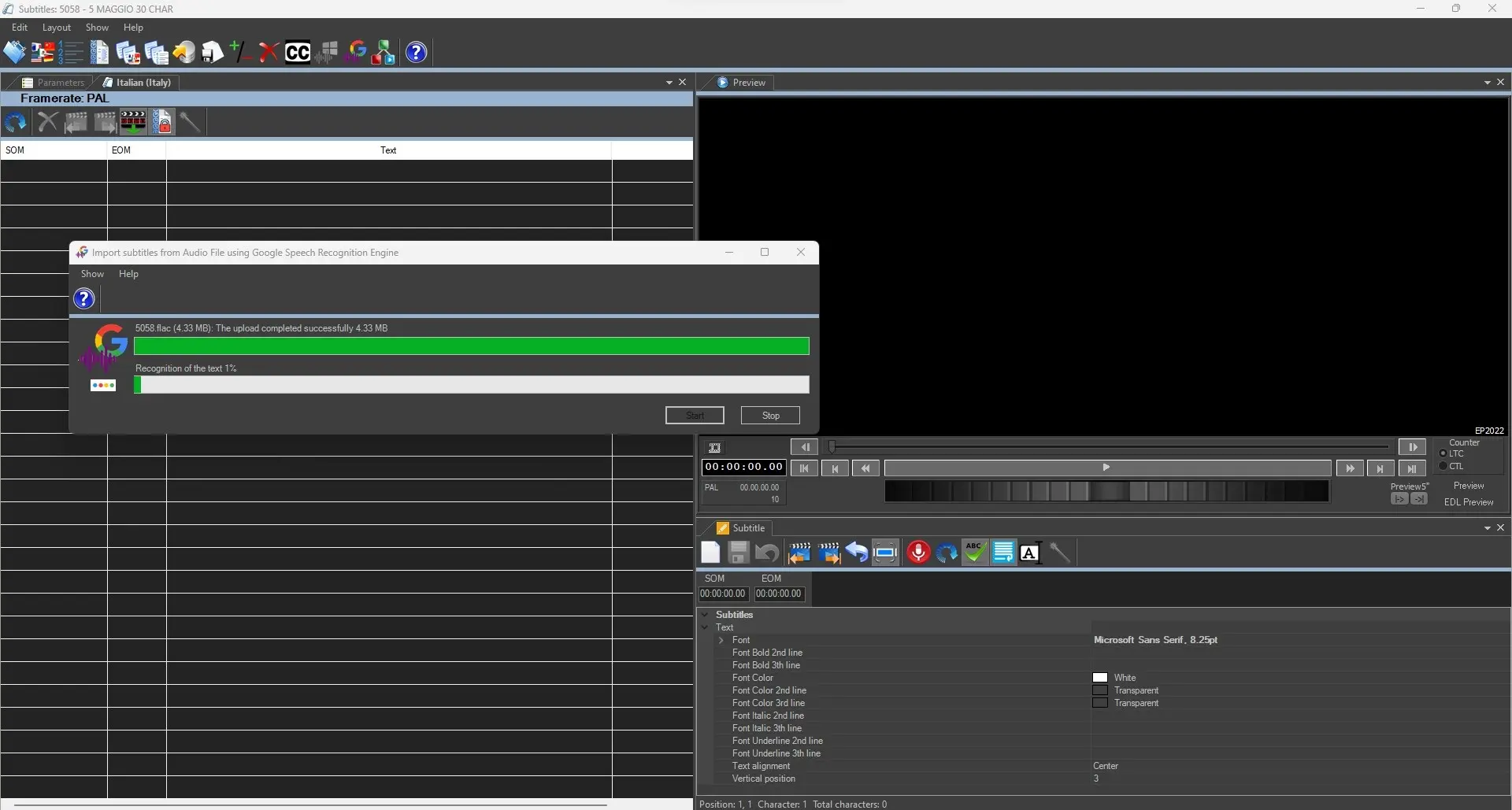 subs_recognition
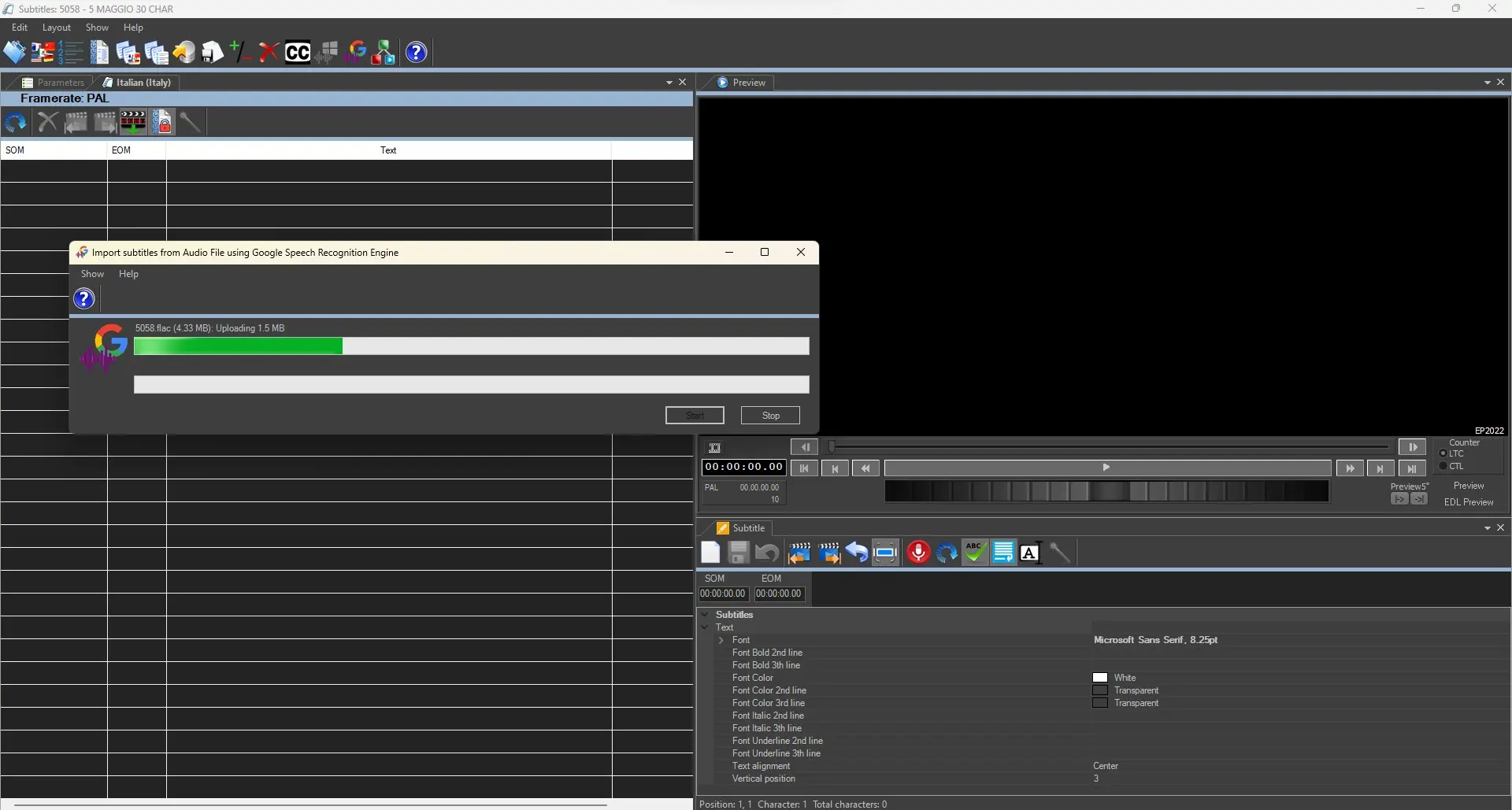 subs_import
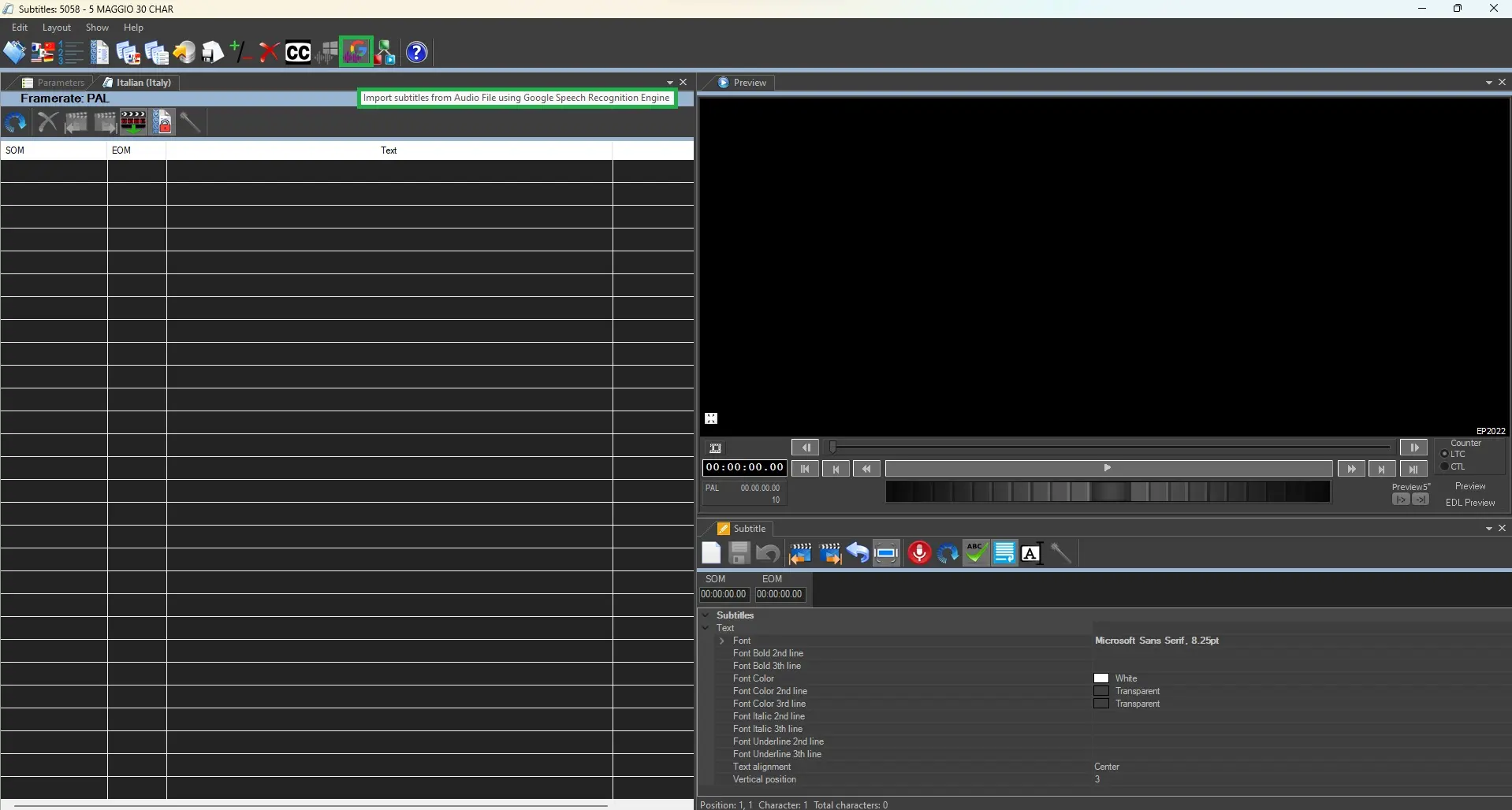 sub_tools_gui
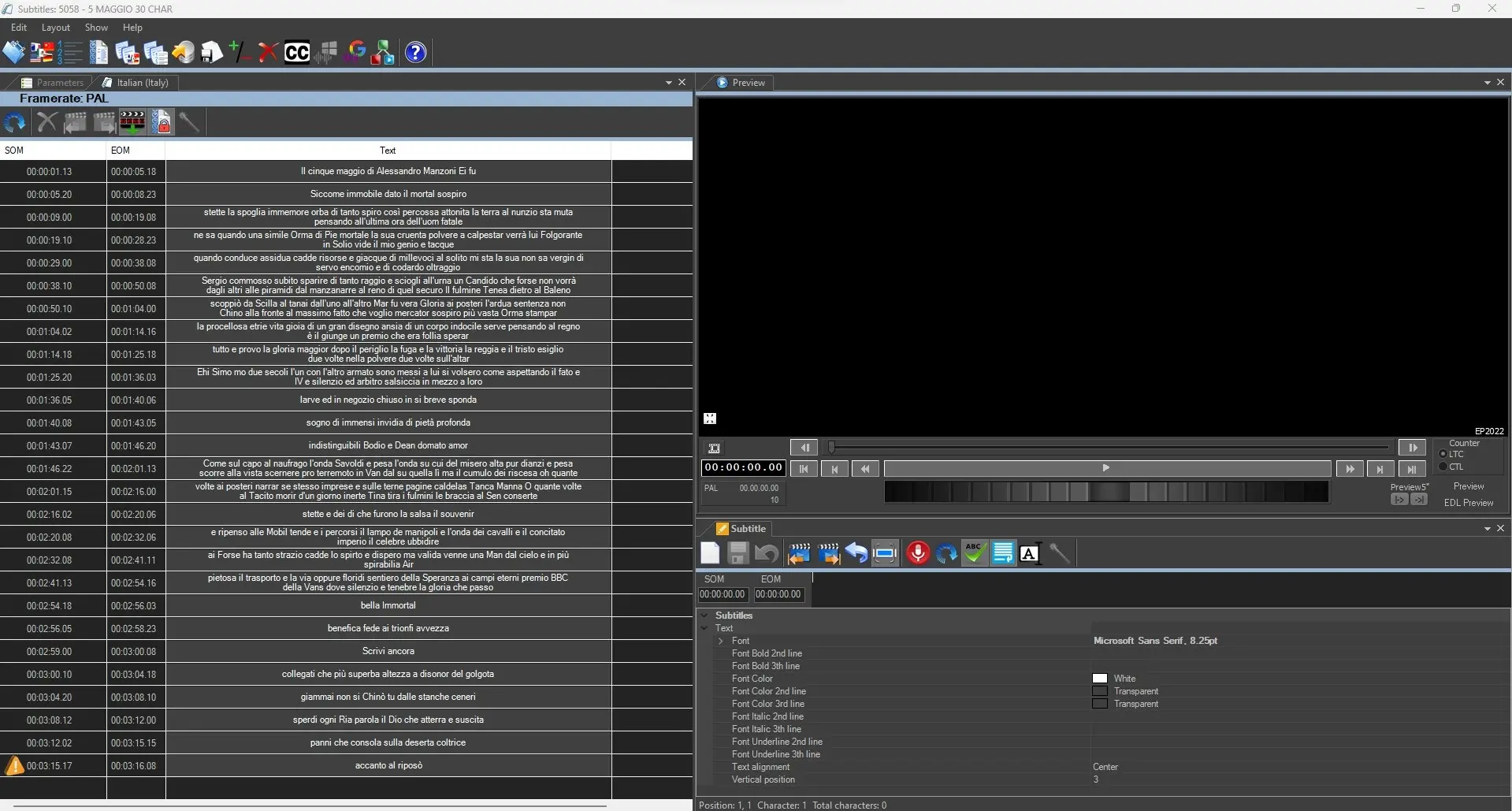 subs_import_recon_done
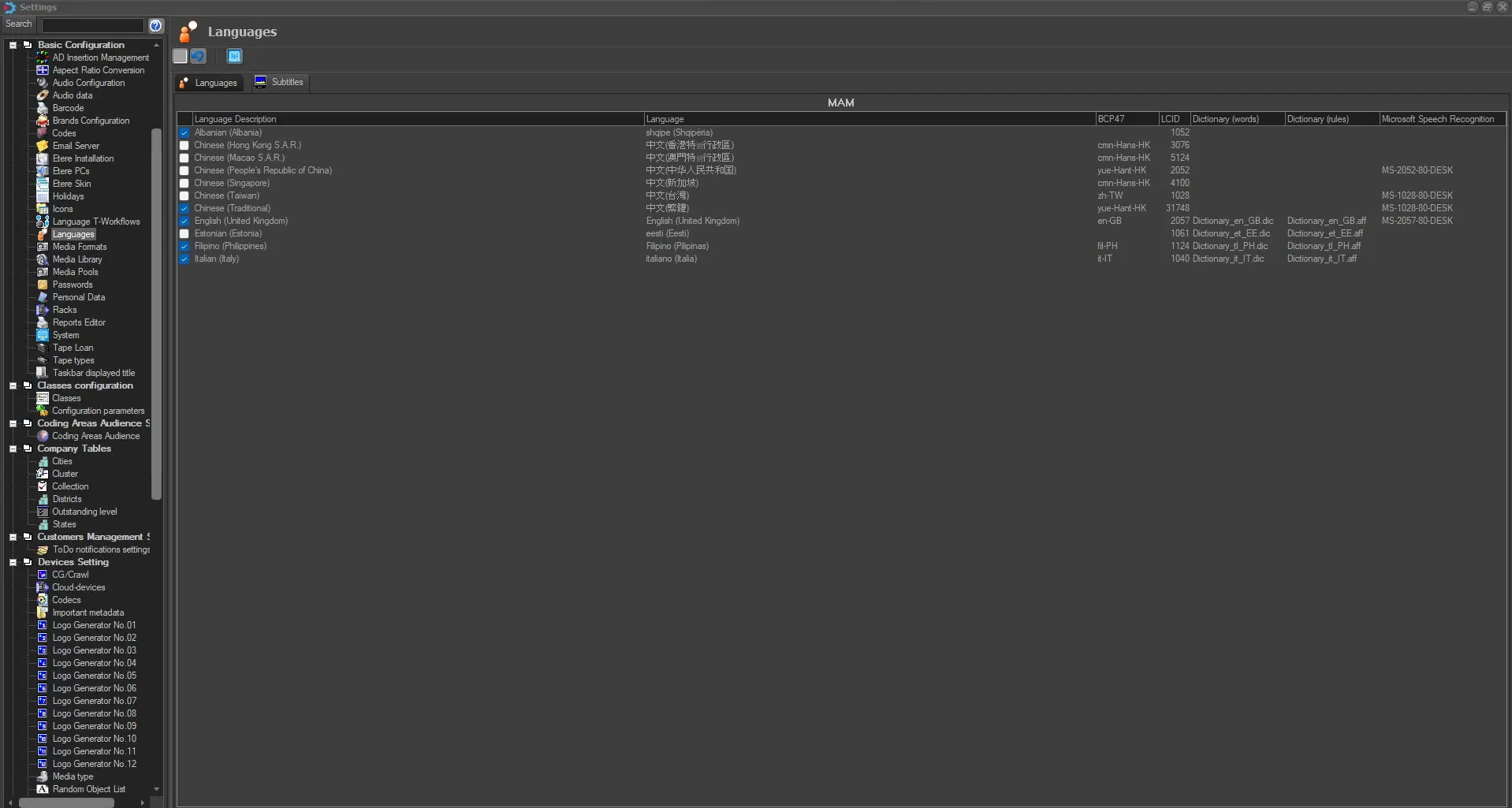 subtitles_bcp47
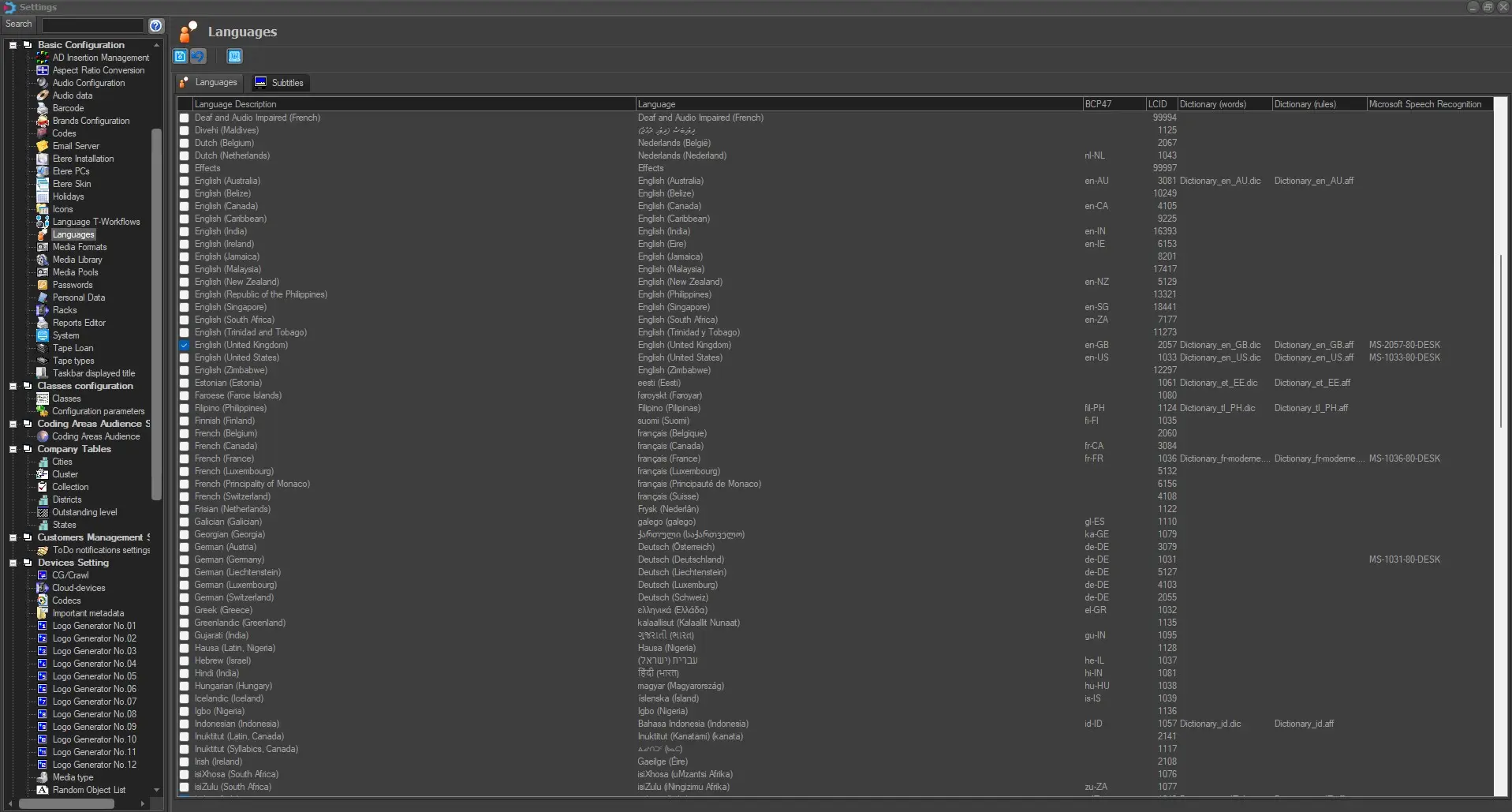 language_bcp47
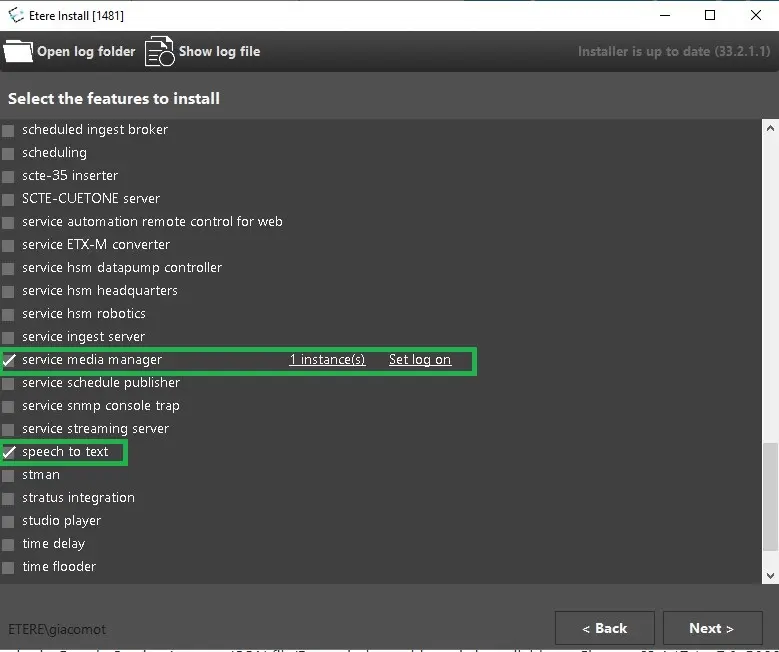 google_speech_install
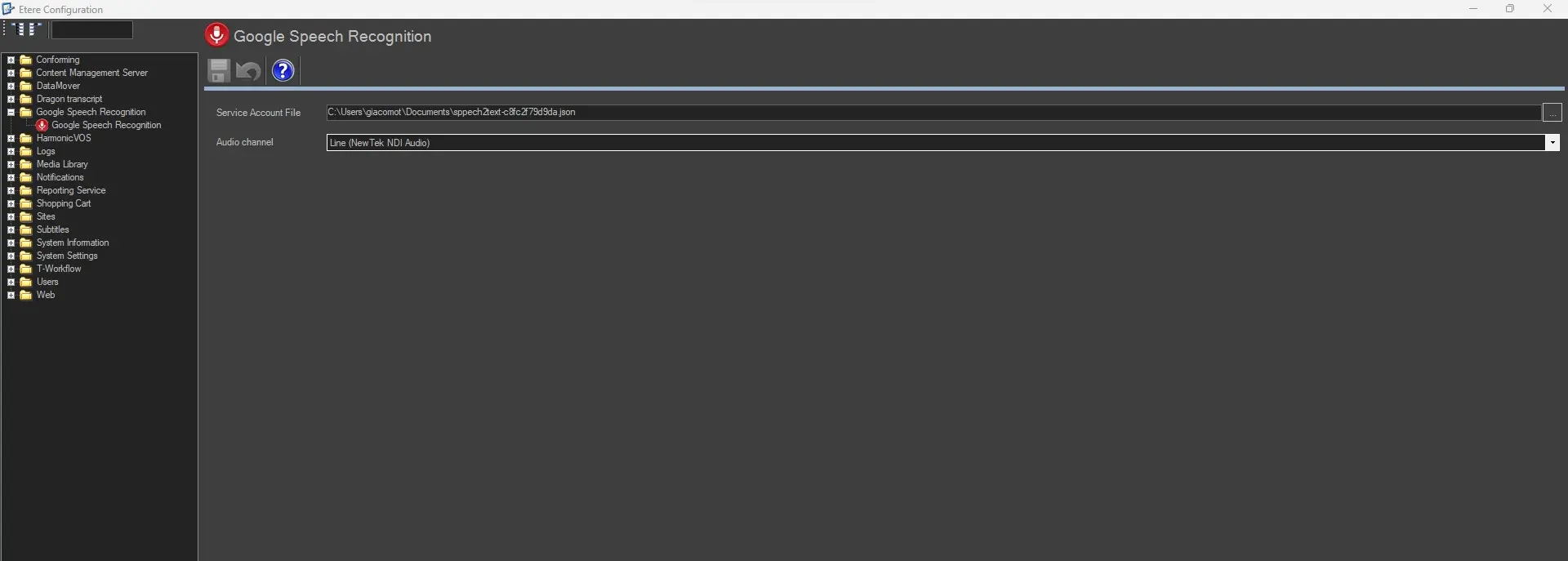 google_speech_settings
 ms_speech_2_text