Installing Tape Drive for HSM Disaster Recovery
70.5.2.1 Installing HSM Disaster Recovery
Follow the steps describe below to install HSM Disaster Recovery:
1.Execute setup executable (Setup_Etere Disaster Recovery HSM.exe) to launch the installation wizard:
Etere Disaster Recovery HSM
2.Click <Next> to continue, choose the installation directory and follow the steps in the wizard to complete the installation.
3.Once the installation is completed, the HSM Disaster Recovery would be available in the start menu.
HSM Disaster Recovery
Note: HSM Disaster Recovery is a TOOL to read EXF format tapes without Etere HSM.
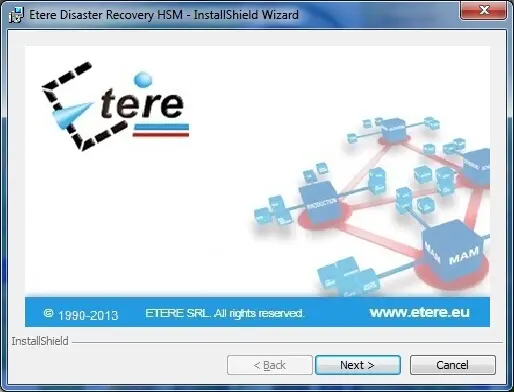 Etere_Disaster_Recovery_HSM
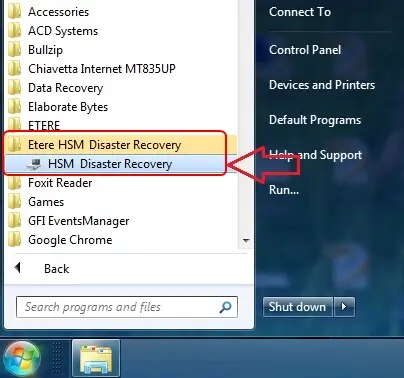 HSM_Disaster_Recovery