Sales contracts
4.5.1 New Contract
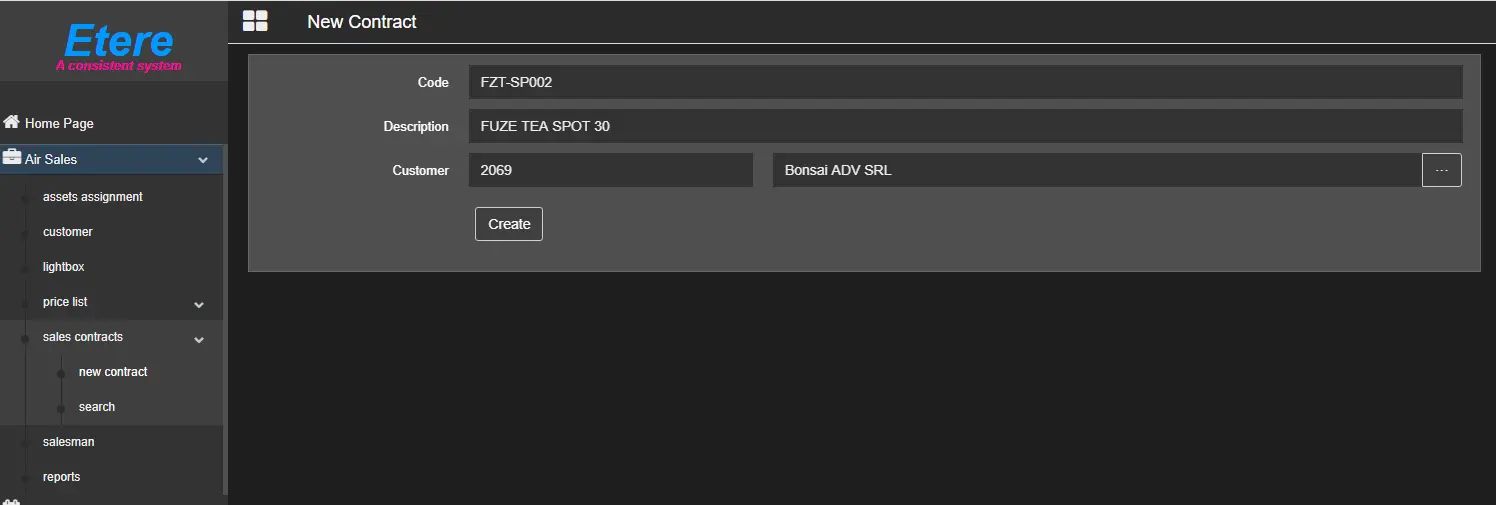
The ones described below are the required parameters to create a new contract.
Note: One of the mandatory preliminary steps before creating contracts is to create one or more price lists. See chapter 4.4.0.0 Price list for more information.
new_contract
• Code: Assign a unique code to the contract.
• Description: Insert a short description to identify the contract.
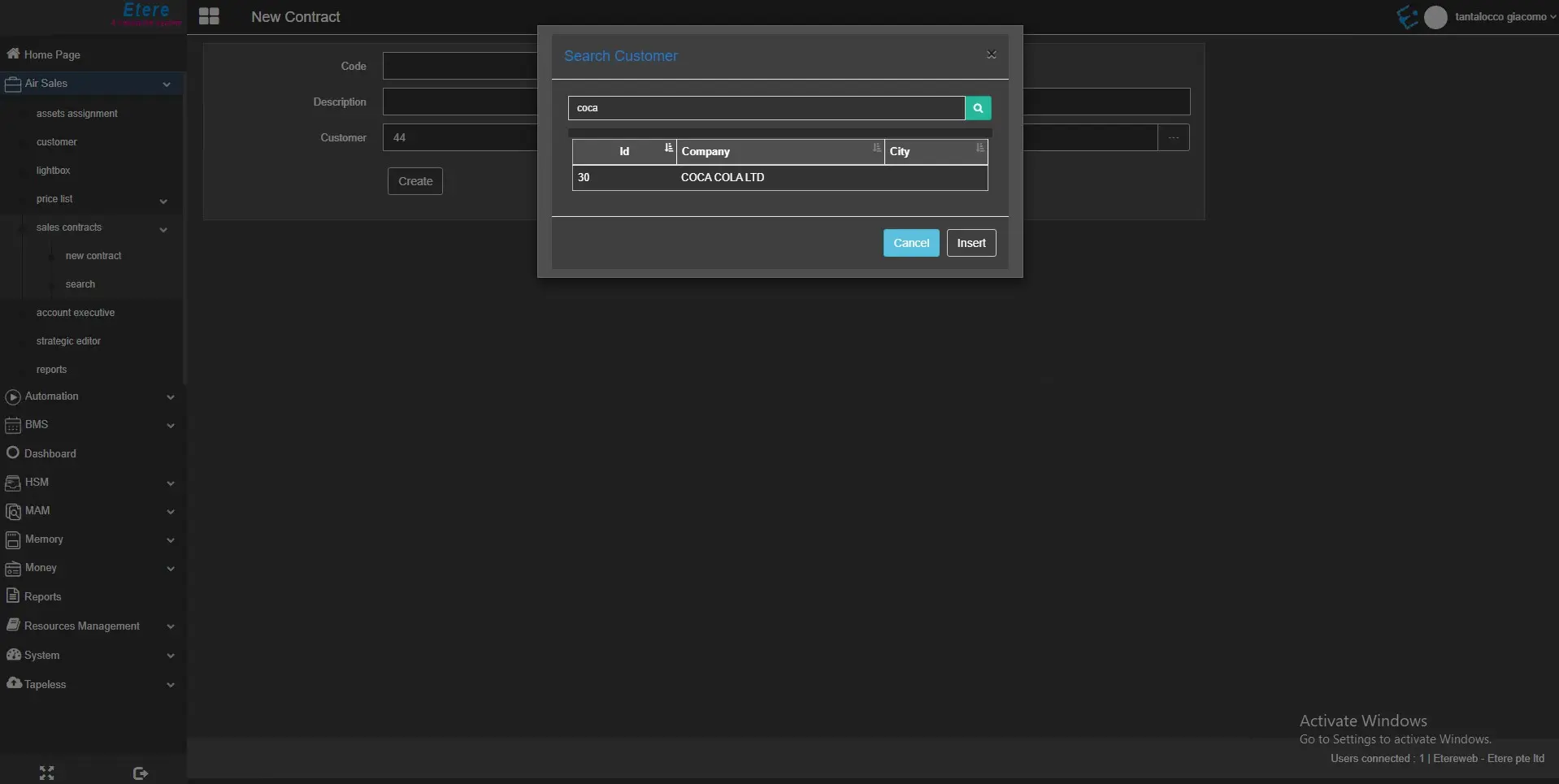
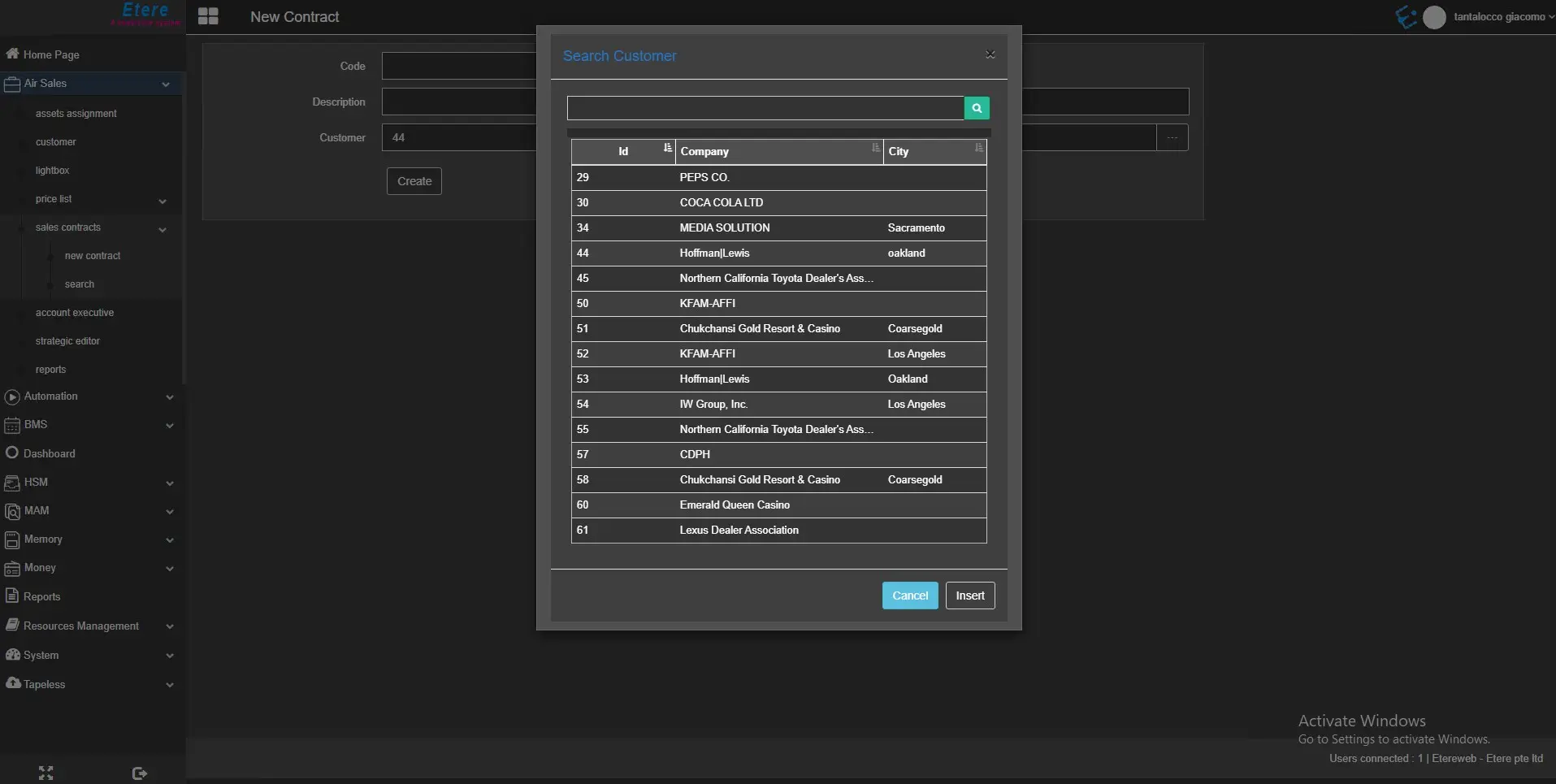
• Customer: Specify the customer's ID that is registered in the system. Click the Search button on the right to open the customer search form. The fields will be automatically compiled with the selected customer's name and personal data ID.
search_customer_filter
search_customer_new_contract
 new_contract
 search_customer_filter
 search_customer_new_contract