New Season
9.3.2.6 Relationships
The Relationships tab defines the relationship between the seasons and other assets, which can be defined as parent or child.
Relationships_tab
To link an asset, simply click on the Add button. The asset search form will be opened, where the user can filter by asset ID, code or title.
filter_by_asset_ID,_code_or_title
Assets can be unlinked one by one by selecting the Delete button.
Users can unlink more assets by selecting assets and pressing the Remove button.
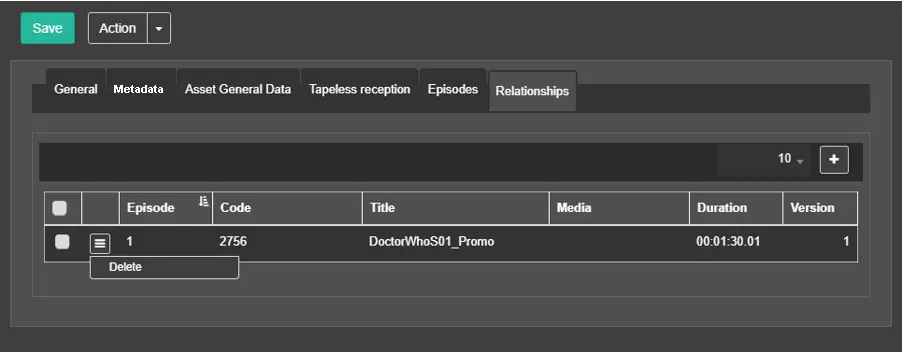 Relationships_tab
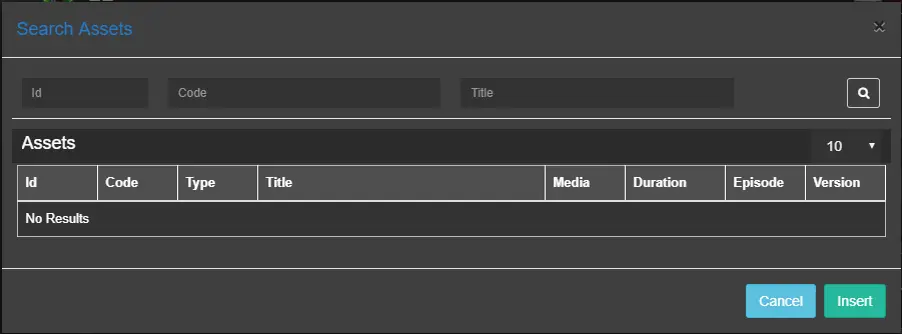 filter_by_asset_ID,_code_or_title.