74.2.2.2 Rundown
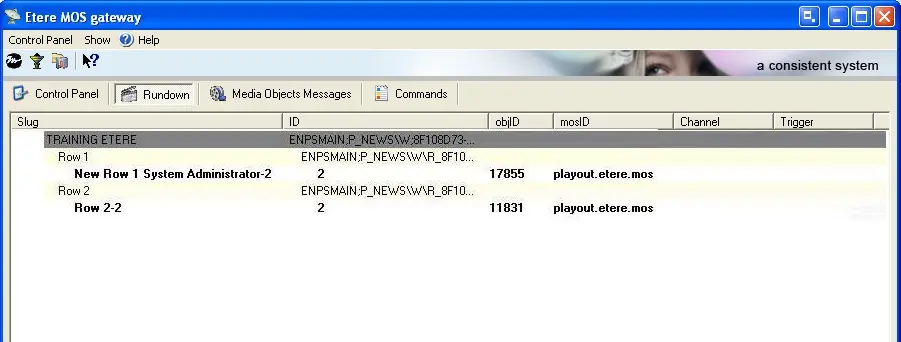
The RunDown section permits the view of all running orders received from the Newsroom system, which will convert into a valid format for the Etere system, then sent to Etere Automation for the on-air.
It's worth mentioning that the RunDown supports receiving news stories created as either conformed assets (i.e., made up by all required segments) or virtual assets (i.e., formed by the references to all the necessary components) by providing a reliable automation transmission in both cases. You can find more information about this topic in the News Story Creator section of the Etere MAM chapter.
Rundown Reception
Once Etere MOS Gateway has received the RunDown from the Newsroom system (through a defined RO port), it transforms it into a language comprehensible to Etere Automation. It sends it (i.e., published in the automation path) to it for its transmission:
1. At the start of Etere Automation, the on-air of a system based on MOS protocol displays with an icon upside in the application's form.
2. When Etere Automation's MOS mode is enabled, the MOS file copies to the Etere folder during the installation of Etere MOS Gateway.
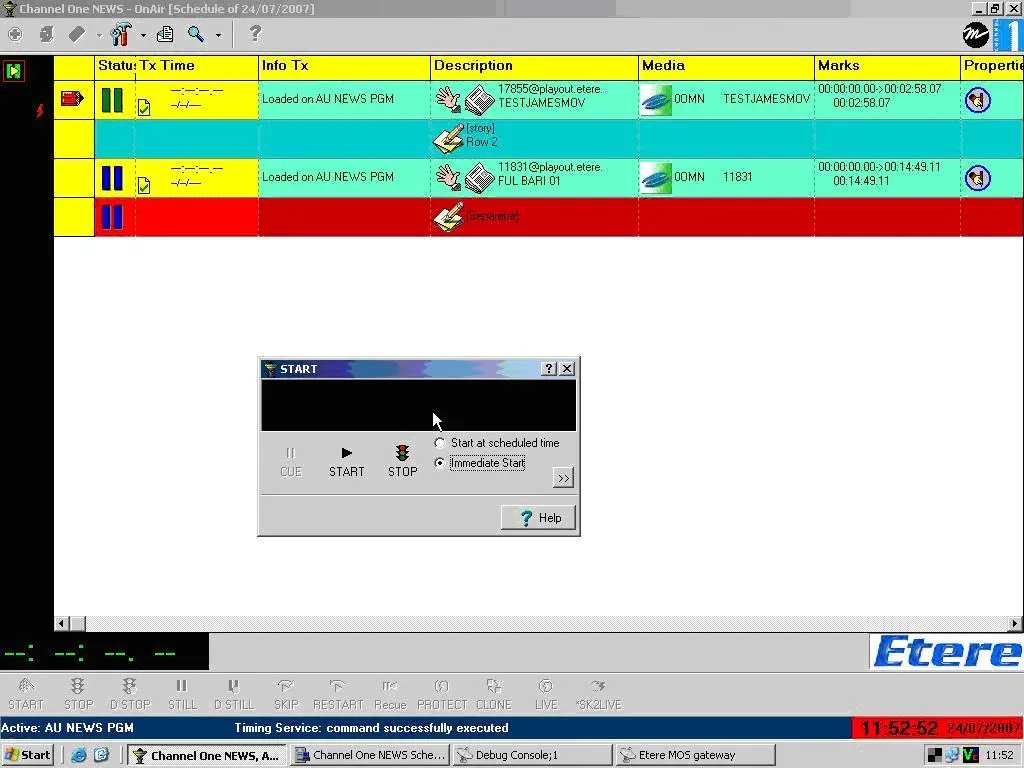
3. Etere Automation loads the playlist corresponding to the Running Order received. It shows information about contained objects and a line – having one frame duration – with the name of the story in the case where the option 'Show story item in automation schedule' is selected in the 'Etere Automation Settings' section.
4. The operator will only have to initialize the assets' cueing process and start the on-air.
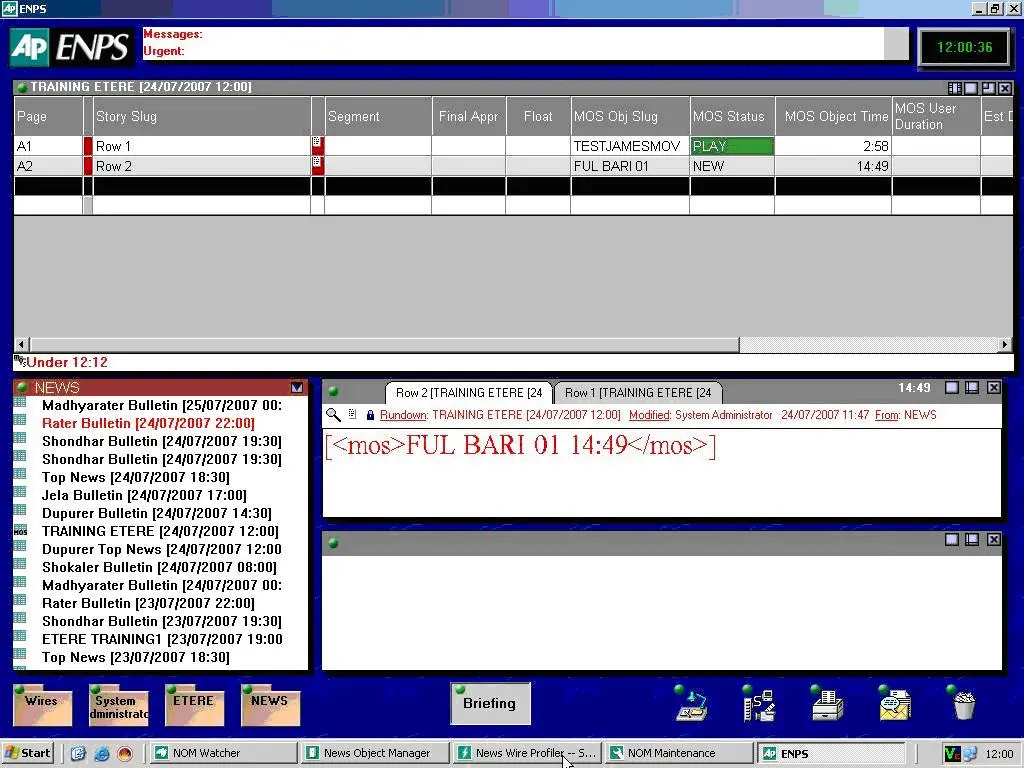
5. Each time an asset plays, its status gets updated and sent to the Newsroom system. The latter will, in every moment, be able to determine the event on air, both played events and cued ones.
6. The following list shows the possible status of the Newsroom system, according to the information that the Etere system sends.
STOP - Played event
PLAY - Event on air
NEW - A RunDown, in keeping with the defined setting, is published
NOT READY - The RunDown contains objects not in keeping with defined settings (for instance, recorded objects are required, but assets not yet registered are sent)
UPDATED - An unrecorded object gets an "updated" status once recorded.
 Mosgate_mosandaut
 Mosgate_assetcue
 Mosgate_enps01