59.4.20.9 Creating/Opening a Flexy Converter project
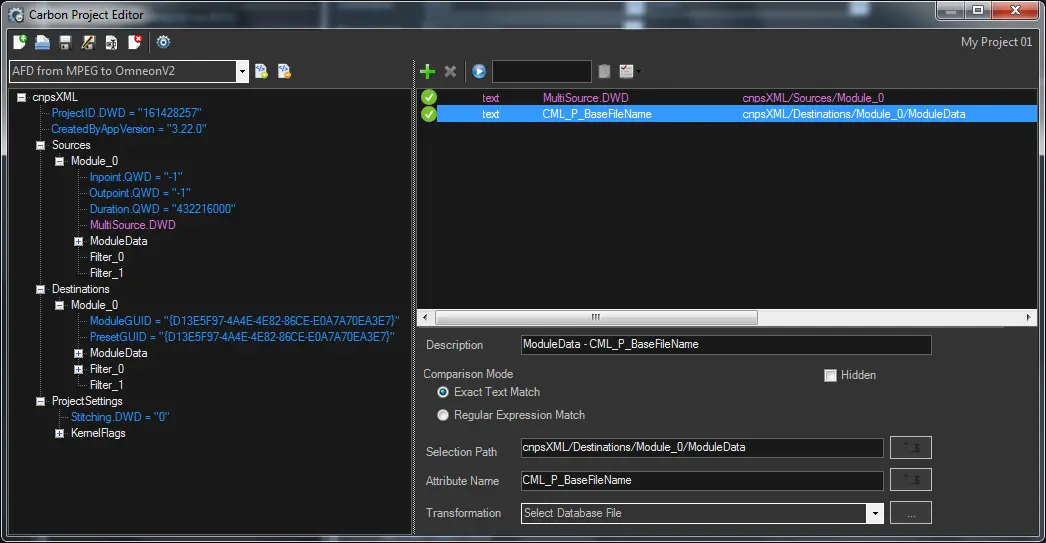
To manage (create, open, delete, etc.) projects, it's enough to use the following functions:
create,_open,_delete,_projects
Flexy Converter projects
Function: New
Description: Create a new Flexy Converter Project.
Function: Open
Description: Load an existing Flexy Converter Project from the database.
Function: Save
Description: Apply all changes and store all configured parameters in the database for the current project.
Function: Save as
Description: Apply all changes and store all configured parameters in the database as a new project.
Function: Rename
Description: Change the name of the current project.
Function: Delete
Description: Function: Remove the current project from the Etere database.
Function: Settings
Description: Configure the parameters used by the Flexy Converter. Available parameters include:
Subtitles Data > "Path where to export subtitling files" - Enter the Local/UNC path of the directory where subtitling files will be stored once exported.
 create,_open,_delete,_projects