59.3.13.9 Web Settings
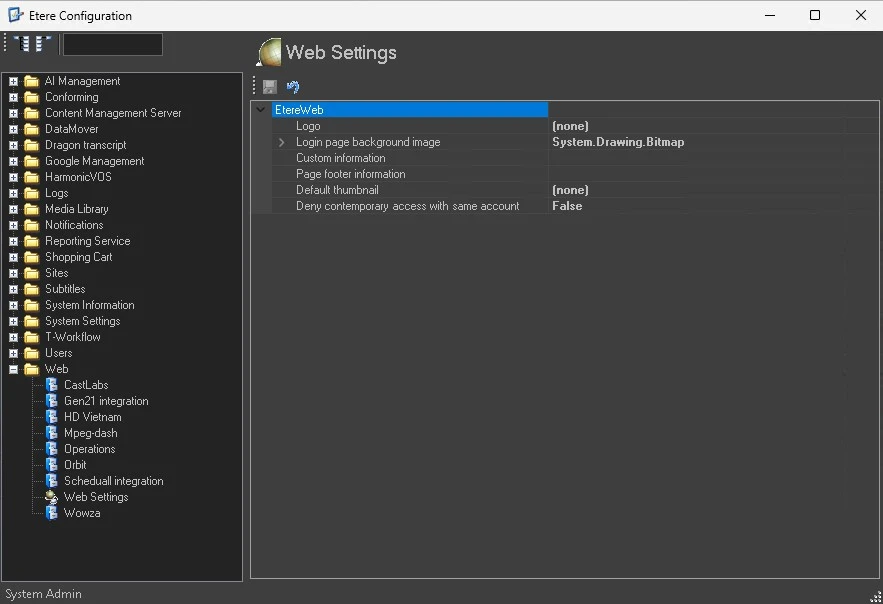
The Web Settings section mainly allows to set some parameters about the customization of the etereweb's login page and interface.
Web_Settings
ETEREWEB
Logo: Set the image to be displayed as the logo of the Etereweb interface.
Login page background image: Set an image to be displayed as background in the Etereweb's login page.
Custom information: Optionally, enter information to be displayed below the footer of web pages.
Page footer information: Optionally, enter information as the footer of Etere Web pages.
Default Thumbnail: Set the default thumbnail displayed when Etere Web is launched. You can select Etere thumbnail or designated thumbnail as the default thumbnail.
Deny contemporary access with same account: Set this parameter to allow or deny contemporary access to any web service with the same account.
 web_settings