Custom
69.2.2.14 WON ASSET XML
Import Scope
The F90 – Import Custom WON ASSET XML allows to import a XML file containing WON assets into Etere database.
Import Parameters
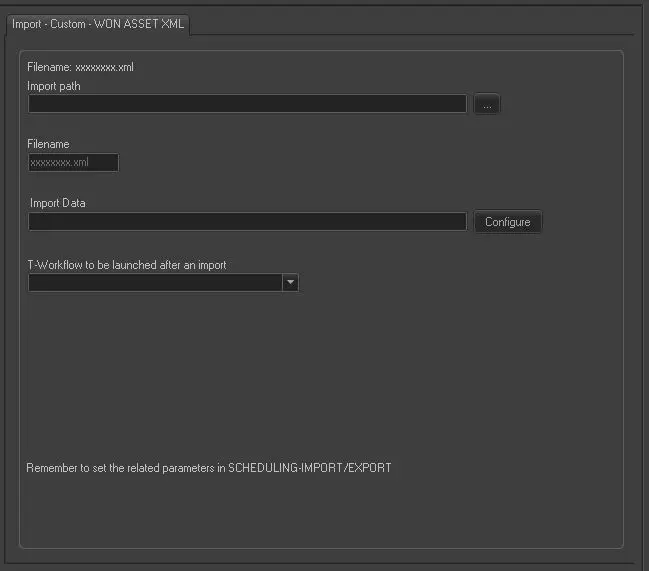
Import - Custom - WON ASSET XML
Import path: Specify the path location of the XML file. You can use the browse button to locate the path in the drives.
Filename: The file name format is “xxxxxxxx.xml”
Import data: Opens the Configure Import window to specify the days and the frequency to be imported.
T-Workflow to be launched after an import: Specify the name of the T-workflow to be launched automatically after the import has been completed.
Scheduling related import
Set the parameters in the Etere Scheduling > Import/Export > IMPORT\CUSTOM\WON\ASSETXML and click <Save parameters> to confirm the changes.
 Import_-_Custom_-_WON_ASSET_XML