59.2.38 Script Strings
Etere's script strings are predefined commands to be sent to a device (e.g. logo generator, crawl, etc.) to perform a certain action. In this section, you can handle scripts (i.e. open, edit and also create).
Scripts strings contain a series of commands set to send to the devices, linkable to one or several assets. Scripts strings are also called 'CTM', the acronym for Custom Transitions Template file. It is read and modified at run time from Etere STMan as all parameters in the file are substituted with the text that can be changed for each event.
Throughout this chapter it, explained the two key tasks related to the management of script strings:
•The creation of Script Strings, and
•The use of Script Strings.
Copying Scripts from one station to another
To copy one or more scripts from one station to another, follow the next simple procedure:
1. Select the scripts intended to be copied and make a right-click on them.
2. Select the 'copy to another station' option.
3. Specify the station(s) to which they will be copied.
4. Indicate the action to be taken in case a script already exists in the target station (i.e. skip, change code, overwrite),
5. Press the [Ok] button.
NB: Scripts strings are based on the specific commands supported by each logo generator device; for this information, please refer to the documentation provided with the device.
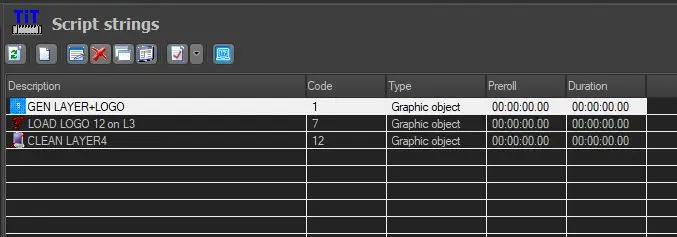 Script_Strings