72.19.4 Import/Export Analysis Template in Advanced QC
From Advanced QC released version 2.5 onwards, a zipped file named Profiles.zip would be provided to import analysis templates from a new Advanced QC system.
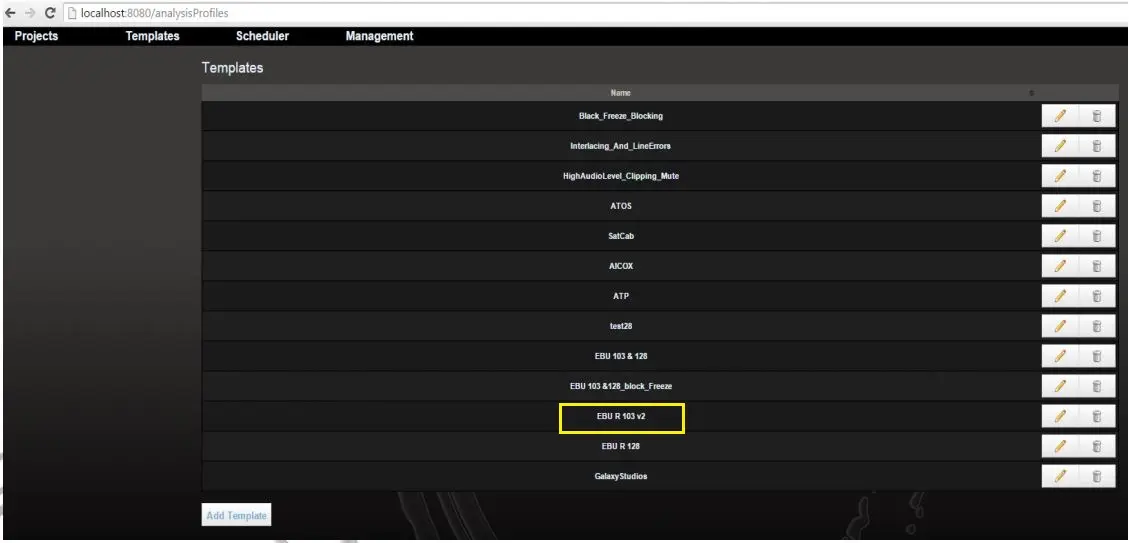
1.First, login to Advanced QC, click to the Templates tab to view all the templates.
AnalysisProfiles
Select one of the analysis template (e.g. EBU R 103 v2) to view its parameters.
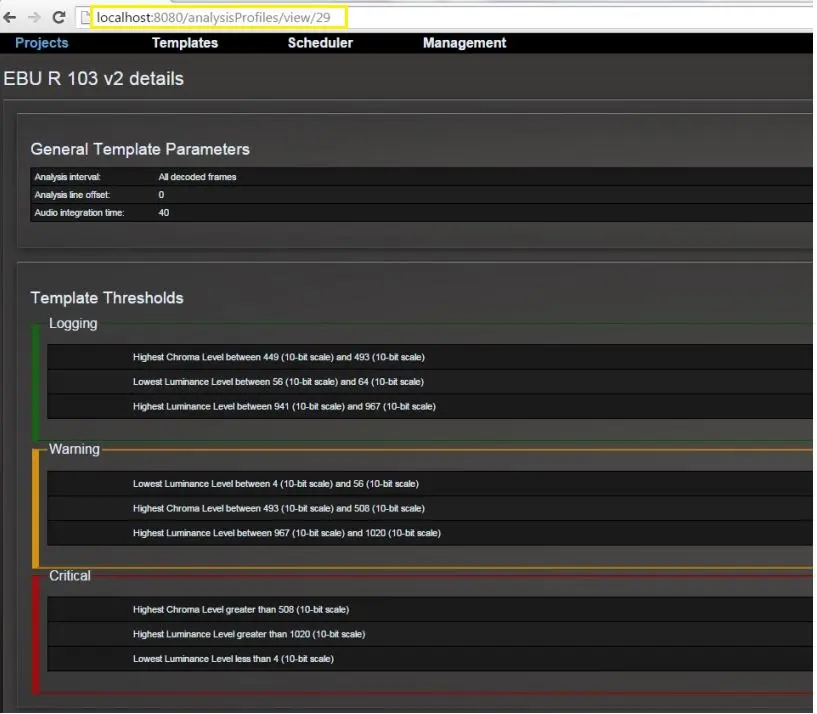
2.The URL of the selected template would appeared as:
http://localhost:8080/analysisProfiles/view/29
AnalysisProfilesView
3.Now change the above URL as follow:
http://localhost:8080/api-1/analysisprofiles/29.json
Note: where the 29.json correspond to the internal Profile ID indicated in previous URL (http://localhost:8080/analysisProfiles/view/29)
The details in the template would appeared as follow:
4.Save the template as a new template (e.g. Mytest.json).
Template
5.Unzip the Profiles.zip file.
6.After unzip, locate batch file “runme.bat” and copy the new template “Mytest.json” to the same folder as “runme.bat”.
7.Zip file as Profiles.zip to include the new template.
8.To export templates to destination Advanced QC system, simply unzip the Profiles.zip and execute “runme.bat” in destination system.
 AnalysisProfilesView
 AnalysisProfiles
 Template_