59.9.3 Advanced Scripts View
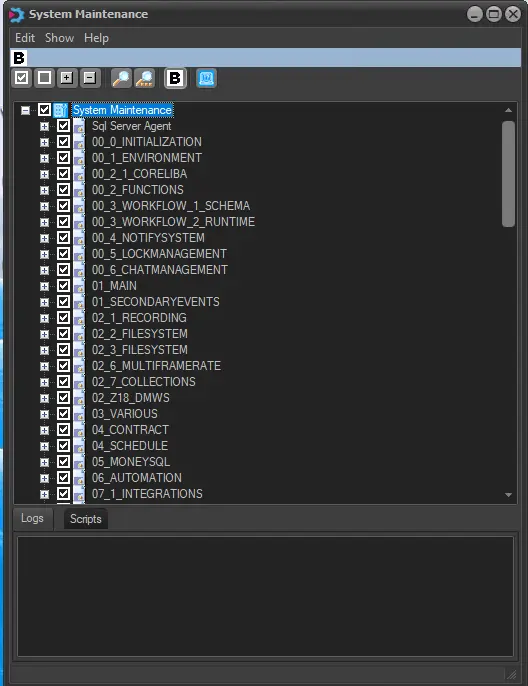
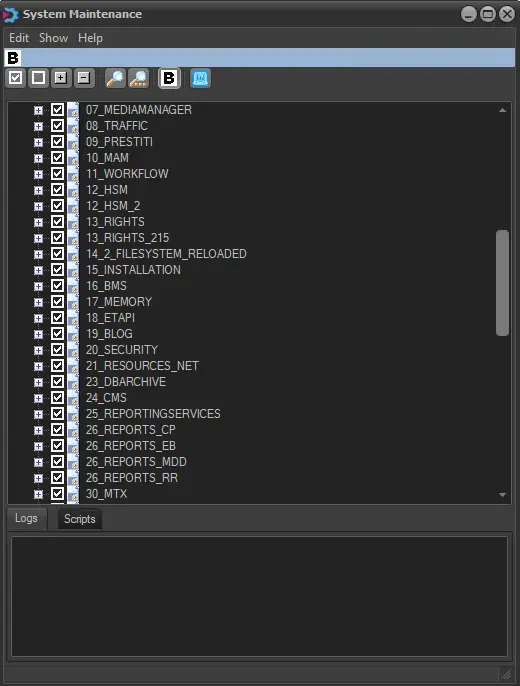
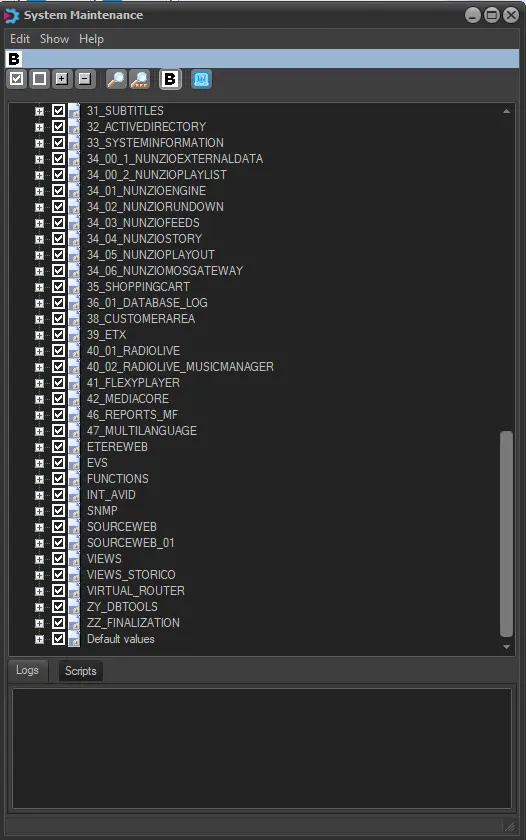
Making right-clicking and selecting the 'Select the scripts before performing the maintenance' option, the user will access an advanced list, within which he will be able to specify which 'Scripts' (single specific actions) will be launched during the System Maintenance process just by checking them:
Configuration_system_maintenance_1
Configuration_system_maintenance_2
Configuration_system_maintenance_3
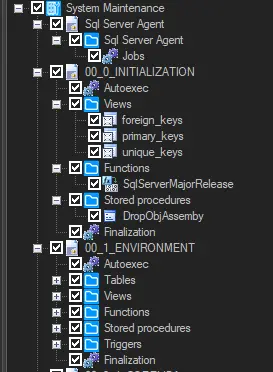
As shown in the images above, the list of all the Etere Modules is displayed, allowing the user to select them for the update. Each Module (i.e. leaf of the main tree) is composed depending on its purpose of some of the following script types:
leaf_of_the_main_tree
• Autoexec: The scripts launched at the BEGINNING of the current entrance.
• Tables: This script will update all the tables specified in its inside.
• Views: Update all the views (i.e., tables just for showing information) used in the selected Module.
• Functions: Stored Procedures and Triggers: These scripts are special queries which perform the most important operations in Etere's system.
• Finalization: The scripts were launched at the end of the current system maintenance.
All these scripts are not editable, and you can choose freely in a very customized way which scripts (and sub-scripts) will be launched.
 configuration_system_maintenance_1
 Configuration_system_maintenance_2
 Configuration_system_maintenance_3
 leaf_of_the_main_tree