Media Features
72.2.2.81 Keys/Keyboards
The "Keys/Keyboards" section allows operators to easily enrich assets by selecting their related metadata, this through the keyboards (and keys) available on the system. In order to associate metadata to an asset just make click on the desired category (keyboard) and the related items (keys):
Keyboards
Moreover, keyboards can be used for quickly searching for assets under the full-text search tab.
NB: Please note that in order to be displayed, this tab must be enabled under the Etere Configuration > Settings > Basic > Assets section.
NB: Keys and Keyboards must be first created in the related sections in Etere Configuration > Settings > Media asset management. See the related chapters for more information.
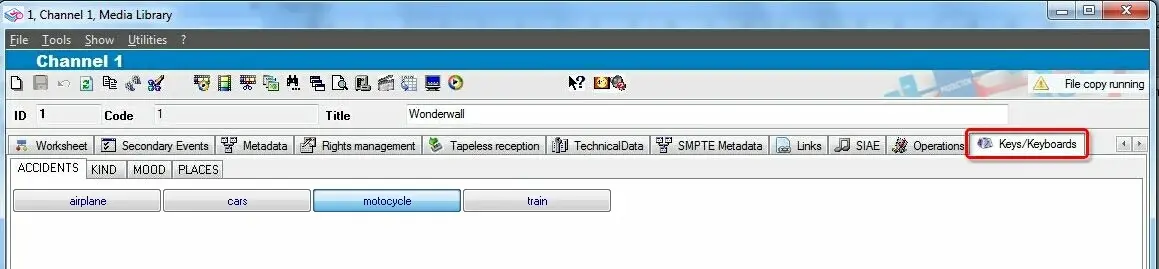 Keyboards