65.2.1.12 Config
Change Configuration
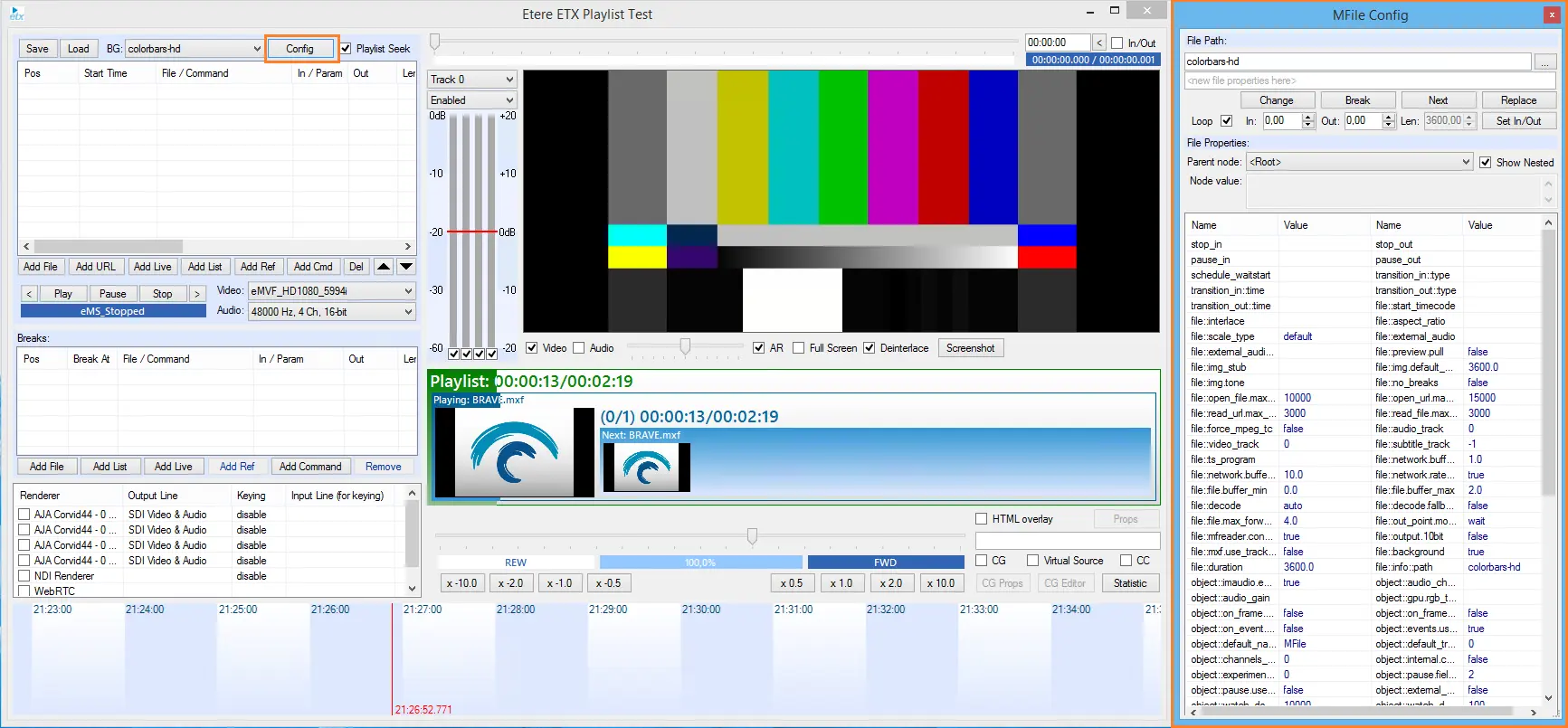
Selecting the Config feature on the taskbar allows you to set or to change the filename and values of in- and out-points.
5413_etere_toolbox_conf_btn
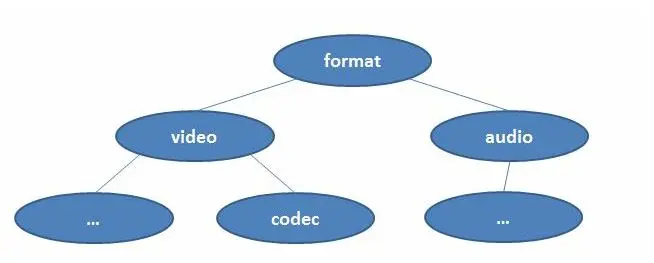
Configuration has a hierarchical structure:
Configuration structure 1
It means that if you change the value of any top-level element you should refresh the lists of available values for all elements of the lower levels and neighboring elements.
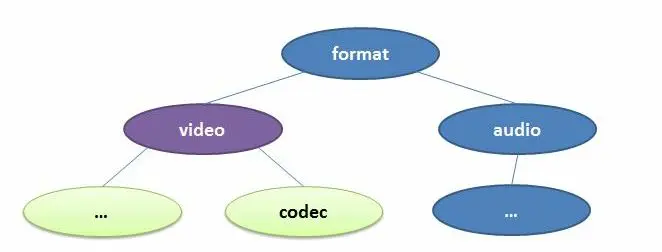
For instance, if we are going change the "Video" option, the values of "audio" list might be changed and you should refresh the "audio" list too.
This picture illustrates this principle, where blue objects are unchanged value, purple objects are the value that you had changed, green objects are object types that needs to be refreshed.
Configuration structure 2
 Configuration_structure_1
 Configuration_structure_2
 5413_etere_toolbox_conf_btn